Reaper vs Cubase: Which DAW Dominates for Metal?
Nail The Mix Staff
The “DAW wars” are as old as digital recording itself. You’ve seen the forum threads, the YouTube comments—endless arguments over which software is the one true king. When it comes to modern metal production, two heavyweights that consistently come up are Cockos Reaper and Steinberg Cubase.
So, which one should you bet your workflow on?
The truth is, it doesn’t matter in the sense that you can make a killer record in either. These days, all major DAWs are incredibly capable. The real difference isn’t about what’s possible but what’s easiest for the specific tasks you do most. For metal producers, that means heavy-duty audio editing, complex routing for drums and guitars, and rock-solid MIDI for programming.
You can always switch, but let’s be real—once you’ve got hundreds of hours and muscle memory invested in a DAW, migrating is a massive pain. It’s worth putting in some thought upfront. Let’s break down the strengths and weaknesses of Reaper vs Cubase for making aggressive music.
Cubase: The European Powerhouse
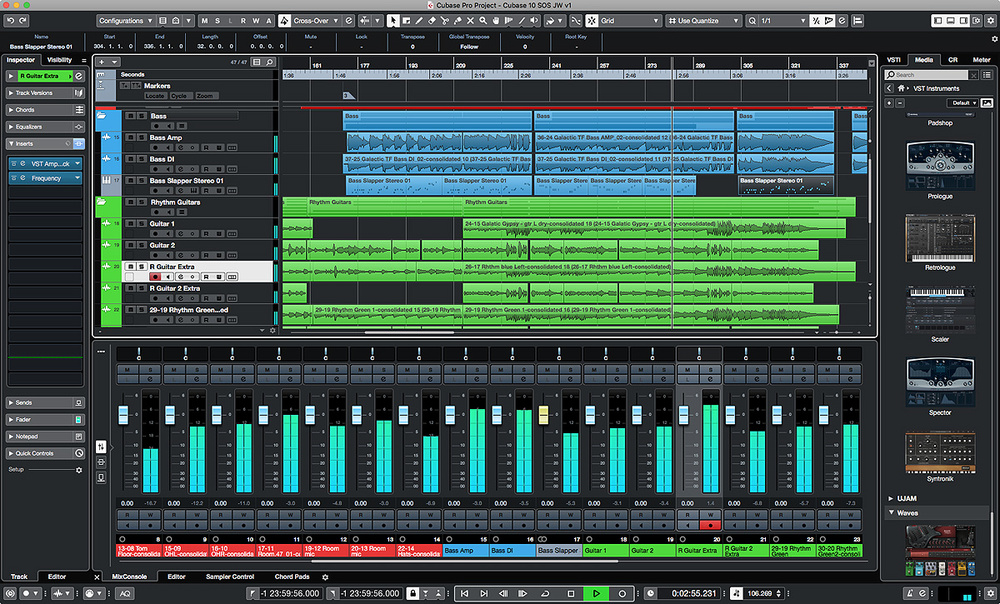
Cubase has been in the game forever, starting way back on the Atari ST. It’s a beast of a program that has evolved into a true all-in-one production environment. It’s especially popular in the European metal scene, but its user base is growing everywhere for good reason.
Cubase Pros for Metal Producers
- Rock-Solid Audio and MIDI: This is Cubase’s core strength. It’s equally comfortable tracking a full band with dozens of audio inputs as it is programming intricate drum parts with something like Toontrack’s Superior Drummer 3. The audio editing tools are deep and precise, putting it on par with Pro Tools for comping takes and tightening up performances.
- Killer Built-in Features: Cubase Pro comes loaded with genuinely useful tools. VariAudio is Steinberg’s powerful, Melodyne-esque pitch correction engine, perfect for tightening up vocals without ever leaving your DAW. The Control Room feature offers sophisticated monitoring and talkback routing that’s a godsend for studios with complex setups.
- The VST Legacy: Steinberg literally invented the VST plugin format. You’ll never have to worry about compatibility issues. From massive amp sim suites like Neural DSP Archetypes to obscure freeware impulse response loaders, if it’s a VST, it will work flawlessly in Cubase.
- Professional Polish: Out of the box, Cubase feels like a complete, professional package. The workflow is logical, the interface is clean, and you can get straight to work without spending hours on initial setup.
Cubase Cons / Things to Consider
- The Price Tag: The full-featured version, Cubase Pro, is a serious investment. While there are cheaper tiers like Artist and Elements, they come with limitations on track counts or advanced features that a serious metal producer might run into quickly. Make sure to compare the versions carefully before you buy.
- Slightly Steeper Learning Curve: Because it’s so feature-rich, Cubase can feel a bit overwhelming for a total beginner. There are a lot of menus and windows to navigate, but once you get the hang of it, the workflow is incredibly fast.
Reaper: The Customizable Underdog
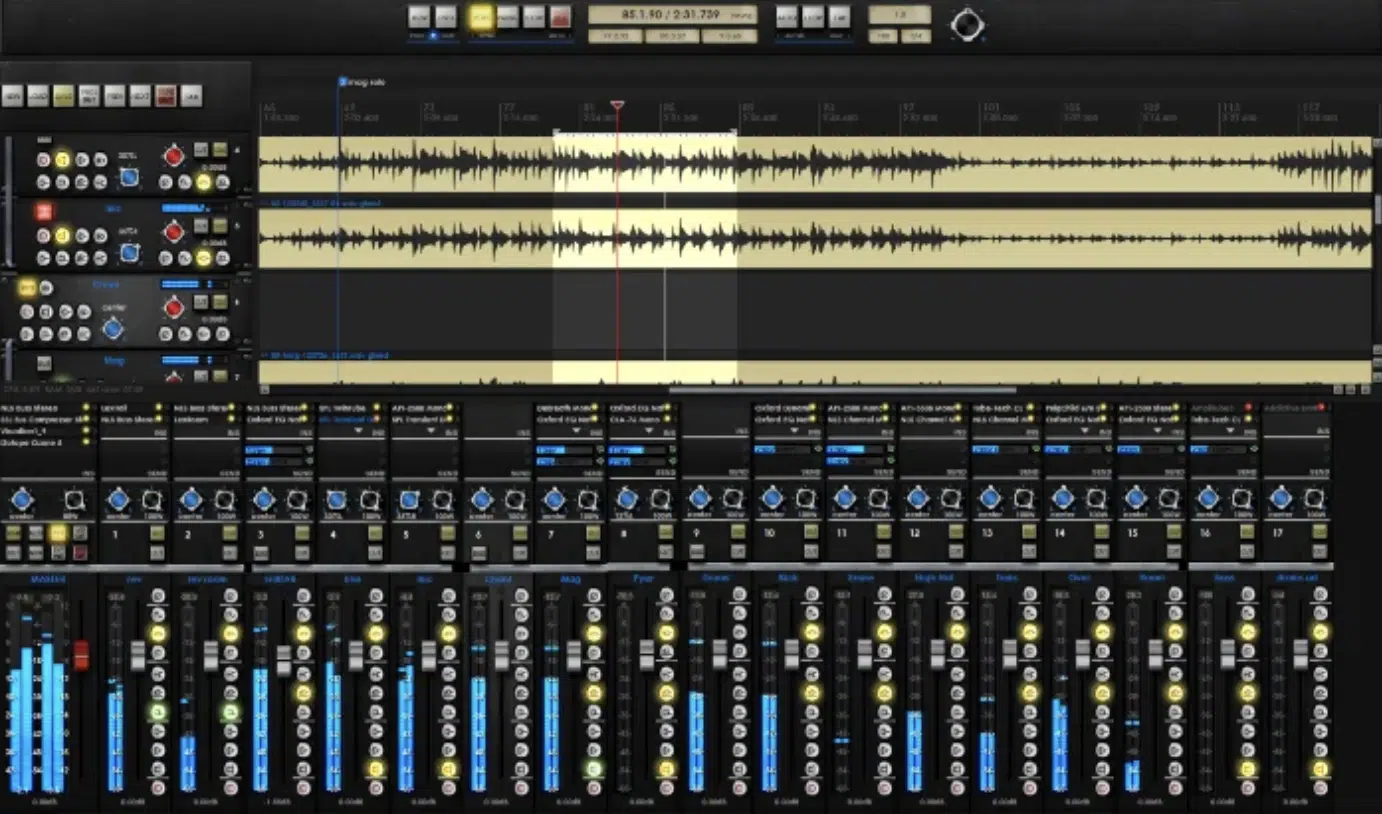
Reaper has built a fiercely loyal following in the rock and metal community, and for good reason. It started as a lean, no-frills alternative and has blossomed into one of the most powerful and flexible DAWs on the market, period.
Reaper Pros for Metal Producers
- Bang for Your Buck: This is Reaper’s knockout punch. It offers a fully-functional, 60-day free trial. After that, a personal license is ridiculously affordable for what you get—a fraction of the cost of Cubase Pro. For the home studio producer on a budget, this is a massive advantage.
- Ultimate Customization: Reaper is a blank canvas. You can change almost everything, from the visual theme to the mouse modifiers to the right-click menus. With custom actions and scripting (ReaScript), you can build complex macros to automate repetitive tasks. Want a single keypress that splits all drum transients, quantizes them, and adds crossfades? In Reaper, you can build that. This level of workflow optimization is unmatched.
- Lightweight and Efficient: Reaper is famous for its small footprint and low CPU usage. You can run massive sessions with tons of tracks, plugins, and complex routing on a moderately powerful computer without it breaking a sweat. This is huge when your mix is loaded with CPU-hungry amp sims and reverbs.
- Deep, Powerful Audio Editing: Don’t let the price fool you. Reaper’s audio editing is world-class. Its stretch-marker system is incredibly intuitive for time-aligning guitars and bass, and the item-based FX chains allow for insane creativity (e.g., putting an EQ and compressor on just a single snare hit without using automation).
Reaper Cons / Things to Consider
- The DIY Factor: The flip side of total customization is that Reaper can feel a bit plain out of the box. You’ll probably want to spend some time installing extensions (like the essential SWS/S&M Extension) and tweaking themes and settings to get it feeling just right.
- Fewer Included Goodies: Unlike Cubase, Reaper doesn’t come with a massive library of virtual instruments or high-end stock plugins. It comes with the ReaPlugs suite, which is incredibly powerful and functional, but you’ll be expected to bring your own amp sims, samplers, and synths. (Most metal producers do this anyway).
- Collaboration Hurdles: While popular among individuals, Reaper is not an industry standard found in large commercial studios. If you plan on sending your full session files to a collaborator or a big-name mixer, they’ll likely expect Pro Tools or possibly Cubase. You’ll probably have to print stems, which is a common workflow anyway but something to be aware of.
Head-to-Head: Which Is for YOU?
| Feature | Winner | The Breakdown |
|---|---|---|
| Price | Reaper | No contest. Reaper’s trial and license cost is incredibly accessible. |
| Audio Editing | Tie | Both are exceptional for the surgical editing metal requires. |
| MIDI/Composition | Cubase | Cubase has a slight edge with its mature, built-in MIDI tools and VSTi library. |
| Customization | Reaper | Reaper is the undisputed king of making a DAW work exactly how you want. |
| Beginner Friendliness | Cubase | Cubase feels more traditional and “guided” out of the box. |
| Industry Adoption | Cubase | More common in professional European studios and pro circles. |
What About the Other DAWs?
Reaper and Cubase are fantastic, but they’re not the only players. Here’s a quick rundown of where the others stand for metal:
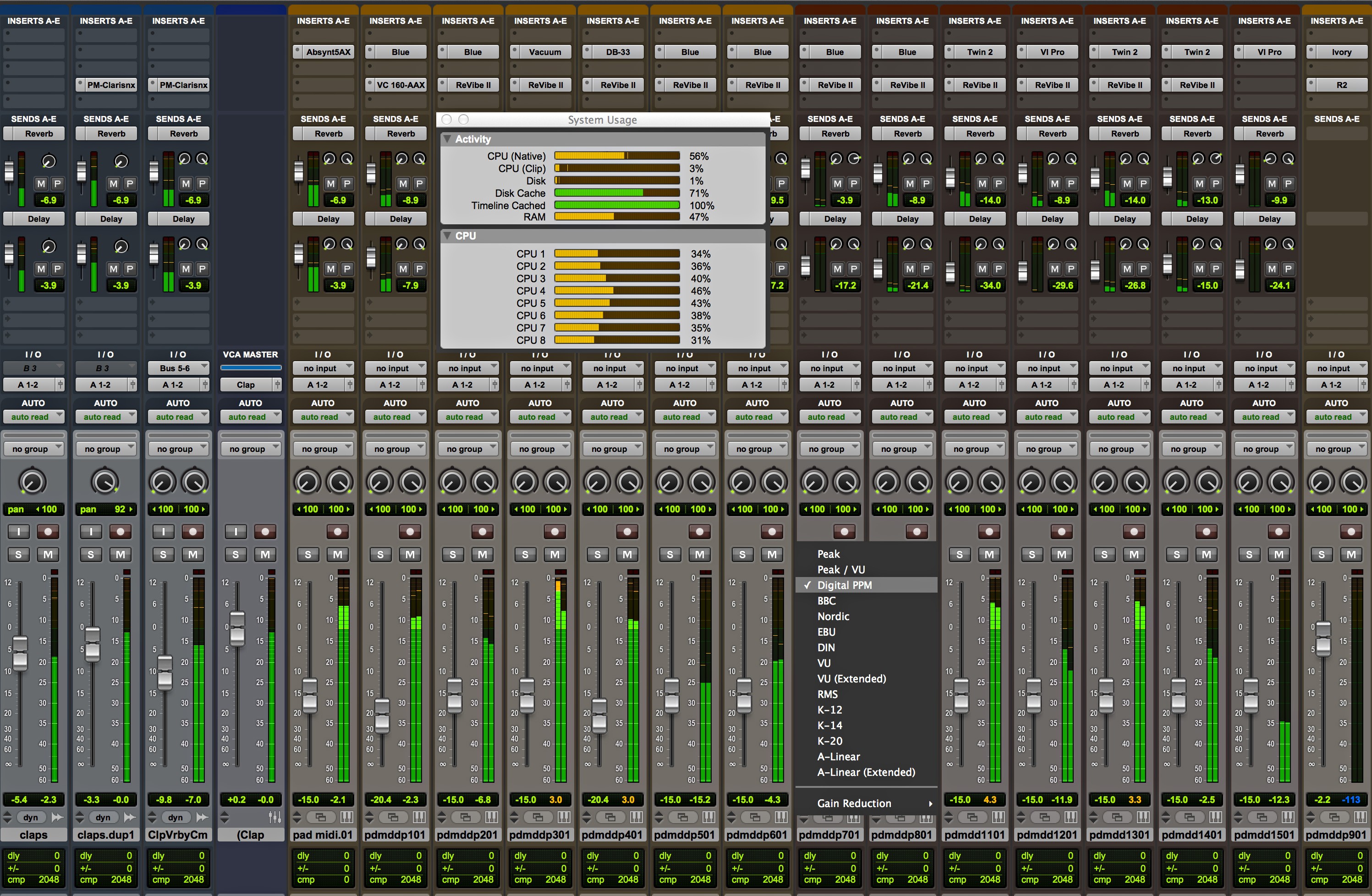
- Pro Tools: Still the closest thing to a US industry standard. It excels at pure audio tracking and editing, which is why so many studios use it. However, its MIDI and composition features feel dated and clunky compared to the competition.
- Logic Pro: A great all-rounder, but it’s Mac-only, which is a dealbreaker for many. Its audio editing, particularly for complex, multi-track drums, is widely considered less intuitive than Pro Tools, Reaper, or Cubase.
- Ableton Live & FL Studio: These are MIDI and loop-based powerhouses, making them kings of electronic music and hip-hop. You can record a metal band in them, but their workflows are not optimized for large-scale audio tracking and editing.
- Studio One & Bitwig: These are more modern DAWs that are incredibly capable. They’ve learned from the older platforms and have slick, fast workflows. Their only real downside is a smaller user base, which can make collaboration and finding community support a bit harder.
Full comparisons of Reaper vs other DAWs:
- Reaper vs Pro Tools
- Reaper vs Logic Pro
- Reaper vs Cubase
- Reaper vs Ableton
- Reaper vs FL Studio
- Reaper vs Bitwig
- Reaper vs Presonus Studio One
The Final Verdict: Stop Arguing, Start Mixing
Look, you can make a chart-topping metal album in Reaper. You can make one in Cubase. You can do it in Pro Tools or Logic, too.
Don’t get bogged down in endless debate. The best DAW is the one that clicks with your brain and your budget. Download the demos for Reaper and Cubase. Spend a week with each. Record some guitars, program some drums, and see which one feels more like home.
Because at the end of the day, the software doesn’t write the riffs or make the critical mix decisions. You do. The most important thing is learning the techniques that translate across any platform. Understanding how to apply compression to a snare or how to EQ metal guitars to cut through a dense mix are skills that will serve you no matter what DAW you use.
On Nail The Mix, you’ll see our world-class instructors use a variety of DAWs—Pro Tools, Logic, Cubase, you name it—to get incredible results. It proves that the fundamentals are what truly matter.
If you’re ready to move beyond the tools and focus on the techniques that separate amateur mixes from pro-level productions, check out our full catalog of sessions. You’ll get to watch the world’s best producers mix real songs from bands like Gojira, Lamb of God, and Periphery, and learn the methods they use every single day.