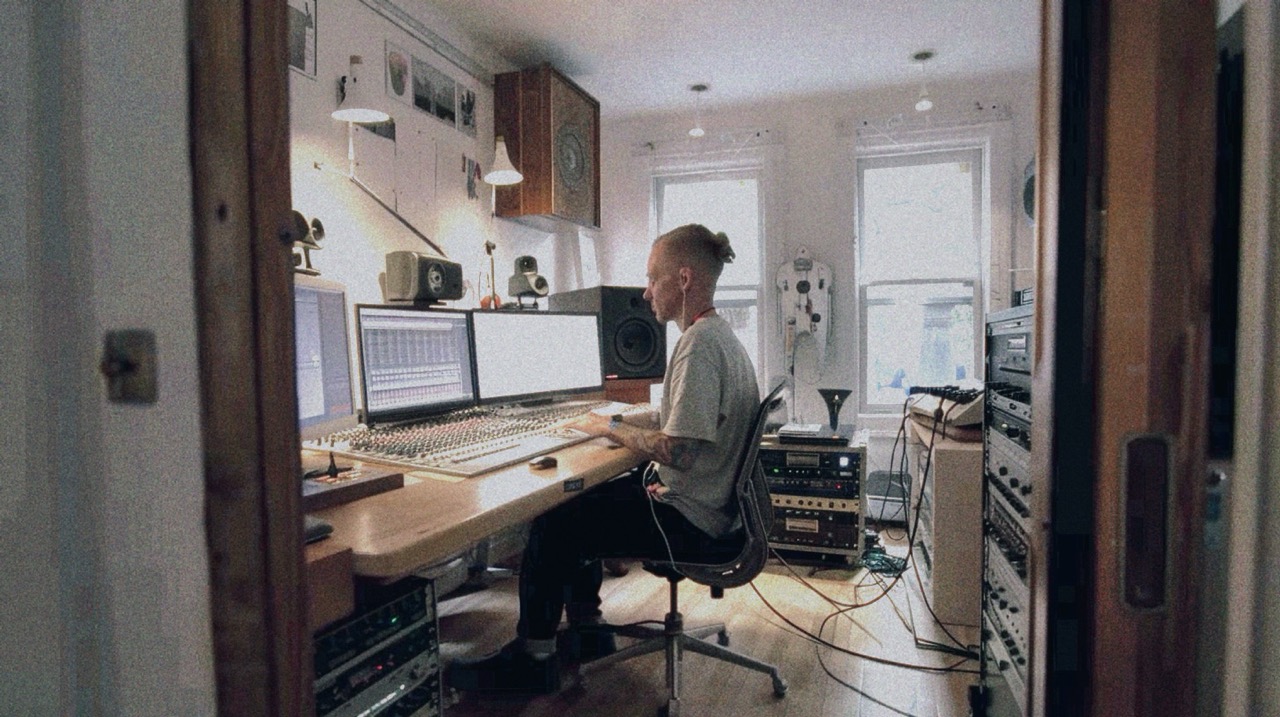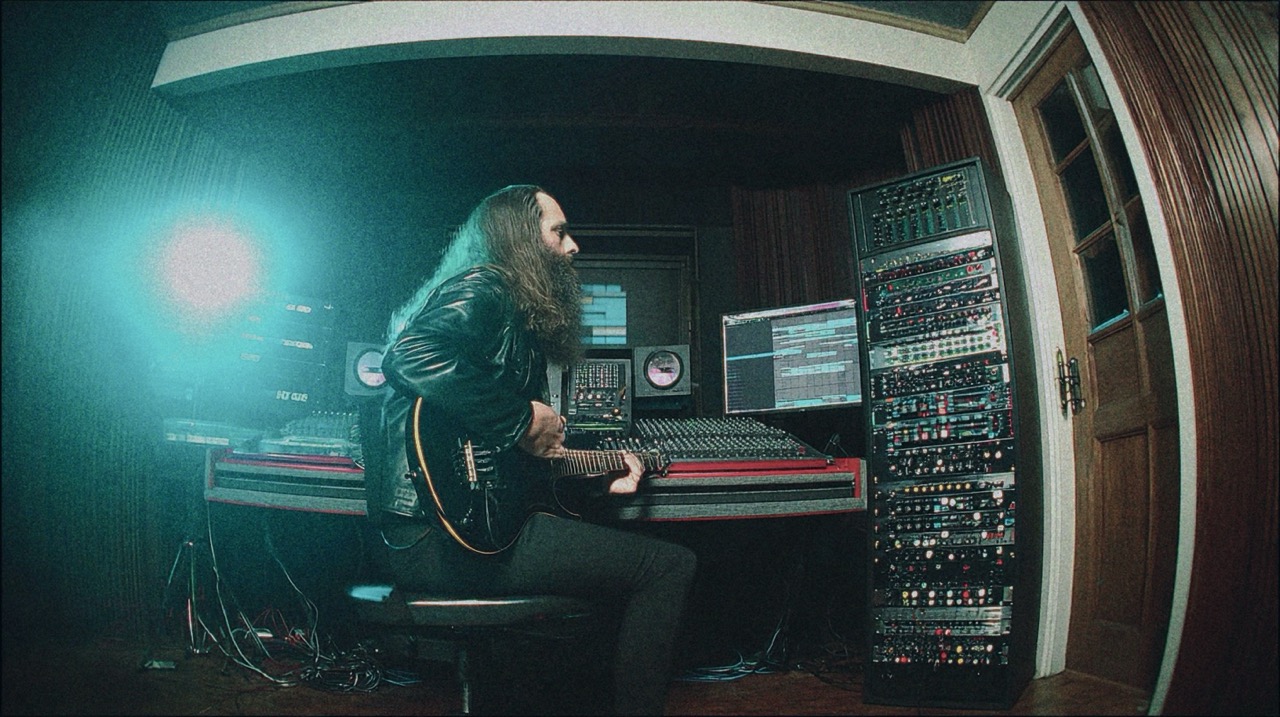
Bitwig vs Reaper: Which DAW is Better for Metal?
Nail The Mix Staff
The DAW wars are endless. Spend five minutes on any production forum, and you’ll see people arguing like their life depends on it. But when you’re trying to make massive-sounding metal records, does your choice of Digital Audio Workstation actually matter?
The short answer is yes and no. Today, pretty much any major DAW—from Pro Tools and Cubase to Logic Pro—is capable of producing a killer track. The real difference isn’t about raw capability; it’s about workflow, strengths, and what feels most intuitive for the specific tasks you do most often. For metal producers, that means heavy-duty audio recording and editing.
Two DAWs that often come up in this conversation, for very different reasons, are Bitwig Studio and Reaper. They’re both incredibly powerful, but they represent two distinct philosophies. So, let’s break down the Bitwig vs Reaper debate and figure out which one is the right tool for your brand of sonic destruction.
Reaper: The DIY Powerhouse for Metal Producers
Reaper has become a cult favorite in the rock and metal world, and for good reason. It’s a no-nonsense, endlessly customizable piece of software that prioritizes raw audio performance and editing power above all else. It gained its massive user base thanks to a famously generous free trial that hooks people in, who then discover just how deep the rabbit hole goes.The Pros of Using Reaper for Metal
Rock-Solid Audio Editing
This is Reaper’s main event. If your days are filled with comping 15 takes of a screaming vocal, aligning quad-tracked guitars so they’re sample-accurate, and editing drum transients for maximum punch, Reaper feels like it was built for you. Its audio editing workflow is fluid, fast, and light on system resources. Anything you can do in Pro Tools or Cubase, you can do in Reaper, often with more flexibility and speed once you’ve customized your workflow.Customization on Another Level
Reaper’s real secret weapon is its customizability. Through scripting (ReaScript) and custom actions, you can essentially build your own dream DAW. Want a single keyboard shortcut that splits all your drum tracks at the transients, creates item groups, and color-codes them? You can build that. This level of control is unparalleled and allows you to streamline repetitive editing tasks, saving you countless hours on a full-length album project.Performance and Price
Reaper is famously lightweight. You can run massive sessions with hundreds of tracks, loaded with CPU-hungry amp sims like the Neural DSP Archetype series and complex bus processing, without your computer screaming for mercy. When you’re trying to apply some of the crucial metal compression secrets to a high track-count session, that stability is a godsend. On top of that, its one-time license fee is incredibly affordable, making it accessible to producers at any level.The Cons of Using Reaper
The Collaboration Hurdle
This is a big one. If you plan on sending your sessions to commercial studios for mixing or mastering, you’ll likely hit a wall. The industry still runs on Pro Tools. With Reaper, you’ll be bouncing stems for every collaboration, which can kill workflow momentum and create organizational headaches.The Steep Learning Curve
Out of the box, Reaper can feel a bit… plain. Its power lies in customization, but that also means you have to invest time to learn how to set it up to your liking. It doesn’t hold your hand, which can be intimidating for beginners or producers who just want to open a template and start recording.Bitwig Studio: The Modern, Creative Alternative
If Reaper is the souped-up vintage muscle car, Bitwig Studio is the sleek, modern EV. Created by a team of ex-Ableton developers, Bitwig is built from the ground up for creative sound design, modulation, and non-linear workflows. While not traditionally seen as a “metal DAW,” its unique features offer a compelling case for the modern metal producer.The Pros of Using Bitwig for Metal
The Grid and The Art of Modulation
Bitwig’s crown jewel is The Grid—a fully modular sound design environment built right into the DAW. Think of it as having a Eurorack synth inside your software. For metal, this opens up insane possibilities. You can design a custom LFO to modulate the filter cutoff on a synth pad that swells under a breakdown, or create a complex modulator to control the parameters of your go-to EQ plugin (like a FabFilter Pro-Q 3) for wild, automated filter sweeps on an intro. It’s a sound designer’s dream.Unmatched Creative Workflow
Bitwig shines when you’re incorporating electronic or experimental elements into your metal. Its clip launcher, similar to Ableton Live’s, is perfect for sketching out ideas, arranging on the fly, and integrating samples and loops. For genres like industrial metal, djent, or modern metalcore that lean heavily on synths and sound design (think bands like Northlane or Electric Callboy), this workflow is incredibly fast and inspiring.A Clean, Modern Foundation
Built on a modern codebase, Bitwig is stable, fast, and has a clean, intuitive user interface. It avoids the “technical debt” of older DAWs, meaning it’s less prone to crashing and feels responsive and forward-thinking.The Cons of Using Bitwig
Not a Traditional Metal Stronghold
You’re going to be in the minority. Finding tutorials, presets, or collaborators specifically for metal production in Bitwig is much harder than it is for Reaper or Cubase. The community is more focused on electronic music, so you’ll be forging your own path a lot of the time.Audio Editing Isn’t The #1 Priority
While Bitwig’s audio editing is perfectly functional for basic tasks, it’s not its core focus. The kind of hyper-detailed, sample-by-sample drum editing or complex vocal comping that feels second nature in Reaper can feel a bit clunkier in Bitwig. The workflow is optimized for creative generation, not laborious audio surgery.The Verdict: Which One Is Right For You?
Choosing between Bitwig and Reaper comes down to your primary role as a producer.- Choose Reaper if: You are an engineer at heart. Your focus is on capturing the perfect take, surgically editing multi-tracked drums and guitars, and building a mix from a foundation of pristine audio. You want a stable, efficient, and endlessly customizable tool that you can tailor to your exact editing workflow.
- Choose Bitwig if: You are a creator and sound designer. Your music blurs the lines between metal and electronic genres. You want a tool that inspires you to create unique textures, mangle samples, and build complex synth patches, all while providing a solid platform for recording your core instruments.