How To Dial In Melodic Death Metal Guitar Tone (ft In Flames)
Nail The Mix Staff
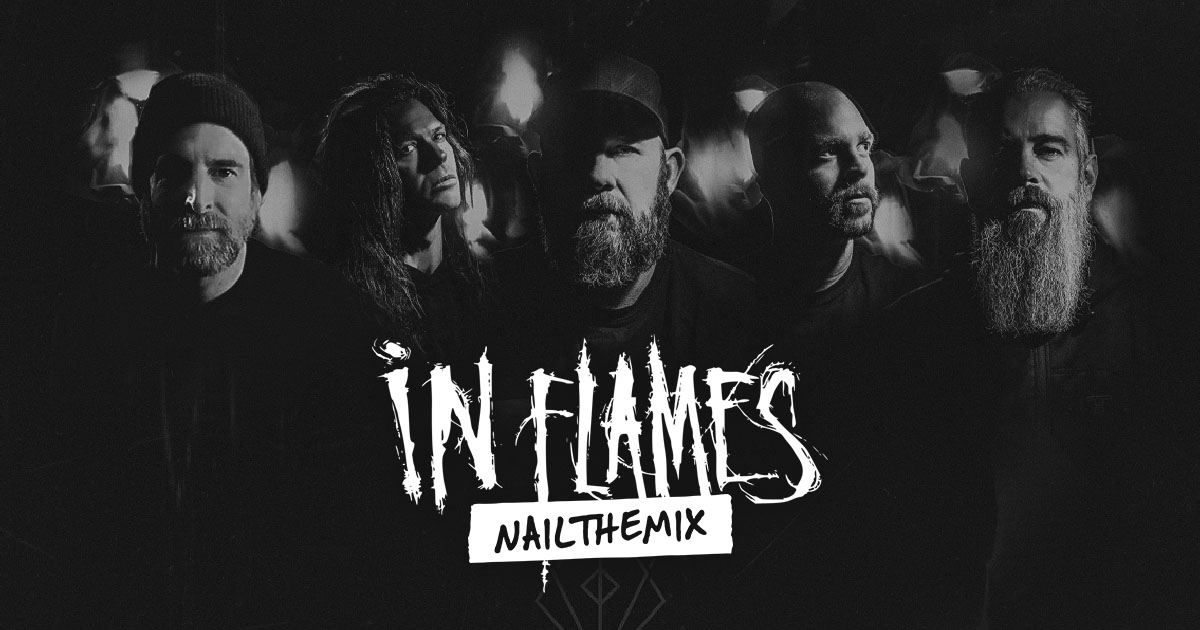
In Flames’ guitar tones are legendary. They’re heavy, articulate, and have a unique character that has defined a genre. So how do you take an already killer recording of those guitars and push it over the top in the mix?
We got an inside look at how producer Joe Rickard tackled the guitars for an In Flames track, and his approach is a masterclass in modern metal mixing. It’s not about replacing the real amps; it’s about enhancing them with a clever blend of an amp sim, used not for the core tone, but for pure, unadulterated attack. Let’s break down the amps, the DI tricks, and the processing that brought this massive guitar sound to life.
The Foundation: Two Legendary Amp Tones
Before any mixing even began, Joe was working with incredible source tones tracked by engineer Mike. A great mix starts with a great recording, and this was no exception. The main rhythm guitars were built from two distinct, quad-tracked amp setups.
Core Rhythm Tone: 50-Watt Wizard
The first rhythm tone was a 50-watt Wizard head. The signal chain was pure and simple: guitar straight into the amp. It was captured with a classic Shure SM57 paired with a KSM 32, running into a Neve 8058 console with no EQ added during tracking. This provided a solid, rich foundation.
The Main Event: Eddie Van Halen-Modded 5150
The tone you hear most prominently is Mike’s personal, modded 5150. And this isn’t just any 5150—it was modded for Mike by Eddie Van Halen’s own guitar tech. This is the amp that gives the track its signature aggression. Bjorn’s performance was captured through this beast using a combination of an SM57 and a 421 microphone, again running straight into the Neve.
The Amp Sim Trick: Adding Bite, Not Body
Even with these monster tones, Joe felt the rhythm section could use a little more bite and pick attack to cut through. Instead of reaching for a transient shaper on the amp tracks, he turned to the DI (Direct Input) signal and blended in an amp sim, using it almost like a specialized EQ.
Step 1: Prepping the DI with a Transient Master
This is the crucial first step. Before the DI signal even hit the amp sim, Joe inserted the Native Instruments Transient Master plugin. The settings were extreme but purposeful:
- Attack: All the way up
- Sustain: All the way down
This move effectively strips the DI signal of its “body” and sustain, leaving behind an ultra-clicky, percussive signal that is almost pure pick attack. This isolates the exact element he wanted to add to the mix without cluttering it with more low-mid information.
Step 2: Dialing In the Amp Sim for Aggression
With the percussive DI signal ready, he ran it into an amp sim. The goal wasn’t a full, balanced tone, but a sharp, cutting one. The settings were all about aggression:
- Gain: Cranked all the way up
- EQ: Mids and Treble boosted, with the Depth control turned off.
- Overdrive: An internal overdrive pedal was engaged to add more grit.
- Cab Sim: A single Shure SM57 emulation was used to keep the sound focused and cutting.
Step 3: A Sneaky Routing Hack
Here’s where it gets interesting. Most engineers would send this new amp sim track to the main guitar bus along with the real amps. Instead, Joe routed the amp sim track directly to the main mix bus, bypassing the guitar bus processing entirely. This simple routing trick makes the added attack “pop” out of the mix in a different way, sitting on top of the main guitar sound rather than being “glued” into it. It’s a subtle move that adds an extra dimension of clarity and aggression.
Shaping the Sound: Bus Processing and EQ
With the tones blended, the final shaping happened through bus processing and some targeted EQ.
Surgical EQ for Clarity
Thanks to the stellar source tones, the EQ moves were minimal and precise. The focus was on cleaning up frequencies and enhancing what was already there.
- High-Pass & Low-Pass: A high-pass filter at 60Hz was used to cut out low-end rumble, while a low-pass filter around 8kHz tamed the high-end fuzz and hiss that you don’t need in the final mix.
- Targeted Boost: Interestingly, both the Wizard and the 5150 tracks received a boost of 2.3 dB at 2.31kHz. Applying the same boost to two different tones can help them feel more cohesive.
- Notch Cuts: A few small, surgical cuts were made to remove some whistling frequencies that became apparent when all the guitars were playing together.
These kinds of targeted adjustments are key to getting a clean, professional sound. To learn more about how to apply these techniques in your own mixes, check out our guide on EQ Strategies for Mixing Modern Metal.
Bus Compression for Glue and Tightness
The two main quad-tracked amp tones were sent to a guitar bus, where they were glued together with an API-style compressor. The settings were typical for tight metal guitars:
- Attack: Fast
- Release: Super-fast
This approach helps to tighten up the palm mutes and give the combined guitar performance a unified, punchy feel. It’s a fundamental part of a modern metal mix.
Creating Depth: The Unconventional Reverb Choice
One of the most surprising moves was the use of reverb. In an era of ultra-dry, tight impulse responses, adding space back to guitars can make them feel huge and more “live.” Joe’s philosophy is that reverb brings back the sense of a real cab resonating in a room, an element often lost in modern productions.
His secret weapon? The Howard Benson Vocals plugin. Yes, a vocal plugin for guitar reverb. He used the reverb module from this plugin on all the guitar tracks, dialing in a massive size. The result is a huge, lush ambiance that glues the guitars to the rest of the mix and gives them an incredible sense of depth without washing them out.
Learn from the Pros Who Mixed Your Favorite Albums
This blend of classic amp worship, clever DI tricks, surgical processing, and creative effects is what separates a good mix from a great one. These are the kinds of actionable techniques that can elevate your productions.
In Flames on Nail The Mix
Joe Rickard mixes "Meet Your Maker"
Get the Session
If you want to see exactly how producers like Joe Rickard, Will Putney, and Jens Bogren build these tones from the ground up, then you need to check out Nail The Mix. Every month, you get the raw multitracks from a massive song and watch the original producer mix it from scratch, explaining every single decision along the way. Stop guessing and start learning the methods that actually work. See how you can unlock your sound and start mixing beyond presets today.