How to Dial In a Modern Metal Tone with the Line 6 Helix
Nail The Mix Staff
The Line 6 Helix has cemented its place as a powerhouse in the modern metal producer’s toolkit. Whether it’s the floor unit, the rack, or the Native plugin, its flexibility is undeniable. But with so many options, staring at a blank patch can be intimidating. How do you go from zero to a crushing, mix-ready guitar tone?
Forget endless preset-surfing. We’re going to walk through a real-world, step-by-step workflow for building a killer metal guitar tone on the Helix from scratch. This isn’t about finding a magic bullet preset; it’s about learning the process so you can craft the perfect sound for any track.
The Foundation: Your Signal Chain & Starting Point
Before you even think about turning a knob, getting your foundation right is critical. This means setting up your signal path logically and making a few key decisions upfront.
Hardware vs. Native: Does It Even Matter?
First, let’s address the elephant in the room. Is there a difference between the hardware Helix and the Helix Native plugin?
In a side-by-side comparison, the answer is: sonically, not really. The core algorithms are identical. When you load the same preset into both, the tone is pretty damn close. The main audible difference you might encounter with the hardware unit is a slightly higher noise floor. This isn’t the Helix’s fault; it’s just the reality of an analog signal path—your audio interface, cables, and DI box all contribute a tiny bit of noise. It’s nothing a good noise gate can’t solve.
The biggest win here is the seamless integration. You can create a patch on your hardware unit, export it, and import it directly into Helix Native in your DAW (and vice-versa). This is huge for moving between writing, tracking, and mixing.
Your Secret Weapon: Third-Party Impulse Responses (IRs)
The stock cabinet models in the Helix are good, but to really elevate your tone, you need to be using high-quality third-party Impulse Responses (IRs). IRs are sonic snapshots of a specific speaker, in a specific cabinet, captured by a specific microphone through a specific preamp. They are a game-changer for all amp modelers.
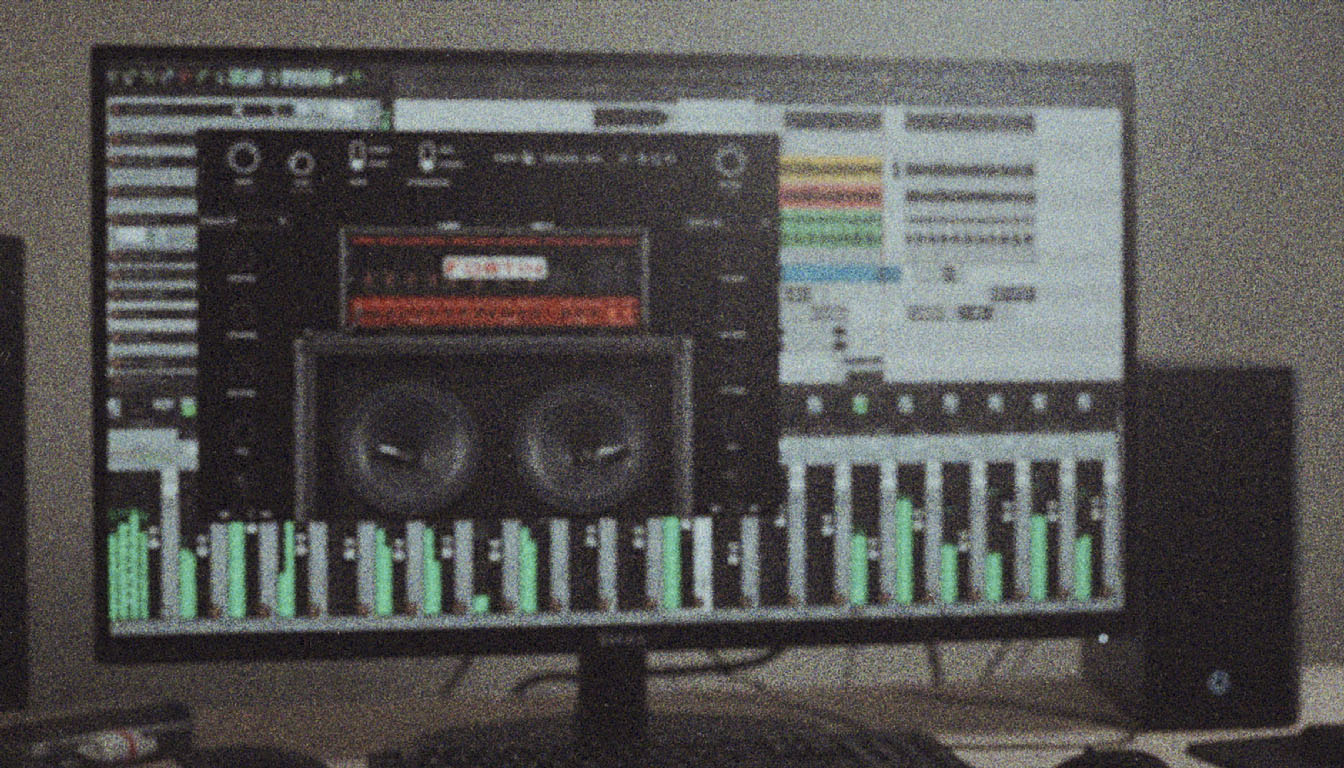
For this walkthrough, we’re loading up two separate IR blocks on parallel paths to emulate a classic dual-mic setup. A great starting point is using IRs that capture the Fredman micing technique. We’re using two from the Joey Sturgis Tones Conquer All pack:
- IR 1: A Peavey 6505/Mesa Recto cab with an SM57, off-axis, through a Neve preamp.
- IR 2: The same cab setup, but with the SM57 on-axis, also through a Neve.
Blending these two IRs will give you a thick, aggressive tone with a complex midrange right out of the gate.
The "Everything at Noon" Approach
Once your IRs are loaded, drop an amp model into your chain. Resista the urge to immediately crank the gain and scoop the mids. Instead, use the classic engineer’s trick: set every main control (Bass, Mid, Treble, Presence) to 5, or "noon."
This gives you a neutral, unfiltered starting point to hear the true character of the amp model before you start making any drastic changes.
Building the Tone: A Real-World Walkthrough
Now for the fun part. This process is all about trial, error, and critical listening. Don’t get discouraged if the first amp you try doesn’t work.
Trial and Error is Part of the Process
Not every legendary amp is right for every single song. Following our own process, we started with the PV Panama, the Helix model of the iconic Peavey 5150/6505. Even with the controls at noon, it just wasn’t sitting right for the riff. Next, we tried the Brit J-800 (Marshall JCM800). Still not quite there.
This is a totally normal and essential part of dialing in tones. You have to serve the song, not just pick your favorite amp.
Finding the Right Amp: Landing on the "Fatality"
After a couple of false starts, we landed on the Fatality model. This one immediately had more of the character we were looking for.
Here’s a crucial discovery made during tweaking: pay attention to how the Channel Volume and Master volume controls interact. On this particular model, it felt a lot like a real Mesa/Boogie Dual Rectifier. Cranking the Master volume to a certain "sweet spot" didn’t just make it louder; it opened up the tone, adding presence and power in a way that felt like a power amp being pushed to its limit. Experimenting with these two gain stages is key to unlocking the hidden potential in many of the Helix amp models.
Dialing it In: Pre-Amp and Post-Amp EQ
This is where you go from a good tone to a great one. Smart EQ is everything. We’ll approach this in two stages, a technique used by many of the world’s best metal producers.
Pre-Amp Sculpting
Using an EQ before the amp block allows you to shape how your guitar signal hits the amp’s input. A great tool for this inside the Helix is the 10 Band Graphic EQ. The goal here isn’t to make huge changes, but to tighten things up.
For a modern metal tone, a common problem is excessive low-mid buildup that turns into mud under high gain. Try this:
- Cut
-2dBat 125 Hz - Cut
-2dBat 250 Hz
This subtle move cleans up the signal before the distortion, resulting in a tighter, more defined chug without sacrificing weight.
Post-Amp Corrective EQ
After your amp and IR blocks, add another EQ. This is for shaping the final tone and carving out any unpleasant frequencies. For this, a Parametric EQ is often better for surgical cuts.
Listen for any "honky" or "nasally" midrange frequencies that are poking out. In our patch, we found two problem areas:
- A narrow cut around 500 Hz to remove the boxy sound.
- Another narrow cut around 800 Hz to get rid of a secondary "honk."
Taking the time to surgically EQ your metal guitars like this is what separates an amateur-sounding patch from a professional one.
The Finishing Touches
With the core tone dialed in, a few final blocks will take it over the finish line.
Adding Aggression with an Overdrive
Adding a drive pedal model before the amp isn’t necessarily for more gain—it’s for more attack. The Compulsive Drive (based on the Fulltone OCD) is a fantastic choice. Keep the drive knob low and the level high. This will tighten the low-end even further and add a percussive bite to your palm mutes. Remember to turn the amp’s own gain knob down to compensate so you don’t end up with a fizzy, over-saturated mess.
Taming the Noise
High-gain means high noise. A Noise Gate is non-negotiable. Place it early in your signal chain (often right at the beginning) and carefully set the threshold so it cuts the noise between riffs without choking off your sustained notes.
Putting It All In The Mix
The result of this process is a tight, aggressive, and polished guitar sound created from scratch in about 10-15 minutes. Because we built the tone to sound great at the source, it will sit in the mix with minimal extra processing.
From here, you can pan this tone to one side and layer it with another performance panned to the other. For an even bigger sound, try blending your Helix tone with a real mic’d amp or a completely different amp simulator. The possibilities are endless.
Building tones this way—methodically, with intent, and with a focus on the source—is how the pros get album-ready sounds. Imagine getting to watch producers like a fly on the wall as they make these exact decisions, explaining every plugin, knob turn, and mixing trick along the way. At Nail The Mix, you can.
Every month, you get access to the actual multitracks from massive songs by bands like Gojira, Lamb of God, and Periphery, and watch the original producers mix them from scratch. You can see how the incredible instructors on our roster tackle everything from dialing in guitar tones to mastering the final track. If you want to stop guessing and start learning the workflows that work, check out the full catalog of Nail The Mix sessions and see what you’ve been missing.