GetGood Drums Nolly Bass Library: four-channel blending, signal splitting & mix-ready metal bass tones
Nail The Mix Staff
Getting a killer modern metal bass tone is one of the biggest hurdles in production. It needs to be massive and solid on the low end, but also aggressive, articulate, and clear enough to cut through a wall of downtuned guitars and blast beats. You can spend hours re-amping DIs, scrolling through amp sims, and stacking plugins, but if the source performance and tone isn’t right, you’re just polishing a turd.
This is exactly where a tool like the GetGood Drums Nolly Bass Library comes in. It’s not just another sample library; it’s a purpose-built solution for a very specific problem. And in heavy music, having the right tool for a specific job makes all the difference.
Let’s break down what this library is and how you can use it to get a bass tone that sits perfectly in a dense metal mix from the jump.
Product Overview: What Is The GGD Nolly Bass Library?
At its core, the GGD Nolly Bass Library is a virtual instrument that runs in Native Instruments’ Kontakt Player. It was created by Adam ‘Nolly’ Getgood, whose work as a producer and former bassist for Periphery has defined the sound of modern metal bass for a generation.
Here’s what metal producers need to know about it:
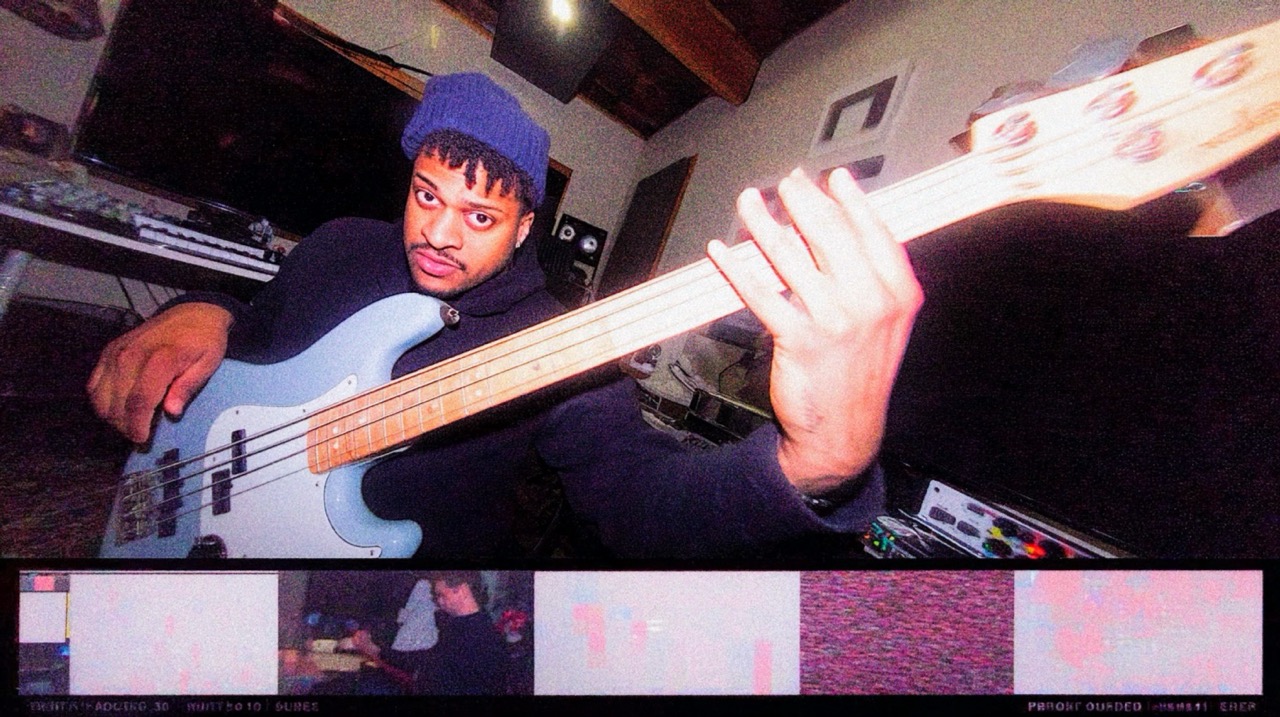
- The Source: The library is built on samples of Nolly’s personal, iconic Dingwall NG2 bass. This instrument is legendary in the metal world for its fanned-fret design, which gives it incredible string-to-string clarity and a thunderous, tight low B string.
- The Player: The samples were performed by Nolly himself. This means you get the consistency and attack of one of the best metal bassists on the planet baked right into the instrument.
- The Tones: This is the most important part. The library doesn’t just give you a raw DI signal. It comes with four distinct, pre-processed channels you can blend to taste:
- Sub: A clean, deep DI signal perfect for the fundamental low end.
- Clean: A slightly pushed, pre-amped clean tone that has more character than a raw DI.
- Distortion 1 (Vintage): A gritty, mid-focused distortion tone, likely reminiscent of a B7K or similar vintage-style drive.
- Distortion 2 (Modern): A more aggressive, scooped, and clanky distortion tone that’s perfect for djent and modern metalcore.
This built-in blending capability is the key. You’re not starting from scratch; you’re starting with Nolly’s own signal chain.
Dialing It In: Crafting the Perfect Bass Tone
Okay, you’ve got the library loaded up. Now what? The process of getting a great sound mirrors how top-tier producers have been mixing heavy bass for years: by splitting the signal and treating the lows and highs differently. The Nolly library just makes this workflow incredibly easy.
Start with the Foundation: Clean and Sub
Forget the distortion for a second. Your first goal is to build a solid, consistent low-end foundation that supports the guitars and locks in with the kick drum.
- Isolate the Clean/Sub: Mute the two distortion channels in the plugin. Use the "Clean" or "Sub" fader as your base. The Sub channel is pure low-end weight, while the Clean channel offers a bit more body and low-mid definition.
- Compression is Key: The low end needs to be rock solid. A multi-band compressor is your best friend here. Set up a tool like FabFilter Pro-MB or iZotope Neutron and focus a band on everything below ~150Hz. Use a slow attack and fast release to clamp down on the sub frequencies, ensuring every note is powerful and even. For a simpler approach, a standard compressor like the Slate Digital FG-116 can also work, just listen for that consistent "thump."
- EQ for Clarity: High-pass filter everything below 30-35Hz to remove useless sub-rumble that just eats up headroom. If the clean tone feels a bit muddy, make a small, wide cut somewhere between 250-400Hz to make space for the guitars.
Bring in the Grit: Blending for Aggression
Once your low end is solid, it’s time to add the character and aggression that will make the bass audible on small speakers.
- Choose Your Flavor: Unmute the distortion channels. Do you want a warmer, more classic metal grit (Distortion 1) or a modern, clanky attack (Distortion 2)? You can even blend the two.
- Blend to Taste: Slowly raise the fader on your chosen distortion channel. Listen to how it interacts with the guitars. You’re not trying to overpower them; you’re trying to find a pocket where the bass’s attack and string noise become part of the overall rhythm guitar texture. A good starting point is to have the distortion channel sitting about 6-10 dB quieter than your clean/sub channel.
- Process the Grit Separately: This is a pro move. Route the output of the Nolly Bass plugin to two separate tracks in your DAW. One track will be your "Clean" sound, the other your "Grit." On the Grit channel, be aggressive with your EQ:
- High-Pass It: Use a steep high-pass filter and cut everything below 200-300Hz. This completely removes any mud and prevents phasing issues with your clean low end.
- Find the "Clank": Boost the mids and highs where the pick attack lives. This is usually somewhere between 1.5kHz and 4kHz. Use a plugin like FabFilter Pro-Q 3 with a medium Q to sweep around and find the sweet spot. This is what helps the bass cut through even the densest guitar mix.
- Get more info on crafting aggressive tones with our guide on how to use a harmonic exciter on a metal mix.
Does It Matter Which Bass Library You Use?
Here’s the deal with plugins: for general tasks like basic EQ or compression, it doesn’t really matter if you use a stock plugin or a boutique one. But for specific tasks—like getting a world-class, genre-specific bass tone instantly—the tool absolutely matters.
The GGD Nolly Bass Library is a prime example. You could try to replicate this sound from a standard DI using amp sims like the Neural DSP Parallax or Darkglass Ultra, and you can get great results. But the Nolly library gives you the exact source tone from the specific player, bass, and signal chain that helped define the genre. You’re not just buying samples; you’re buying a massive head start.
This is why having the right virtual instrument is just as important as having the right amp sim. The character is baked in from the start.
See How The Pros Do It
Having a tool like the Nolly Bass Library is a game-changer for getting a professional starting point. But the real magic happens when you see how a master producer fits that killer tone into a full mix.
How do they automate the bass level in the chorus? How do they use compression to glue it to the kick? How do they carve out space so it doesn’t conflict with 8-string guitars?
That’s what Nail The Mix is all about. You get to watch world-class producers—including instructors like Nolly himself—mix real songs from bands like Gojira, Lamb of God, and Architects from start to finish. You don’t just see the plugins they use; you learn the why behind every single move.
If you’re ready to see how these foundational techniques are applied in a real-world mix, check out our list of the 25 best Nail The Mix sessions to see what it takes to go from a good tone to a legendary mix.