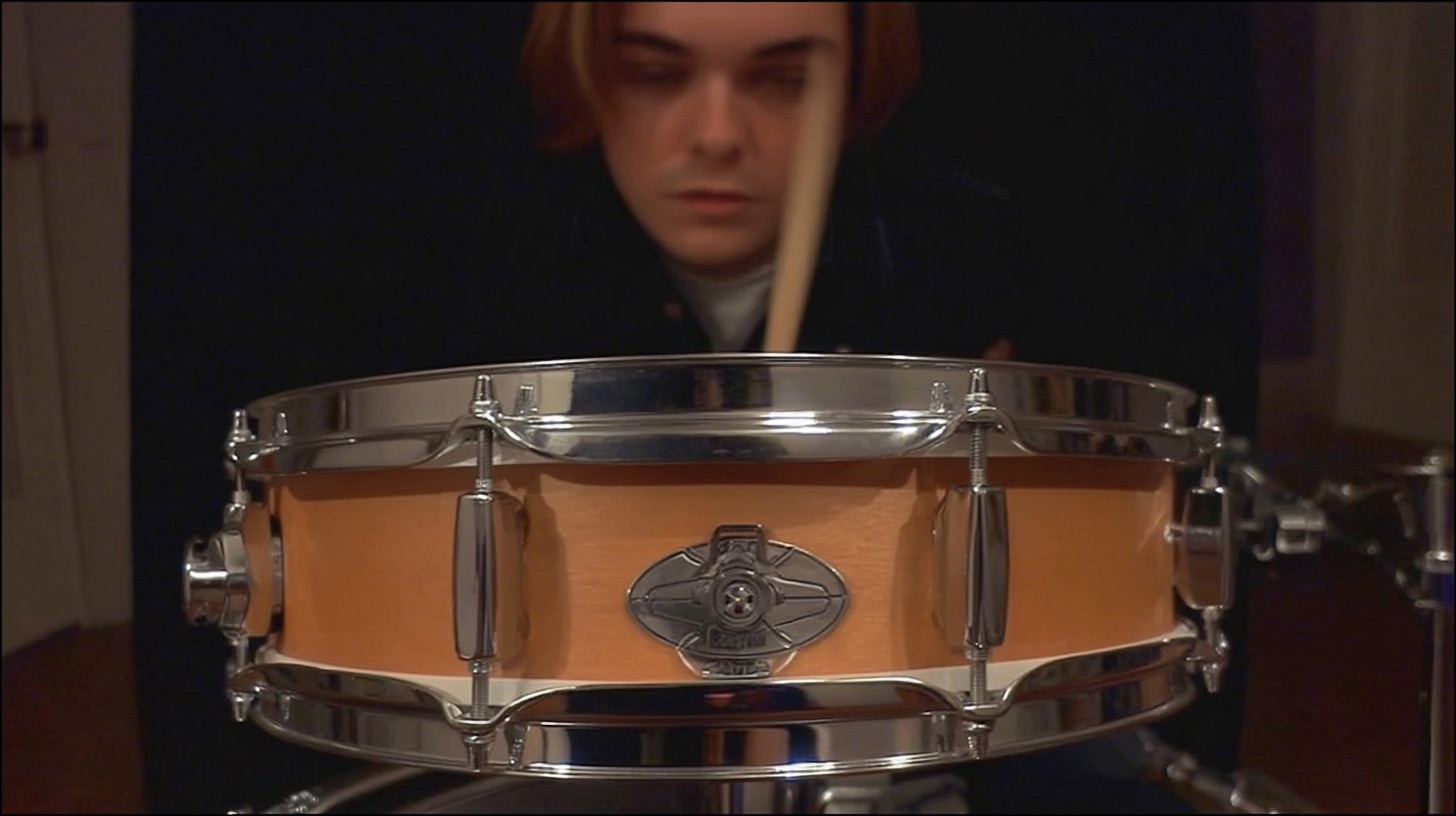
Your Top Drum Editing FAQs for Modern Metal Answered
Nail The Mix Staff
Modern metal drums are a force of nature. They’re inhumanly punchy, surgically precise, and hit with the impact of a freight train. That level of polish and power doesn't just come from a great drummer and a great recording—it’s forged in the editing process.
Editing can feel like a dark art, but for today’s metal producer, it's a non-negotiable skill. The standards are just too high to ignore it. Whether you're tightening up a killer performance or blending samples to cut through a wall of 8-string guitars, a solid editing workflow is your ticket to a pro-sounding mix.
Let's dive into the most common questions producers have about editing drums for metal.
Do I Really Need to Edit Drums for Metal?
Short answer: Yes, almost certainly.
In the landscape of modern metal, the expectation for tight, polished production is massive. Even the best drummers in the world aren’t metronomes. Tiny fluctuations in timing that would be perfectly fine in a rock track can get completely lost or create rhythmic mud in a dense metal mix packed with fast kick patterns and low-tuned guitars.
Drum editing isn’t about "fixing" a bad performance. It's about enhancement. It’s the process of taking a great human performance and making sure every single hit has maximum impact and clarity, locking in perfectly with the rhythm guitars and bass. Think of it as aligning all your weapons to fire at the exact same target for a devastating impact.
What’s the Go-To Workflow for Drum Editing? Manual vs. Automatic
You’ve got your raw drum tracks. Now what? You generally have two paths: painstakingly manual or relying on your DAW’s built-in tools.
The Manual Method: Tab-to-Transient
This is the gold standard for a reason. It gives you absolute control over every single hit. The basic workflow, common in DAWs like Pro Tools and Reaper, looks like this:
- Group Your Tracks: Make sure all your drum tracks (kicks, snares, toms, overheads) are grouped together so any edit you make applies to all of them, preserving phase alignment.
- Isolate Transients: Use your DAW's "tab-to-transient" function to jump to the beginning of a drum hit (start with the kick or snare as your guide).
- Slice: Separate that hit from the rest of the audio clip (e.g., 'B' in Pro Tools or 'S' in Reaper).
- Quantize: Drag the sliced hit anally to the grid line it's supposed to land on.
- Heal & Crossfade: Fill the gap you created by dragging the audio and apply a small crossfade to avoid any clicks or pops.
- Repeat: Do this for every major kick and snare hit. Yes, it’s tedious, but the results are flawless.
Automatic Tools: Beat Detective and Flex Time
Most DAWs have built-in tools to speed this up. Pro Tools has Beat Detective, and Logic Pro has Flex Time. These tools analyze the transients in your audio and automatically slice and quantize them.
- Pros: It’s fast. You can tighten up a whole song in minutes, which is great for pre-production or demos.
- Cons: They’re imperfect. They can misinterpret transients (especially in fast fills or blast beats), create unwanted audio artifacts from clumsy crossfades, and strip the performance of its feel if you push it too hard.
The Verdict: For a final, professional-level mix, the control of manual editing is unbeatable. Use automatic tools to get a quick demo tight, but be prepared to go in by hand to get it sounding truly polished.
How Do I Make Edited Drums Sound Human and Not Robotic?
This is the number one fear with drum editing—that you’ll quantize all the life out of the performance. The key is to remember you're a producer, not a robot. Use your ears and make musical decisions.
Don't Quantize Everything to 100%
The grid is a guide, not a law. You can snap the kick and the snare directly to the grid for that super-tight core, but consider leaving fills, ghost notes, and cymbal work a little looser.
Let the Snare Breathe
A common technique is to quantize the kick drum dead-on the grid but pull the snare back just a few milliseconds behind the beat. This can create a deeper, more powerful sense of groove or "pocket." It's a subtle move, but it makes a huge difference in the feel.
Mind Your Velocities
If you’re working with MIDI or sample replacing, avoid setting every velocity to 127. The subtle differences in how hard the drummer hit are the core of the performance's dynamics. If you’re manually writing in MIDI, use your DAW's humanize function or manually vary velocities to mimic a real player.
When Should I Use Sample Replacement on My Edited Drums?
Once your drums are edited and tight, sample replacement or enhancement is the next step to achieving that modern metal sound. It’s not about replacing a bad recording; it’s about adding consistency and punch that real drums sometimes lack.
Blending vs. Full Replacement
Most top-tier metal producers, including many of the instructors you'll find on Nail The Mix, don’t fully replace the live drums. Instead, they blend samples underneath the acoustic shells.
- Kick: Blend in a sample with a sharp, clicky attack (like something from the GetGood Drums libraries) to help it cut through the mix, while keeping the "boom" and low-end resonance of the real kick. This is crucial for competing with the brutal low-end of modern metal guitars.
- Snare: Add a sample underneath the real snare to ensure every hit has a consistent thwack, especially during fast passages like blast beats where the drummer’s velocity might naturally dip.
Use a plugin like Slate Trigger 2 or the tracker in Toontrack’s Superior Drummer 3. They make it incredibly easy to load in a sample and have it trigger perfectly in time with your live drum tracks.
How Tight Should I Edit Drums? Grid vs. Feel
This depends entirely on the sub-genre. The goal is to serve the song.
- Technical Death Metal / Djent: For bands like Periphery or Meshuggah, the "machine" is the feel. The drums need to be locked to the grid with absolute, mathematical precision to sync up with the complex, staccato guitar riffs.
- Metalcore / Deathcore: Generally very tight, with kicks and snares locked to the grid. There might be a little more humanization in the fills and cymbals to retain some live energy.
- Sludge / Stoner Metal: This is where you back off significantly. The loose, behind-the-beat feel is a core part of the genre’s sound. Over-editing here would completely ruin the vibe.
Always listen to the guitars. The drums need to feel locked in with the primary rhythm instruments. If the guitars are super tight, the drums have to match. For more on how to create that lock-in, check out our guide on EQing modern metal guitars for max impact.
What Are the Essential Plugins for Drum Editing and Shaping?
Beyond your DAW’s basic tools, a few key plugins will make your life much easier and your drums sound much better.
- Gate/Expander: A good gate like FabFilter Pro-G is essential for cleaning up cymbal bleed in your kick, snare, and tom tracks before you even start editing. A clean track is an easily editable track.
- Sample Replacer: As mentioned, Slate Trigger 2 is the industry standard. It's fast, accurate, and easy to use.
- Transient Designer: Something like the SPL Transient Designer or Native Instruments' Transient Master is amazing for shaping your edited drums. Need more snap from your snare? Boost the attack. Toms ringing out too long? Reduce the sustain.
- Compression: After editing, a good compressor brings back the punch and glue. An 1176-style compressor on a snare or a VCA-style compressor on the drum bus can work wonders. Dive deeper into this with our secrets to metal compression.
Bringing It All Together
Drum editing is a skill that takes patience, but it’s one of the biggest factors separating amateur mixes from professional ones. It allows you to deliver the punch, clarity, and precision that modern metal demands.
Reading about these techniques is one thing, but seeing them in action is a completely different ballgame. Imagine watching the actual producers behind bands like Gojira, Lamb of God, and Architects edit, sample replace, and mix their drum tracks from scratch, explaining every single move they make.
On Nail The Mix, that’s exactly what you get. Check out our massive catalog of mixing sessions and see how the pros build these earth-shattering drum sounds from the ground up.