Toontrack Metal Machinery SDX: Your Guide to Modern Metal Drums
Nail The Mix Staff
We’ve all heard it. The endless complaints about modern metal drums. They sound fake, robotic, like plastic toys in a vacuum. And nothing showcases this problem more than a poorly programmed blast beat—that relentless, sterile "tack-tack-tack" of a single snare sample hitting at full velocity, perfectly on the grid. It’s the sound of a drum machine, not a drummer.
But then you hear a modern metal record that sounds huge. The drums are powerful, articulate, and feel like a real human is behind the kit, yet they have all the punch and consistency of a top-tier production. The secret? They’re almost certainly using samples.
The issue isn’t that samples are used; it’s how they’re used. Your DAW and your sample libraries are just tools. It’s on you to make them sound like a monster drummer, not a kitchen appliance. This is where a library like the Toontrack Metal Machinery SDX comes in. It’s not just a collection of sounds; it’s a toolkit for crafting realistic, powerful, and nuanced metal drum performances.
What is the Toontrack Metal Machinery SDX?
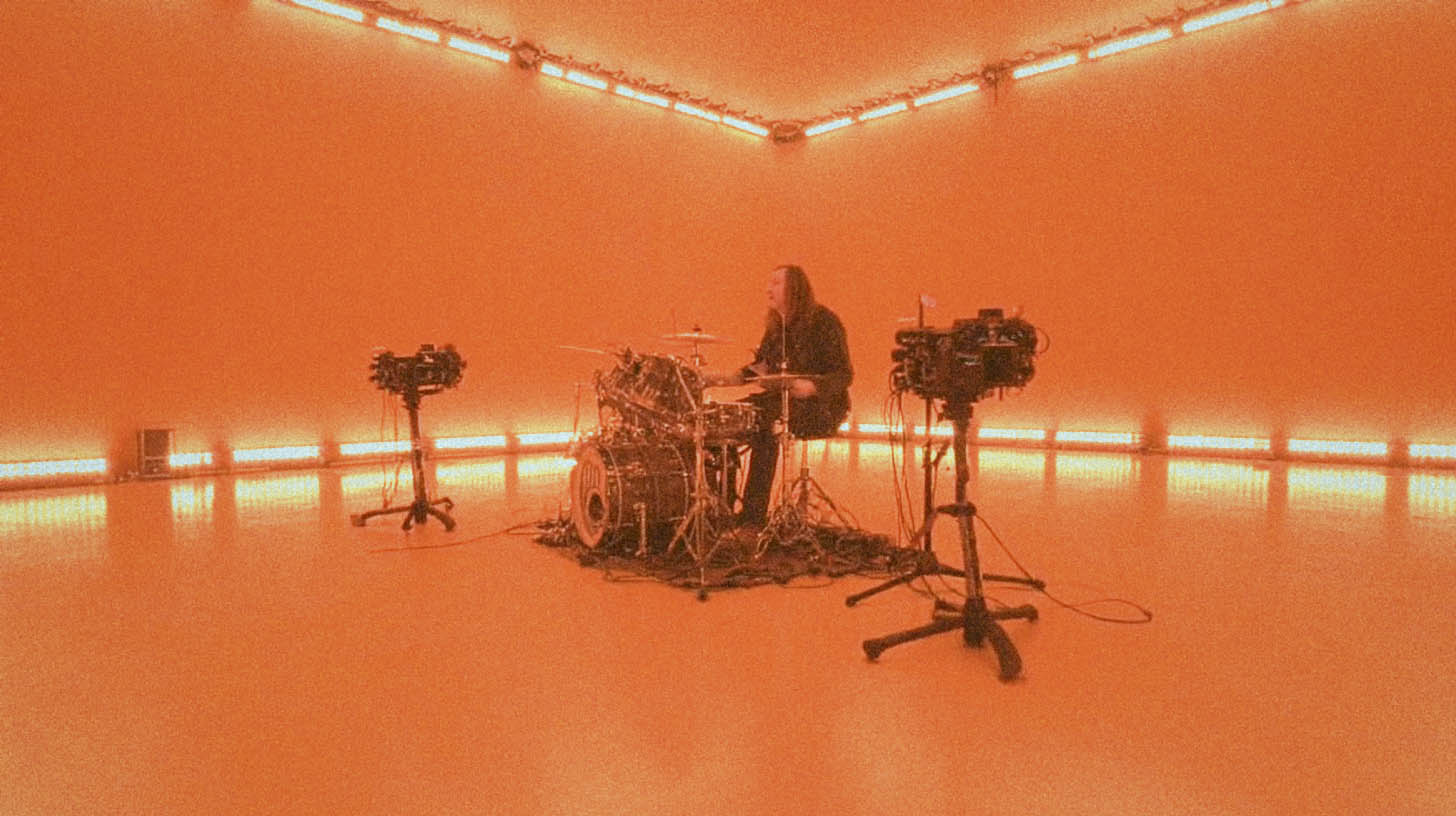
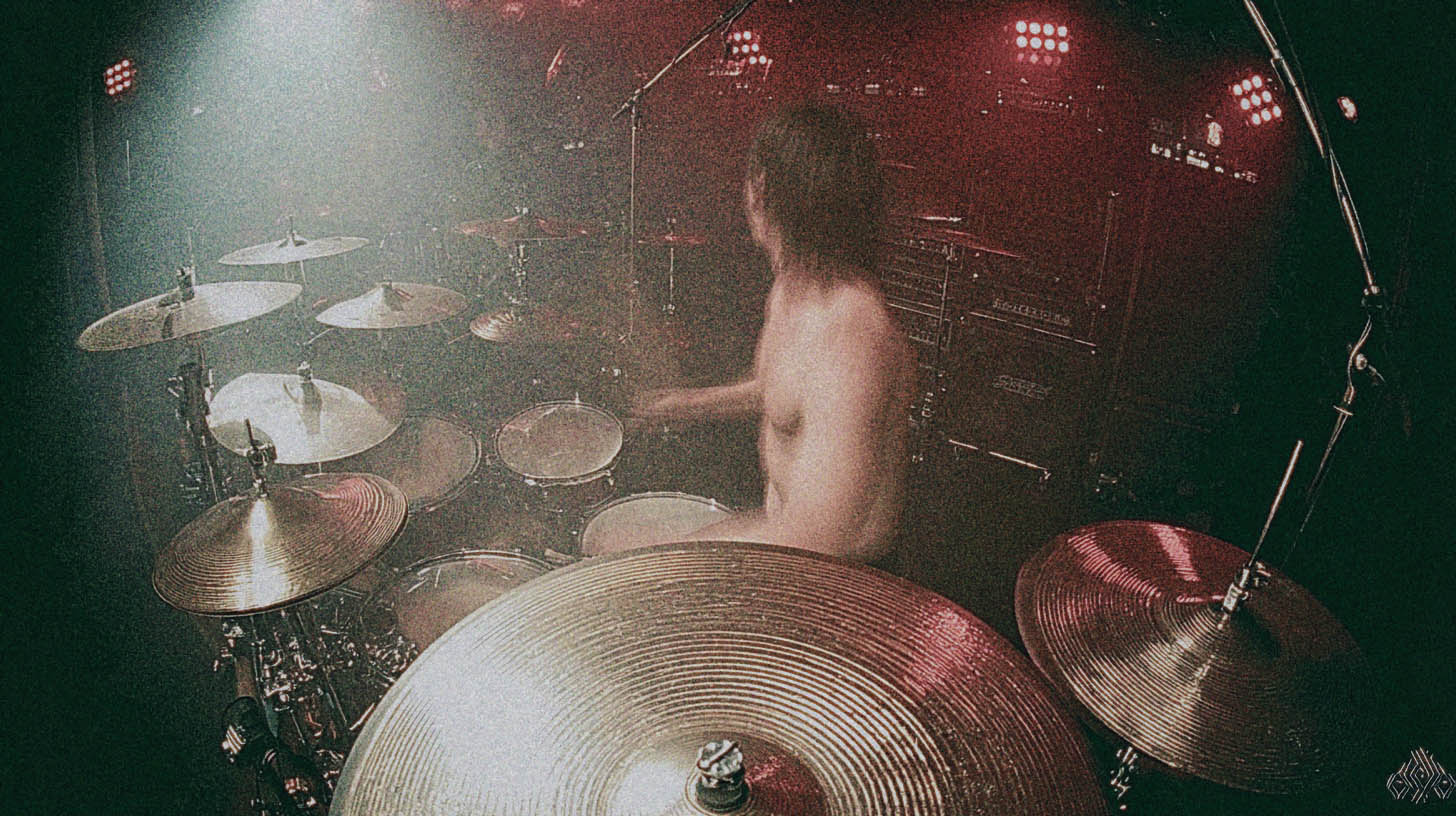
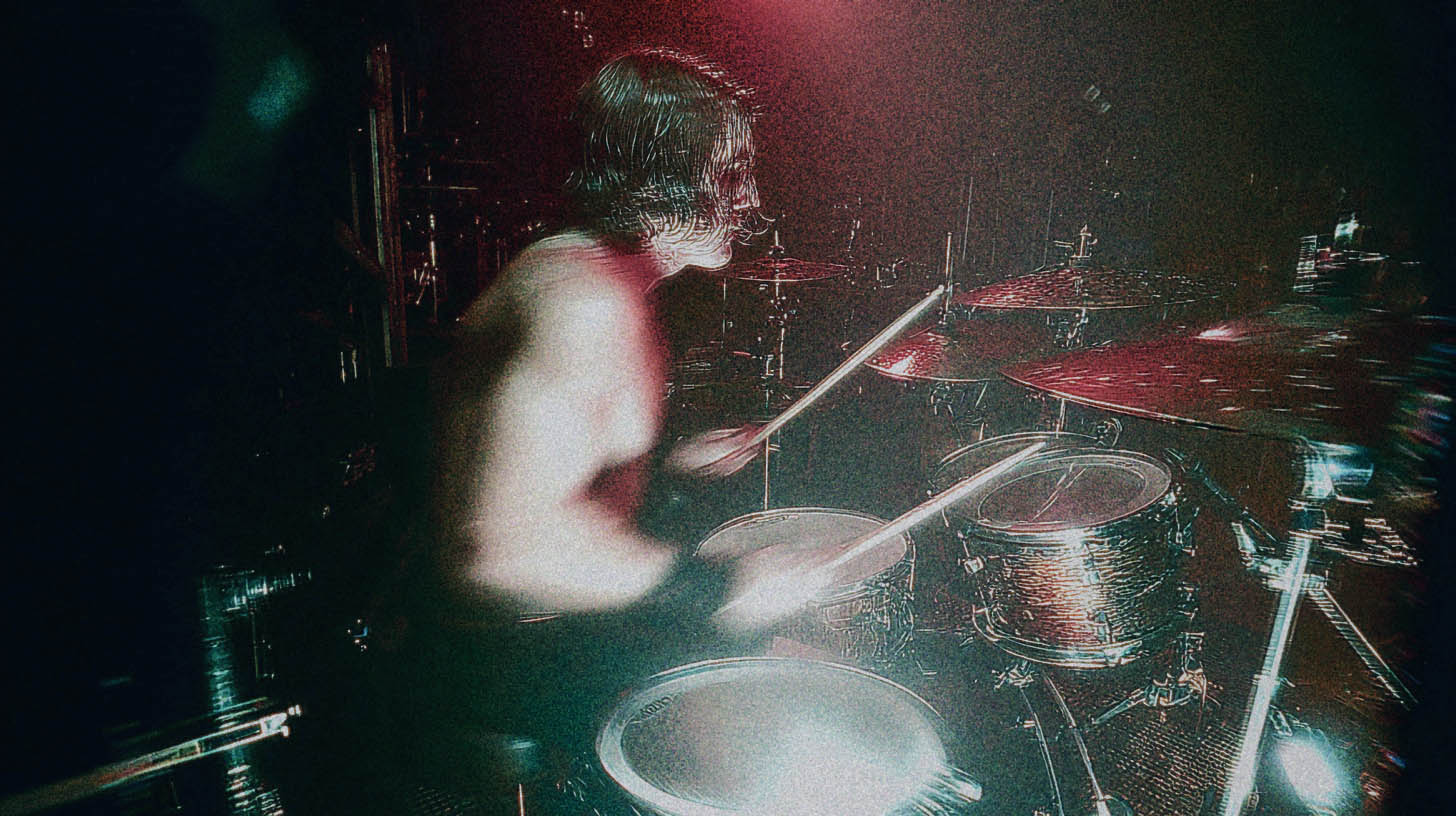
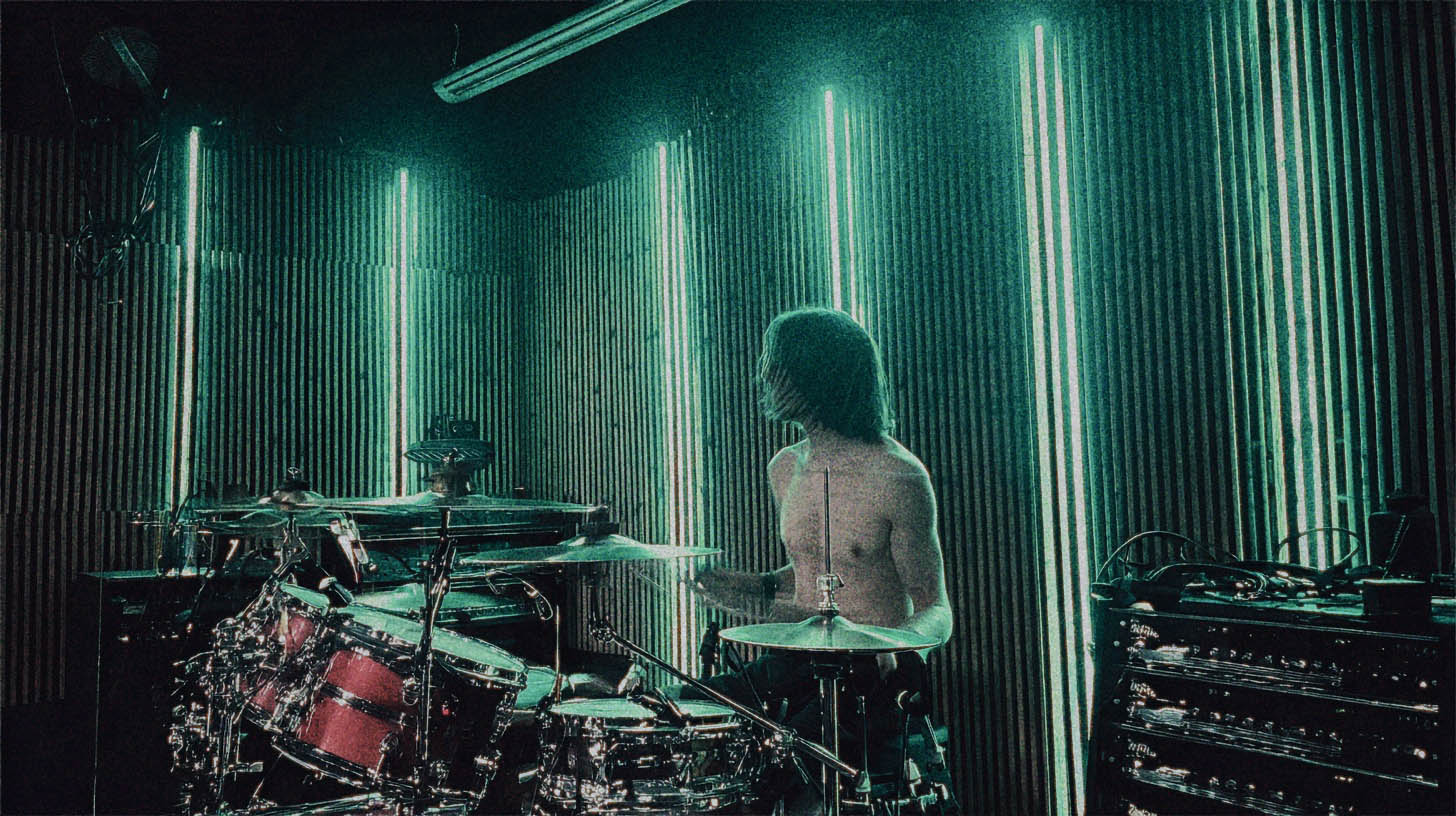
Before we get into the nitty-gritty, let's cover what this library actually is. The Metal Machinery SDX for Superior Drummer 3 was recorded by one of the most mechanically precise and influential drummers in modern metal: Tomas Haake of Meshuggah.
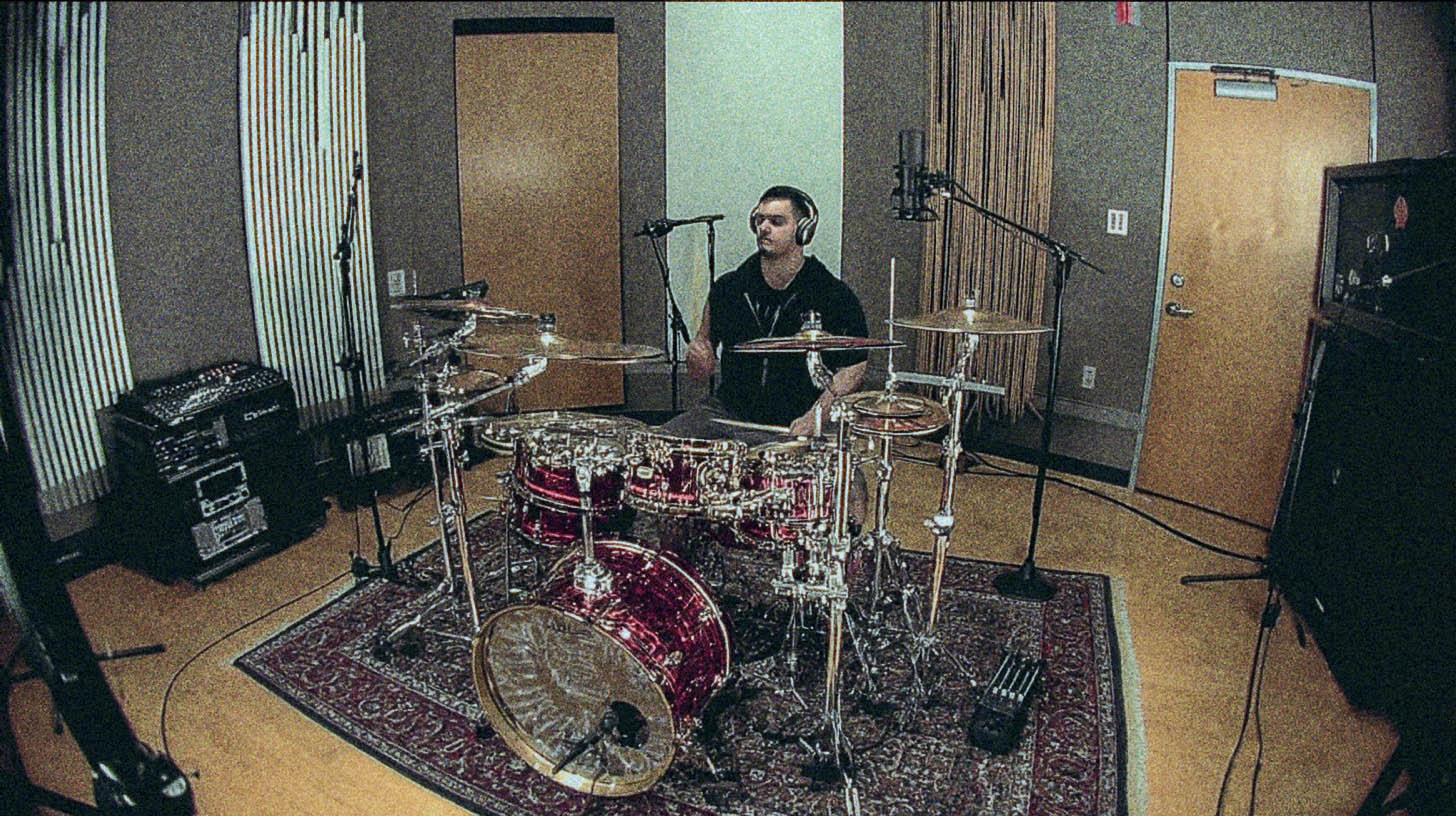
The sessions went down at the legendary Hansa Tonstudio in Berlin, a room famous for its incredible acoustics and history (think albums by David Bowie and Depe-che Mode). The drums were meticulously captured by engineer/producer Fredrik Thordendal (also of Meshuggah) and the Toontrack team.
The library features a collection of kits that are perfect for modern metal:
- A custom Ludwig Stainless Steel kit
- A Sonor Designer kit
- Two different Ayotte kits with wood hoops
- A massive selection of snares and cymbals
This isn't a pre-processed, mix-ready library. It’s a raw, detailed, and incredibly deep collection of multi-samples designed to give you ultimate control.
Making Metal Machinery Sound Human (Not Robotic)
Having great source sounds is step one. The real magic comes from programming and editing your MIDI to feel like a performance. If you just draw in notes on the grid at 127 velocity, you’ll get that machine-gun effect every time. Here’s how to avoid it.
Velocity is More Than Just Volume
This is non-negotiable. In a deep multi-sample library like Metal Machinery, velocity doesn't just control how loud a hit is. It triggers entirely different samples recorded at different intensities. A real drummer never hits a snare in the exact same spot with the exact same force twice in a row.
- Vary Your Hits: Instead of having every snare hit in a blast beat at 127, try alternating between, say, 115 and 125. For ghost notes, drop down into the 40-70 range. This subtle variation makes your brain perceive the performance as human.
- Use MIDI Humanization: Most DAWs have a "humanize" function. Don't be afraid to select a section of MIDI and apply a small amount of random velocity variation (e.g., +/- 5-10 velocity points). It can instantly breathe life into a static part.
- Accent the Groove: Think like a drummer. The snare on beat 3 of a simple rock beat will likely be hit harder than the one on beat 1. Program your velocities to reflect the natural accents and pushes/pulls of the groove.
The Grid is a Guideline, Not a Cage
That perfectly-quantized blast beat sounds robotic because it is robotic. Even the tightest metal drummers have microscopic timing variations that create the "feel" or "pocket" of a performance.
This is where smart editing comes in. When quantizing your drum tracks, don't just snap everything to 100%. One of the best drum editors in the game, Dave Otero (Cattle Decapitation, Archspire), often quantizes incredibly fast sections to around 90-95% strength.
Why? Because this tightens up the performance significantly but leaves just enough of the original human variation. It moves the hits closer to the grid without making them perfectly sterile. You get the precision needed for modern metal without sacrificing the feel.
Bleed and Ambience: Fighting the "Drums in Space" Sound
One of the biggest giveaways of programmed drums is the lack of interaction between the pieces of the kit. In a real room, when the snare is hit, it resonates through the tom mics. The cymbals bleed into the overheads and the kick mic.
Metal Machinery was recorded in a phenomenal room, and it gives you full control over all the microphones, including multiple room and ambient options.
- Blend in the Room Mics: Don’t rely solely on your close mics. Start your mix, then slowly bring up the faders for the "Amb Close," "Amb Mid," and "Amb Far" channels in the Superior Drummer mixer. This will add depth, space, and realism, gluing the kit together.
- Use the Bleed Control: Superior Drummer 3 has an incredible "bleed" control for each microphone channel. A little bit of snare bleed in the tom mics, or hi-hat bleed in the snare mic, can make a huge difference in realism. Be subtle—too much can make your mix messy, but a little goes a long way.
Dialing in Tones: Processing Metal Machinery
Once your MIDI performance feels human, it's time to make it hit hard in the mix. The raw sounds in Metal Machinery are incredible, but they're designed to be shaped with EQ and compression.
The Kick & Snare Relationship
The foundation of any metal mix is the interplay between the kick and snare.
- Kick Drum EQ: Carve out some space around 300-500Hz to remove boxiness. For that modern click, look for a boost somewhere between 4-8kHz. The sub-bass lives around 50-80Hz. A good starting point is a narrow cut in the mids and boosts on the top and bottom.
- Snare Drum Punch: The "crack" of a snare is often found between 3-7kHz. The body and weight live around 150-250Hz. Don't be afraid to use a plugin like Slate Trigger 2 to layer the Metal Machinery snare with a more aggressive one-shot sample to help it cut through a dense wall of guitars.
- Sidechain Compression: To ensure your kick and snare always punch through, try sidechaining the bass guitar and rhythm guitars to them. A multi-band compressor like FabFilter Pro-C 2 works great for this, so you're only ducking the frequencies that are fighting with the drum transients.
Compression for Modern Metal Drums
Aggressive compression is a hallmark of the modern metal sound, but it's easy to overdo it and suck the life out of your drums.
The key is often parallel compression. Send all your drum shells (kick, snare, toms) to a separate bus, smash it with a compressor like an Empirical Labs Distressor emulation or a classic 1176, and then blend that crushed signal back in underneath your main drum bus. This gives you the weight and aggression of heavy compression while retaining the punch and transients of the original drums. For a deep dive into these techniques, check out our guide on metal compression secrets.
Taming Cymbals and Overheads
The cymbals in Metal Machinery are fantastic, but in a metal context, they can quickly build up harsh frequencies. A static EQ cut can make them sound dull. Instead, use a dynamic EQ (iZotope Neutron, FabFilter Pro-Q 3) or a multi-band compressor to tame harshness (often around 3-6kHz) only when the cymbals are hit hard. This keeps them sounding bright and natural without tearing your head off.
Putting It All Together: The Nail The Mix Approach
Knowing these techniques is one thing. But seeing them applied in real-time, by the producers who mixed the albums you love, is the fastest way to level up your skills. Imagine watching pros like Will Putney, Jens Bogren, or Nolly Getgood take raw drum tracks—whether from Metal Machinery or a live kit—and shape them into a final, polished product.
They use these same fundamental principles of velocity, editing, EQ, and compression, but their workflow and decision-making process are what separate a good mix from a world-class one.
If you’re serious about making your programmed drums sound indistinguishable from a pro recording, check out the Nail The Mix sessions catalog. You get the original multi-tracks from massive songs and get to watch the original producer mix it from scratch, explaining every single move they make. You get to see exactly how the very best Nail The Mix instructors in the business build their drum sounds from the ground up.
Toontrack Metal Machinery SDX is a powerhouse tool. But like any tool, its true potential is only unlocked by the skill of the user. Use these tips to start building more human, dynamic, and powerful drum tracks today.