Using The RealGuitar VST For Heavy Metal Songwriting
Nail The Mix Staff
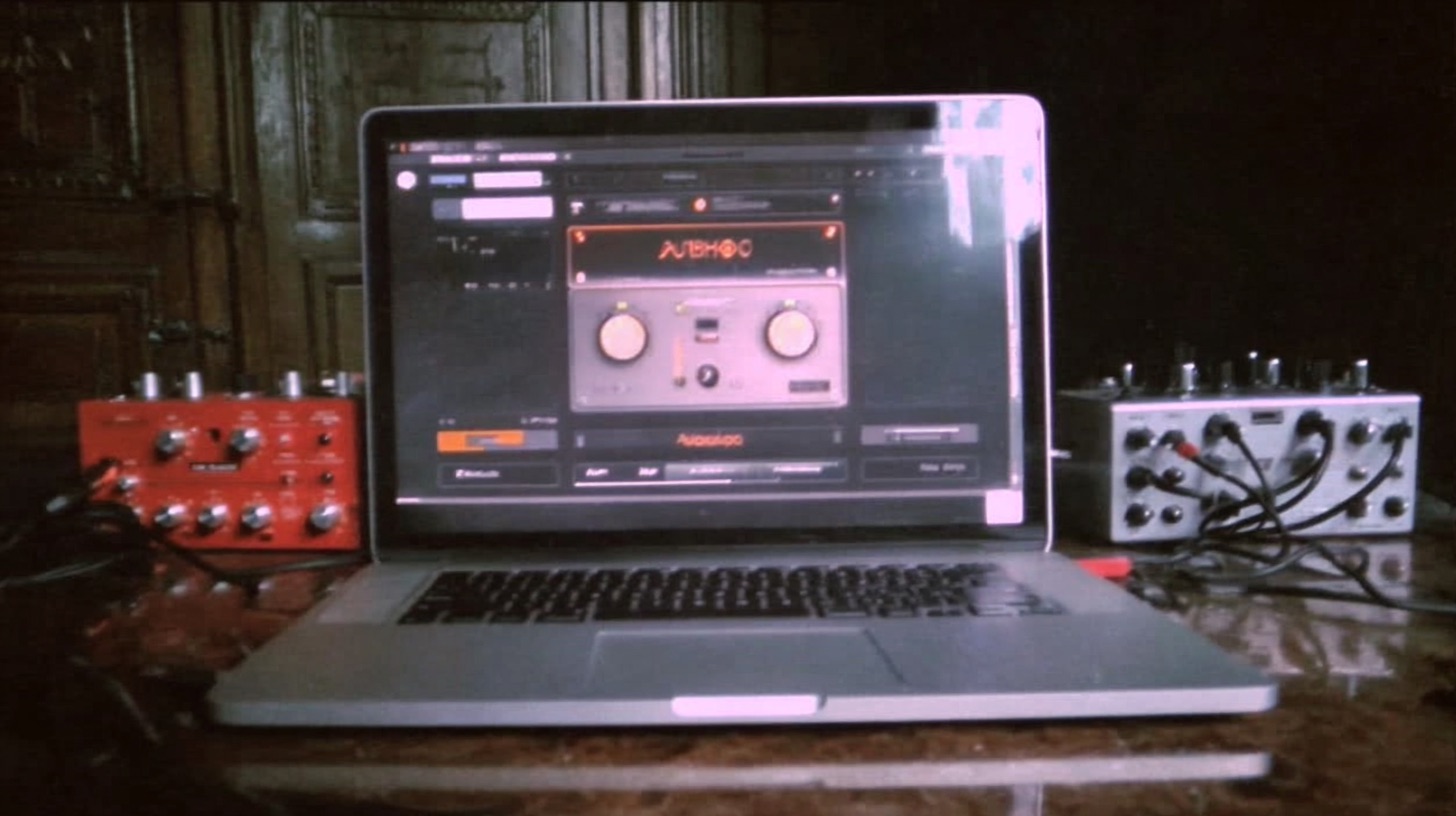
So you've got a killer riff idea rattling around in your head, but firing up your amp, setting up mics, and tracking guitars just to flesh it out feels like a massive chore. We've all been there. This is exactly where a realguitar virtual instrument like MusicLab's RealGuitar can become an indispensable tool in your production arsenal.
But let’s cut to the chase: can you use a VST like this to replace a real guitarist on a final metal track? Probably not. The nuance, aggression, and raw energy of a human performance are damn near impossible to replicate with MIDI.
However, viewing it as a replacement is missing the point entirely. For metal producers, RealGuitar isn't about replacing final tracks; it's about radically speeding up your songwriting and pre-production workflow. Let’s break down how to use it, where it shines, and where it falls short for heavy music.
What is RealGuitar, Anyway?
In a nutshell, RealGuitar is a sample-based virtual instrument that aims to realistically emulate acoustic and electric guitar playing. It comes loaded with different models (think Strats, Teles, etc.) and a massive library of built-in patterns. But its real power for producers lies in its "Solo" mode, where you can play it like any other MIDI instrument.
The kicker is its built-in logic that understands how a real guitar works. You can't just play a 10-note chord like on a piano; it intelligently maps your MIDI input to realistic fretboard positions, making your ideas sound more authentic from the get-go.
The Good: Why It's a Killer Songwriting Tool
Instant Riff Gratification
This is the number one reason to have a tool like RealGuitar. Instead of getting bogged down in setup, you can load the VST, pull up a patch (the Telecaster model works great as a clean DI), and start programming riffs in your piano roll or jamming on a MIDI keyboard. You can capture ideas as fast as they come to you, which is invaluable for maintaining creative momentum.
Auditioning Tones Without The Hassle
Here's the secret sauce. Don't use the built-in amp sounds in RealGuitar. Instead, treat its output as a perfectly clean, perfectly performed Direct Input (DI) signal.
Route the MIDI from RealGuitar into your favorite amp sim. Now you can instantly audition how your riff sounds through a Neural DSP Archetype: Gojira, a Fortin Nameless Suite, or an STL ToneHub preset without ever picking up a guitar. You can tweak the amp settings, swap cabinets with something like a GGD Zilla Cab impulse response, and dial in a placeholder tone in seconds. This lets you write in the context of a production from the very beginning.
Nailing Realistic Voicings
If you're a producer who isn't a virtuoso guitarist, RealGuitar is a godsend. Because it forces your MIDI into physically possible voicings on a six-string guitar in standard tuning, it prevents you from writing chord progressions that a real player couldn't actually perform. It’s like having a built-in "does this make sense on guitar?" filter, ensuring your ideas will translate when it's time to track for real.
The Bad: Where It Falls Short for Metal
The "Feel" is Missing
Let's be real, metal guitar is all about attitude and aggression. It's the sound of a pick scraping the string, the subtle variations in muting pressure, and the sheer physical force of a player digging in. A virtual instrument, no matter how well-sampled, just can't replicate that human element. The subtle nuances that separate a good take from a legendary one—like preserving the crispness of the pick attack—are lost in the MIDI grid.
The Chug Struggle is Real
While RealGuitar has palm mute articulations, getting them to sound like the tight, percussive chugs essential to modern metal is a massive challenge. You can spend hours programming velocity changes and trying to get the timing just right, but it often ends up sounding robotic and lacking weight. For quick demos it’s fine, but it won't stand up to the real thing in a dense mix.
It's a Guide Track, Not a Final Track
This is the most important takeaway. Think of RealGuitar as the ultimate guide track tool. Use it to build an entire song structure, program intricate lead lines, and write complex harmonies. But when it's time to record the final version, export that MIDI and hand it over to a real guitarist to bring it to life. The VST provides the perfect roadmap; the player provides the soul.
The Workflow: Putting RealGuitar to Work on a Metal Track
Ready to integrate this into your process? Here’s a simple, effective workflow.
Step 1: Lay Down Your MIDI
In your DAW, create an instrument track and load RealGuitar. Turn off any internal effects or amps in the VST. Focus on writing your guitar parts—riffs, chords, leads—using your piano roll or a MIDI controller. Don't obsess over getting every velocity perfect just yet; focus on the notes and the rhythm.
Step 2: Route to Your Amp Sim
This is where the magic happens. Route the audio output of the RealGuitar track to a new audio track and load your go-to high-gain amp sim. Now you're hearing your MIDI performance through a production-quality guitar tone. This helps you make better songwriting decisions from the start.
Step 3: Add Processing for a Better Demo
Don't just stop at the amp sim. To make your demo guitars sound even more convincing and sit better in a rough mix, add some basic processing. Carve out space with EQ and control the dynamics with a compressor.
- For a deep dive into EQing metal guitars for max impact, check out our guide.
- Need to tame those dynamics? Learn about metal compression secrets here.
Step 4: Export MIDI, Not Audio
Once your song structure is complete, the final deliverable isn't the audio from your amp sim—it's the clean MIDI file from your RealGuitar track. This is what you’ll use as a guide for tracking the final guitars, ensuring a tight, accurate performance that perfectly matches your original vision.
From Killer Demo to Finished Mix
Using a realguitar virtual instrument like RealGuitar is a smart move. It’s a specialized tool for a specific job: getting your ideas down fast and making them sound good enough to build a production around. It’s proof that it matters which plugins you use when you have a specific task in mind.
But once you’ve tracked those real guitars, the job is only half done. How do you get them to sit perfectly in a mix, to punch through without being harsh, and to blend with crushing drums and a thunderous bass?
That’s where skill and experience come in. On Nail The Mix, you can watch the world's best producers show you exactly how they do it. Imagine seeing guys like Will Putney, Jens Bogren, and Dan Lancaster mix a song from scratch using the actual multitracks. You’re not just learning theory; you’re seeing it applied in real-time.
Check out our full catalog of Nail The Mix sessions and see for yourself how the pros on our list of instructors take incredible-sounding instruments and turn them into a world-class mix.