Soundtoys Altar Boy: Creative Vocal FX for Metal Producers
Nail The Mix Staff
When you’re mixing heavy music, vocals need to do more than just sit on top. They need to command attention, convey raw emotion, and sometimes, sound downright inhuman. While we spend endless hours dialing in the perfect rhythm guitar tone or getting a snare to crack just right, creative vocal processing often gets overlooked beyond a simple delay and reverb.
This is where specialty plugins make a huge difference. Sure, you can get a killer mix using stock EQs and compressors—your skills matter more than the specific brand of your channel strip. But when you need to do something highly specific, like completely warp the character of a voice without making it sound like a cheap pitch-shifter, you need the right tool for the job.
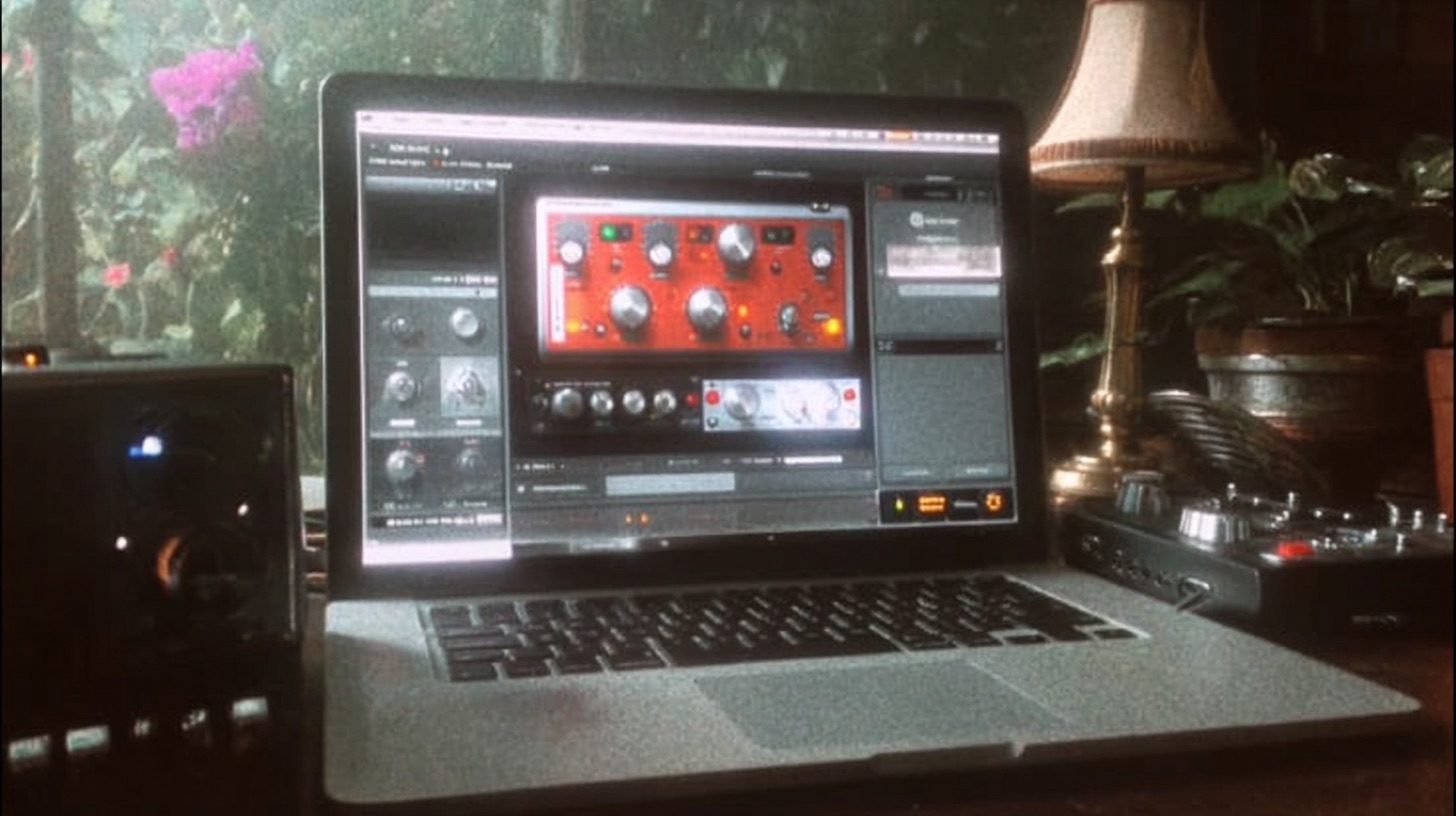
Enter Soundtoys Altar Boy. It’s way more than a simple pitch correction plugin; it’s a creative powerhouse for manipulating the pitch and the very character of a vocal performance. For metal producers, it's become a go-to for everything from subtle thickening to creating monstrous demonic layers.
What Is Soundtoys Altar Boy, Anyway?
At its core, Altar Boy is a vocal manipulation plugin. What sets it apart from something like Auto-Tune or Melodyne is its focus on creative, real-time sound design. The interface is simple, but the controls are incredibly powerful.
Here are the main players:
- Pitch: This is your standard semitone shifter. You can dial it up or down by a full octave (+/- 12 semitones) to change the musical note.
- Formant: This is the secret sauce. Formant shifting changes the resonant characteristics of a sound without altering its pitch. In simple terms, it’s what makes a voice sound characteristically “male” (lower formants) or “female” (higher formants). Dropping the formant makes a voice sound deeper and larger, while raising it makes it sound smaller and more child-like or alien.
- Drive: A fantastic-sounding saturation circuit modeled on a classic tube preamp. It’s perfect for adding grit and harmonics, helping your effected vocals cut through a dense metal mix.
- Mode Selection: Altar Boy has three modes. Transpose is the default for smooth pitch/formant shifting. Quantize forces the pitch to a specific scale, creating that classic hard-tuned T-Pain effect. Robot completely flattens the pitch to a single note, creating monotone, robotic vocal effects.
Understanding the difference between Pitch and Formant is key. Pitching a scream down an octave makes it low. Pitching it down and dropping the formant makes it sound like it’s coming from a ten-foot-tall demon. That’s the power you can harness.
Heavy Vocal Techniques with Altar Boy
Okay, let's get into the practical stuff. How can you use this in a real metal mix? Here are a few essential techniques you can try right now.
Creating Demonic Layers and Doubles
This is one of the most common and effective uses for Altar Boy in heavy music. You hear it on countless records where screams need extra weight and aggression.
The Technique:
- Duplicate your main lead scream track in your DAW.
- On the duplicated track, insert an instance of Altar Boy.
- Set the Pitch knob to -12 semitones. This drops the scream a full octave.
- Now, grab the Formant knob and pull it down as well. There’s no magic number here; use your ears, but start by matching the pitch drop and adjust from there. You’ll hear the voice get bigger and more menacing.
- Crank the Drive knob to add some saturation and help the low layer cut.
- Blend this effected track underneath your main vocal. Don’t overdo it—you want it to support the original scream, not overpower it. Think of it as a sub-enhancer that adds a ton of weight and intensity.
This trick is perfect for adding impact to a key lyric in a chorus or making a final breakdown scream sound absolutely massive.
The Modern Formant-Shifted Gang Vocal
Modern metalcore and deathcore bands like Architects and Lorna Shore often feature wide, eerie backing vocals and layers that sound almost synthetic. Altar Boy is perfect for achieving this vibe without resorting to a vocoder.
The Technique:
- Send your backing vocals or gang shouts to a stereo aux track (bus).
- Insert Altar Boy on this aux track. Leave the Pitch at 0.
- Slowly pull the Formant knob down. You’ll hear the character of the vocals change, becoming darker and more ominous without changing the notes being sung.
- For extra texture, you can automate the Formant knob to rise or fall over the course of a phrase, creating a creepy morphing effect.
- After Altar Boy, add a stereo widener plugin like the Soundtoys MicroShift or iZotope Ozone Imager to push these textured vocals to the sides of your mix, leaving space in the center for the lead.
This creates a unique atmospheric layer that adds a polished, modern feel to your productions.
Subtle Thickening and Character
Not every effect needs to be extreme. Sometimes, a lead vocal just needs a little extra body to help it stand up to a wall of guitars. You can use Altar Boy for subtle thickening, much like you’d use parallel metal compression secrets.
The Technique:
- Use Altar Boy either directly on the vocal track or as a parallel send.
- Set the Mix knob to a low value, around 15-25%.
- Drop the Pitch just one or two semitones (-1 or -2). This is often too subtle to sound like a harmony but will add weight.
- Slightly lower the Formant control to taste.
- The result is a vocal that sounds fuller and has a slightly darker character, helping it sit better in a heavy mix without sounding obviously "effected."
Beyond Vocals: Using Altar Boy on Instruments
Don't limit yourself to vocals. Altar Boy is a fantastic sound design tool for instruments, too.
Mangling Drums and Samples
Try putting Altar Boy on a snare reverb send. Pitch the reverb tail down an octave to get a dark, huge, industrial-sounding decay. Or, use it on a drum loop, automating the formant shifter to create a glitchy, evolving percussion track for an intro or interlude.
Warped Guitar and Synth Leads
Got an atmospheric clean guitar lead or a synth melody that needs to sound more twisted? Slap Altar Boy on it. Automating the pitch and formant controls can turn a simple melody into an unsettling, warbling texture that’s perfect for adding tension to your song. This is where you move beyond fundamental moves like EQing modern metal guitars and into pure creative sound design.
The Bigger Picture: It’s All About a Mixer’s Choices
A specialty tool like Altar Boy can open up new creative doors, but it won’t magically make your mixes better. Just owning the same plugins as your favorite producers doesn't guarantee you'll get the same results.
The real magic happens when you understand why and how to use these tools in the context of a full mix. The decision to add a demonic octave layer isn't just about making a vocal sound cool; it's about making it sit in the mix, add impact at the right moment, and serve the song. World-class mixers like the incredible roster of Nail The Mix instructors have spent decades honing their instincts for making these kinds of creative choices.
Learning these techniques is one thing. Seeing them applied in real-time, on a real session, is another. Watching a pro balance a formant-shifted vocal layer against the guitars, bass, and drums—that’s where the deepest learning happens. If you want to see exactly how these creative effects are built from the ground up and integrated into a massive metal mix, check out the full Nail The Mix sessions catalog. You get the multitracks and watch the original producer show you every single move.