Mixwave Turnstile Drum Library: A Metal Producer’s Guide
Nail The Mix Staff
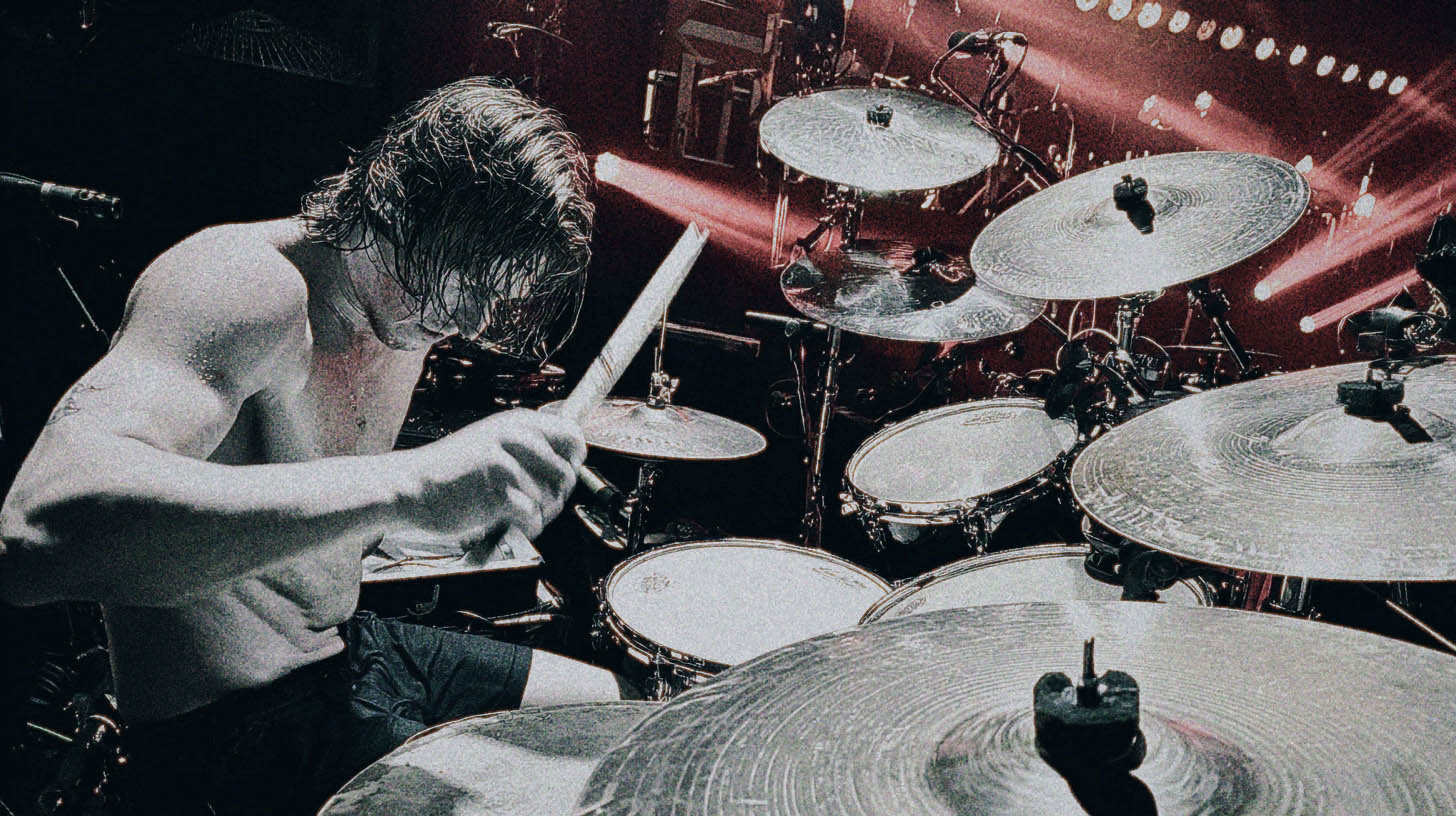
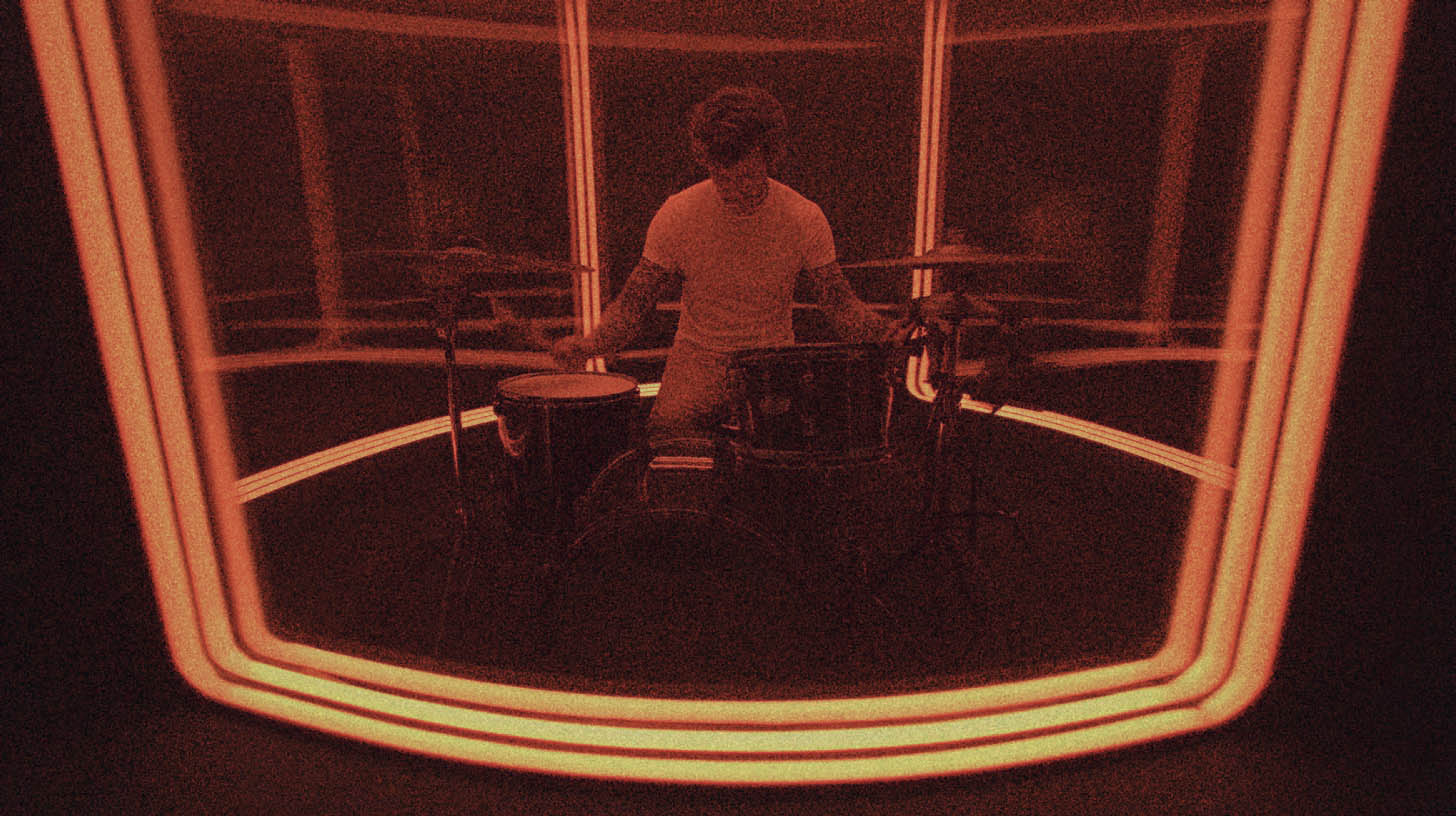
The Mixwave Turnstile drum library has been getting a ton of attention, and for good reason. Captured with drummer Daniel Fang and mixed by producer Will Yip, it has this raw, punchy, and authentic vibe that’s perfect for punk, hardcore, and modern rock. It just sounds like a real kit in a real room.
But if you’re a metal producer, you might be wondering: can it hang in a dense, high-gain metal mix?
The answer is a definitive yes. But getting it there requires more than just loading the presets. The biggest trap with any sample library isn’t the samples themselves—it’s making them sound like a machine. We’ve all heard those programmed blast beats that sound like a robot falling down a staircase. The problem isn’t that they’re fake; it’s that they’re too perfect.
Let's dig into how you can take the awesome foundation of the Mixwave Turnstile library and shape it into a dynamic, human-sounding metal beast.
What You Get Out of the Box
First, a quick rundown. This isn't just a collection of one-shots. You're getting Daniel Fang's full Q Drum Co. kit, a massive selection of Meinl Byzance cymbals, and a ton of other percussion options. It was all recorded at Studio 4, so the room sound is top-notch.
One of the library’s standout features is the fully-featured mixer, which comes pre-loaded with Will Yip's processing chain. This is an incredible starting point and gives you that immediate, mix-ready sound. But for our purposes, we're going to treat these as perfectly captured raw tracks that we can shape for our own needs.
Making Programmed Drums Feel Human
The difference between a killer programmed drum track and a lifeless one comes down to a single word: variation. No human drummer hits a drum the same way twice. The velocity, timing, and even where the stick hits the head are constantly changing. Your MIDI programming needs to reflect that.
Velocity is Your Best Friend
In a multi-sampled library like Mixwave's, velocity isn't just a volume knob. A MIDI note with a velocity of 95 doesn't just play a quieter version of a note at 127; it triggers a completely different sample recording. These are the subtle tonal shifts that our ears pick up on and interpret as human.
Actionable Tip:
Stop programming everything at full velocity. When programming a fast blast beat, for example, a real drummer has to play lighter just to keep up. The hits are naturally softer. Instead of programming the velocities lower, you can actually turn up the volume of the sample track to compensate, while keeping the MIDI velocities varied and in a more realistic range (say, 100-120). This maintains the power while adding the nuance of slightly different hits. Manually draw in velocity changes for ghost notes on the snare and for fills to make them feel more dynamic.
Get Off the Grid (Just a Little)
Quantizing everything 100% to the grid is the fastest way to make your drums sound robotic. The grid is a crucial tool for cleaning up a performance, but it should be treated as a strong suggestion, not an absolute law.
Actionable Tip:
Use your DAW's quantization feature, but set the "strength" to around 90-95%. This tightens up the performance without sucking all the life out of it. For even more feel, quantize the drums and then manually nudge the snare hits on beats 2 and 4 slightly ahead of or behind the grid. Does your riff feel like it’s pushing forward? Nudge the snare a few ticks early. Does it have a laid-back groove? Nudge it a few ticks late.
Leverage Your Articulations
The Mixwave library is packed with different articulations for a reason. Don't just stick to the main snare hit for the entire song.
Actionable Tip:
Map different snare articulations like rimshots or side-sticks to different MIDI notes and pepper them into your performance. A well-placed rimshot during a heavy groove can add a ton of impact and variation. Mixwave’s built-in round-robin functionality already prevents the dreaded "machine gun effect," but consciously choosing different articulations takes it a step further.
Processing the Kit for a Modern Metal Mix
Layering for Ultimate Snare Impact
The snare in the Turnstile library is great—it has body, depth, and a nice attack. But for many styles of modern metal, you need that extra transient "crack" to cut through walls of distorted guitars.
Actionable Tip:
Keep the main Mixwave snare as the core of your sound. It provides the realistic body and room tone. Then, use a plugin like Slate Trigger 2 to blend in a super-punchy, short one-shot sample. You don't want to replace the original sound, just reinforce the initial hit. Try samples from the Joey Sturgis Tones or GetGood Drums libraries. Blend the triggered sample in just enough so you feel the extra punch without losing the character of the original kit.
EQ for Maximum Punch and Clarity
Carving out space for each drum in the mix is critical. You want the kick to hit you in the chest and the snare to smack you in the face, all without turning the cymbals into a harsh mess.
Actionable Tip:
- Kick: Find the low-end "thump" around 60-80Hz and give it a gentle boost. To bring out the beater attack for that classic metal "click," look for a spot between 3kHz and 6kHz. A narrow cut somewhere in the 300-500Hz range can remove boxiness.
- Snare: Boost around 200Hz for body and thickness. The "crack" usually lives between 5kHz and 8kHz. Use a high-pass filter to roll off any unnecessary low-end rumble, and take the opportunity to surgically EQ any unwanted ring.
- Toms: Similar to the kick, look for body around 100-250Hz and attack from 3-5kHz. Scoop out the mids to prevent them from sounding boxy.
- Cymbals: Use a high-pass filter aggressively, often up to 300-500Hz, to remove drum shell bleed and low-end buildup that will muddy your mix.
Properly EQing metal guitars is just as important. When your drums are clean and punchy, it creates the perfect pocket for your rhythm guitars to sit in.
Compression That Adds Aggression
Compression is all about shaping the dynamics and adding character. For metal drums, that means enhancing the attack and making the overall kit feel powerful and cohesive.
Actionable Tip:
- Individual Hits: On your snare, use a fast-attack compressor like a plugin modeling an 1176 (like the UAD 1176 or Slate FG-116). This will clamp down on the initial transient and bring up the body of the drum, giving it more sustain and perceived loudness.
- Drum Bus: On your main drum bus, use a VCA-style compressor (like an SSL Bus Compressor emulation) with a slower attack and fast release. This will "glue" the individual elements together, making them sound like a single cohesive instrument rather than a collection of separate sounds.
To dive deeper into these techniques, check out our guide to metal compression secrets for more advanced strategies.
Bringing It All Together
The Mixwave Turnstile drum library isn't just for punk and hardcore. It's an incredibly powerful and realistic tool that can absolutely work for metal. The key is to move beyond the presets and treat it like a real drum recording. By focusing on humanization through velocity and timing, and applying aggressive, genre-specific processing, you can craft drum tracks that are powerful, dynamic, and anything but robotic.
These are the kinds of techniques that our world-class Nail The Mix instructors use every day. Imagine watching producers like Jens Bogren, Will Putney, or Nolly Getgood break down exactly how they get their signature drum sounds on real songs from bands like Architects, Every Time I Die, and Periphery.
At Nail The Mix, you get the actual multitracks and a front-row seat as the original producer mixes the song from scratch, explaining every single move. If you want to see how the pros build these massive tones, check out our full catalog of sessions.