Programming Realistic Drums with the MixWave Gojira Mario Duplantier Library
Nail The Mix Staff
The drum sound of Gojira is instantly recognizable. It’s a force of nature—organic, technical, and devastatingly powerful. So when MixWave dropped their Mario Duplantier signature library, producers everywhere rightfully got excited. It puts the sound of one of modern metal’s most innovative drummers right inside your DAW.
But here’s the reality check: just loading up the plugin won’t magically make your tracks sound like Magma or Fortitude. We've all heard programmed drums that sound fake—the sterile, machine-gun blasts and lifeless grooves that scream "MIDI." Even with world-class samples like these, it's incredibly easy to fall into that trap.
The secret isn’t in the samples themselves; it’s in how you use them. Let’s break down how to program the MixWave Gojira library to sound less like a robot and more like the man himself.
What is the MixWave Gojira: Mario Duplantier Library?
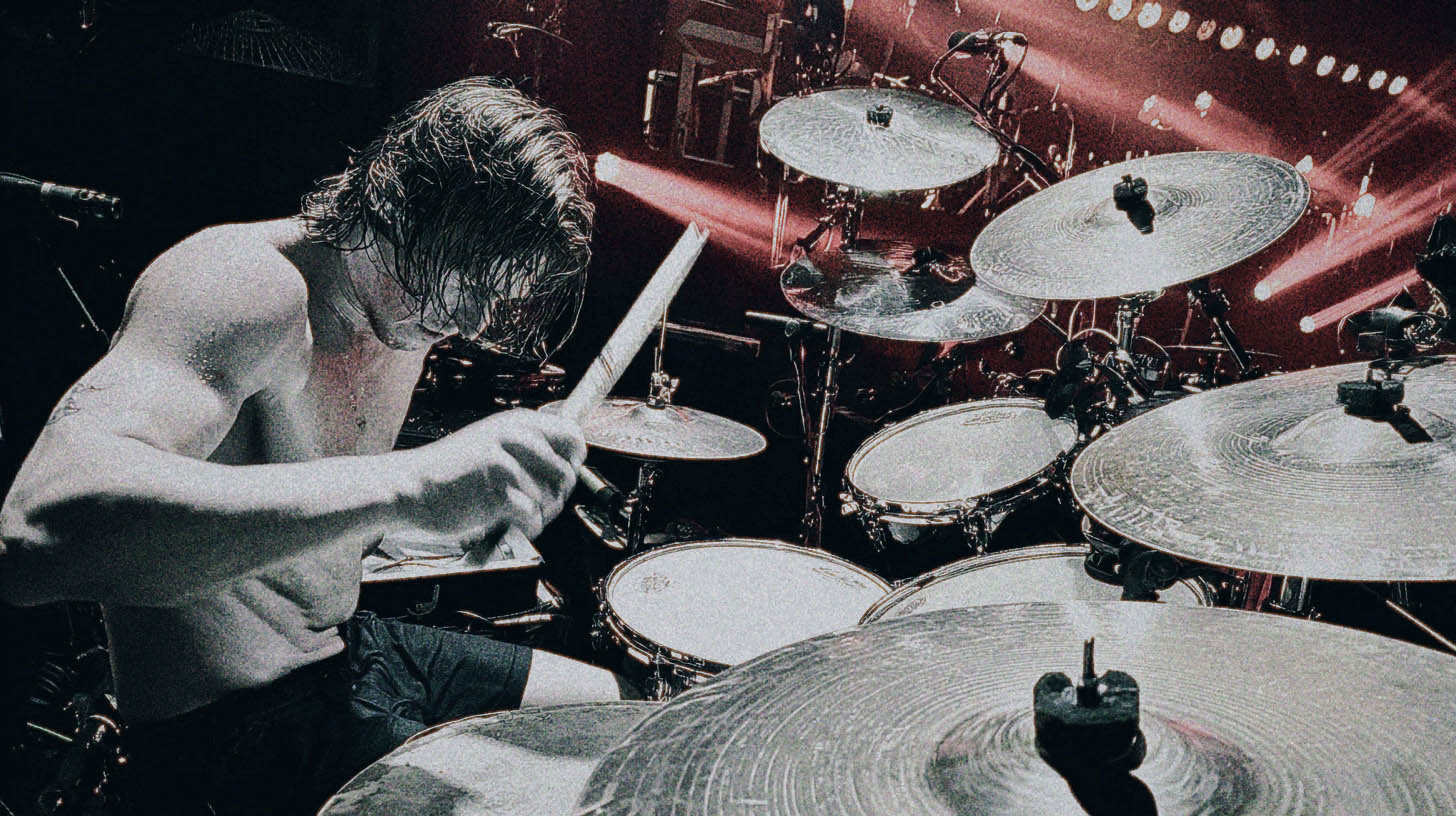
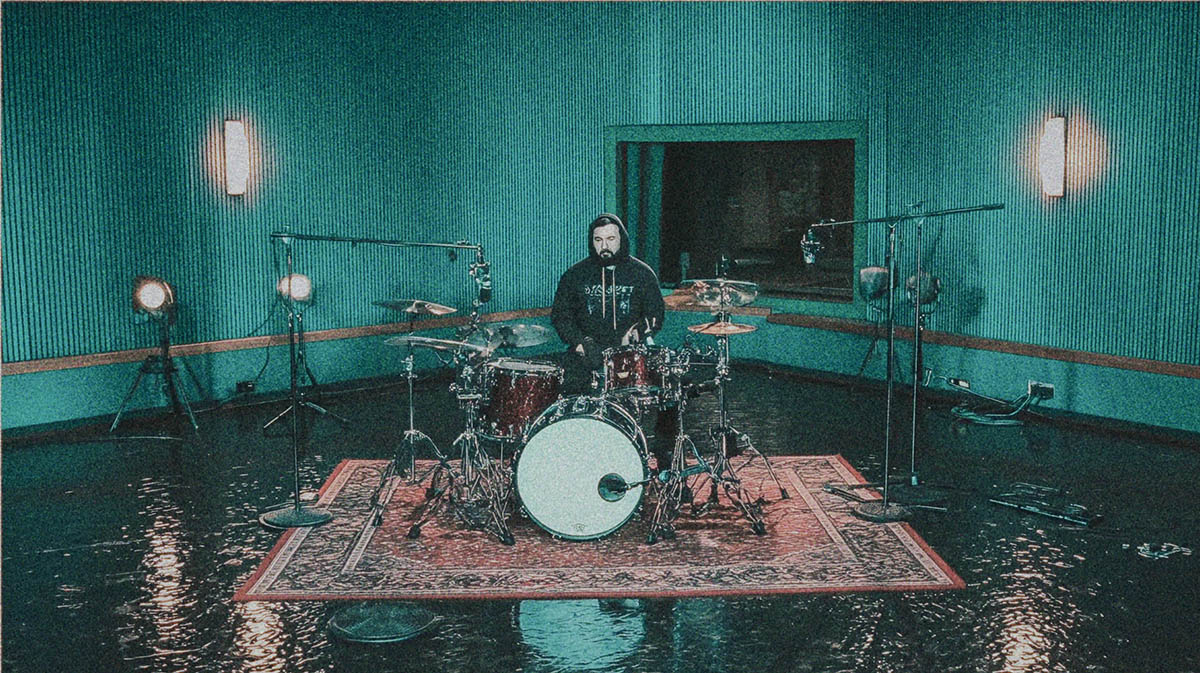
First off, this isn't just a folder of one-shots. It's a comprehensive virtual instrument. Recorded at Mario's own Silver Cord Studio, it features his entire signature Tama kit, a wide array of cymbals, and a deep set of samples capturing his unique playing style.
You get everything from fully-processed, mix-ready kits dialed in by producers like Logan Mader to the raw, multi-mic samples, giving you complete control. It's a powerhouse tool. But like any tool, from a guitar amp to a compressor, the final result depends entirely on the person using it.
The Real Enemy: Robotic Programming, Not Samples
The number one complaint about modern metal drums is that they sound like "plastic drums in space"—too perfect, too repetitive, with zero human feel. The knee-jerk reaction is to blame samples, but that’s missing the point. The real problem is how those samples are being triggered.
Human drummers are beautifully imperfect. Even a titan like Mario Duplantier will never hit a drum with the exact same velocity, in the exact same spot, at the exact same time, twice. Those tiny, near-imperceptible variations are what make a performance feel alive. When our brains hear the exact same sample fired off repeatedly with zero variation, we tune out. It’s the audio equivalent of scratching an itch until you go numb.
Your goal as a programmer is to reintroduce that essential human element into your MIDI.
Dialing in Velocity for Maximum Impact
This is non-negotiable. If you want your drums to sound real, you have to master MIDI velocity. Many producers make the mistake of thinking velocity is just a volume fader for each MIDI note. It’s so much more than that.
Beyond Volume: Triggering Different Sample Layers
High-end libraries like MixWave’s are built on a foundation of deep sampling. This means they didn’t just record Mario hitting a snare once. They recorded him hitting it at dozens of different intensities, from ghost notes to rimshots that could crack concrete.
When you adjust the velocity of a MIDI note from, say, 80 to 120, you’re not just making the sample louder. You’re often triggering a completely different audio file—a recording of a harder hit with a different attack, tone, and resonance.
Actionable Tip: Stop setting all your snare hits to a velocity of 127. Program your drum parts with dynamic variations. For a standard 4/4 rock beat, maybe the snare on beat 2 is at 110 and the snare on beat 4 is at 125. Add some slightly softer ghost notes in between at velocities of 40-60. These nuances are what build a groove that breathes.
The Blast Beat Problem (And How to Fix It)
Here’s a classic scenario: blast beats. In real life, a drummer has to hit lighter to play that fast; it’s just physics. They can't possibly hit with the same force as they would on a slow, pounding breakdown.
If you program a blast beat with maxed-out velocities, it sounds completely unnatural. It’s a dead giveaway of programmed drums.
Actionable Tip: When programming fast sections like blasts, pull the MIDI velocities down. Find a range that feels energetic but realistic. You can always add the power back in later with smart processing. Using clever metal compression techniques like parallel processing will give you that explosive "snap" without making the performance itself sound fake.
Quantization: The Fine Line Between Tight and Lifeless
Quantizing your MIDI to the grid is essential for modern metal, but it’s a double-edged sword. Push it too far, and you erase any trace of human feel.
Why 100% Quantize is (Usually) a Bad Idea
Snapping every single note perfectly to the grid is the fastest way to create a soulless, robotic performance. No human plays with that level of metronomic perfection. The small pushes and pulls against the beat—the "pocket"—are what give a drum part its groove.
The 90% Rule: Finding the Pocket
Instead of quantizing to 100%, try setting your DAW’s quantize strength to somewhere between 85% and 95%. This tightens up the performance by moving the notes closer to the grid without making them perfectly rigid. It cleans up sloppy timing while preserving just enough of the original human feel.
Actionable Tip: Program or play in your drum part, then apply a non-destructive quantize set to 90%. A/B it with the 100% quantized version. Listen for the feel, not just the timing. Your ears will tell you which one sounds more like a real performance.
Programming With Musical Intent
You can’t create a believable drum part if you don’t understand what a real drummer would play. This means knowing the genre and understanding the terminology.
For example, if you’re trying to edit a "bomb blast" but don't know that it's typically a downbeat eighth-note snare with 16th-note kicks in between, you're just guessing. Knowing the musical vocabulary allows you to edit and program with intention.
Actionable Tip: Don't just program in a vacuum. Listen to Gojira. Study Mario's parts. Use the groove library included with the MixWave plugin not just to drag-and-drop, but to deconstruct his feel. See where his accents fall, how he builds tension, and apply those concepts to your own original parts.
Bringing it all together
Getting a killer, realistic drum sound from the MixWave Gojira library comes down to embracing imperfection.
- Use velocity to create dynamics and trigger different sample layers.
- Apply quantization smartly to tighten things up without killing the groove.
- Program with musical knowledge to create parts that sound authentic.
These techniques will get you a drum track that sounds powerful and human. But that’s only half the battle. How do you make those drums sit perfectly in a dense mix with downtuned guitars, a roaring bass, and aggressive vocals? What happens when you need EQ, compression, and bus processing to glue it all together?
That’s where you separate the good from the great. At Nail The Mix, you can watch world-class producers like Will Putney, Jens Bogren, and many other talented instructors mix real songs from bands like Gojira, Periphery, and Knocked Loose from scratch. If you’re ready to see how the pros take amazing raw tracks and turn them into a finished master, check out our full catalog of NTM sessions.