How Machine uses Soundtoys Decapitator to thicken Lamb Of God’s vocals
Nail The Mix Staff
Let’s be real, Randy Blythe’s vocal performance on a track like “Redneck” is pure controlled chaos. It’s aggressive, it cuts through a wall of guitars, and it has an undeniable presence. But getting that raw performance to sit perfectly in a dense metal mix requires some clever and sometimes unconventional thinking.
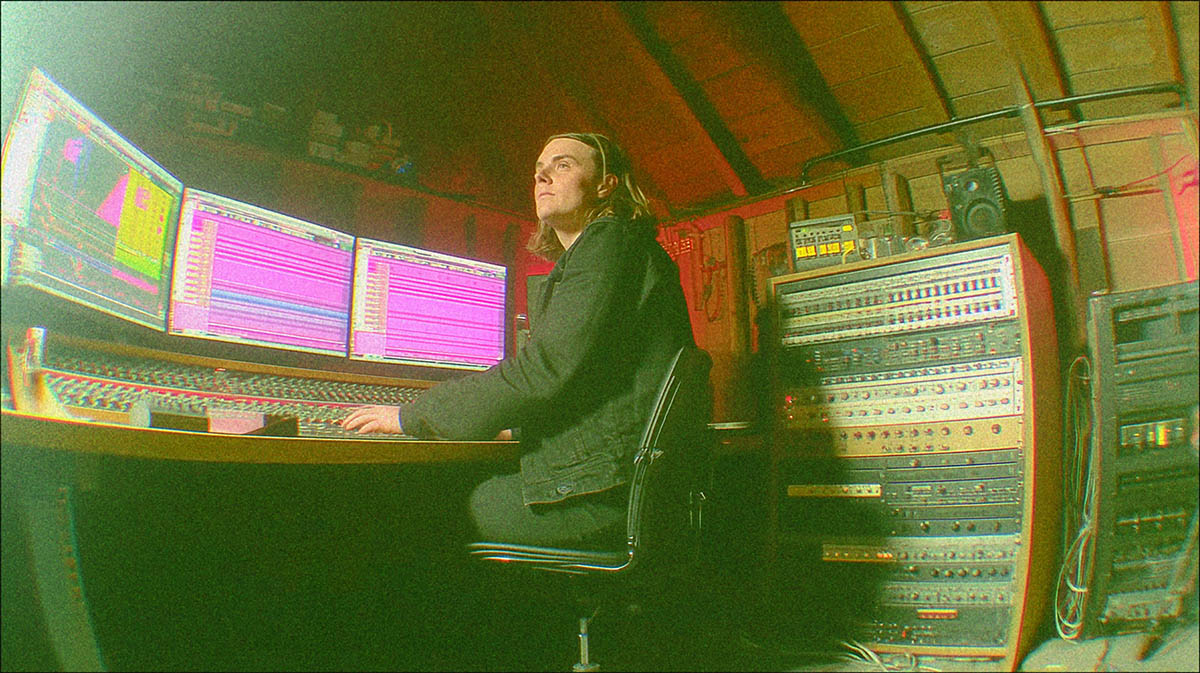
We got a front-row seat as legendary producer Machine (Clutch, Every Time I Die) broke down his mix for this Lamb of God banger during his Nail The Mix session. Forget basic EQ and compression; Machine pulled out some killer tricks using distortion as a tonal shaper and some surgical de-essing to glue the vocal layers together.
Let’s dive into two powerful techniques he used that you can apply to your own approach for how to mix vocals right now.
Adding Beef to Lead Vocals with ‘Distortion as EQ’
When Machine soloed Randy’s lead vocal, he identified an opportunity. The performance was killer, but it could use more thickness and weight without getting muddy. His first instinct wasn’t to reach for a standard EQ; it was to destroy it… with distortion. The tool for the job? His “best friend,” the Soundtoys Decapitator.
The Philosophy: Marshall vs. Mesa Boogie Vocals
This wasn't about just slapping on some fuzz for the sake of it. Machine had a specific philosophy he called “Distortion as EQ.” He compared the raw vocal to a Marshall amp—crunchy and present in the mid-range, but with a relatively clean low-end.
To get the thickness he wanted, he needed to transform it into a Mesa Boogie—a beast known for saturation across the entire frequency spectrum, especially in the lows. He didn't just want more low-end; he wanted distorted low-end for added attitude and beef. This is where creative EQ strategies can completely change the character of a track.
How to Dial It In with Decapitator
Achieving this “distortion beef” is a focused process of parallel processing. Here’s how Machine approached it:
- Go All In (At First): Instead of starting with a subtle blend, he ran the Decapitator almost 100% wet. This allows the plugin's internal tone-shaping controls, like its high and low-cut filters, to work more dramatically.
- Focus the Grit: The key move was using Decapitator’s filters to focus the distortion purely on the low end of Randy's voice. He cut the highs to avoid adding harshness or brittleness and targeted the lows to bring in that Mesa Boogie-style weight.
- Blend to Taste: With the character of the distortion dialed in, he used the plugin’s “Mix” knob to blend the saturated signal back in with the original dry vocal.
The result is the best of both worlds: the clarity and articulation of the original take, now supported by a subtle yet powerful layer of low-end distortion. It adds thickness and presence that a simple EQ boost just can't replicate.
Hiding Vocal Doubles in Plain Sight
Next up, Machine tackled the sung vocal doubles in the bridge section. When you stack multiple vocal takes, sibilance (those sharp “s” and “t” sounds) can quickly get out of control. The sounds can “flam” against each other and the lead vocal, creating a distracting mess.
Machine's goal was to have these doubles add melodic support and texture, but to do so discreetly. The solution was a seriously aggressive de-essing technique.
The ‘Speech Impediment’ De-Essing Trick
Here’s where it gets wild. It's a method Machine also applied when mixing Mitch Lucker's vocals: his approach was to de-ess the vocal doubles so hard that, if you soloed them, the singer would sound like they had a speech impediment. Sounds crazy, but it’s brilliant.
By almost completely removing the sibilance from the doubles, he ensures that their “s” sounds will never compete with the lead vocal. He mentioned seeing his talented mixer buddy Alberto de Icaza use this trick and noted how effective a modern tool like Oeksound Soothe2 is for this task.
Putting It Into Practice
This isn't your standard, gentle de-essing. This is a surgical move to make the doubles blend seamlessly.
- Insert a Powerful De-esser: Place a strong de-esser or dynamic resonance suppressor like Soothe2 on your double tracks.
- Go for Broke: Push the de-essing much further than you normally would. The goal isn't just to tame the sibilance but to practically eliminate it from the double tracks.
- Copy It Over: Apply the exact same aggressive settings to all your vocal double tracks to maintain consistency.
This is an advanced form of dynamic control that goes beyond basic metal compression secrets. By doing this, the doubles provide all their melodic goodness without ever drawing attention to themselves. They become a cohesive part of the overall vocal soundscape, purposefully disguised to support the star of the show: the lead vocal.
Bring These Techniques to Your Mixes
These two vocal mixing tricks from Machine are perfect examples of the pro-level thinking that separates a good mix from a great one. It’s about understanding the “why” behind every move—from adding attitude with focused distortion to creating space with extreme de-essing.
Applying these ideas will instantly level up your vocal production. But imagine watching a world-class producer like Machine implement them in real-time on the full multi-track session, explaining every decision he makes with EQs, compressors, and effects on drums, bass, and guitars.
Lamb Of God on Nail The Mix
Machine mixes "Redneck"
Get the Session
With Nail The Mix, you don't have to imagine. You get to be a fly on the wall for mix sessions just like this every single month. If you’re ready to move beyond presets and learn how records actually get made, check out our guide on Mixing Modern Metal Beyond Presets.
And if you want to see exactly how Machine sculpted this iconic Lamb of God track from start to finish, you can get instant access to his full “Redneck” mixing session.