Using The Waves CLA Guitars Plugin For Aggressive Metal Tones
Nail The Mix Staff
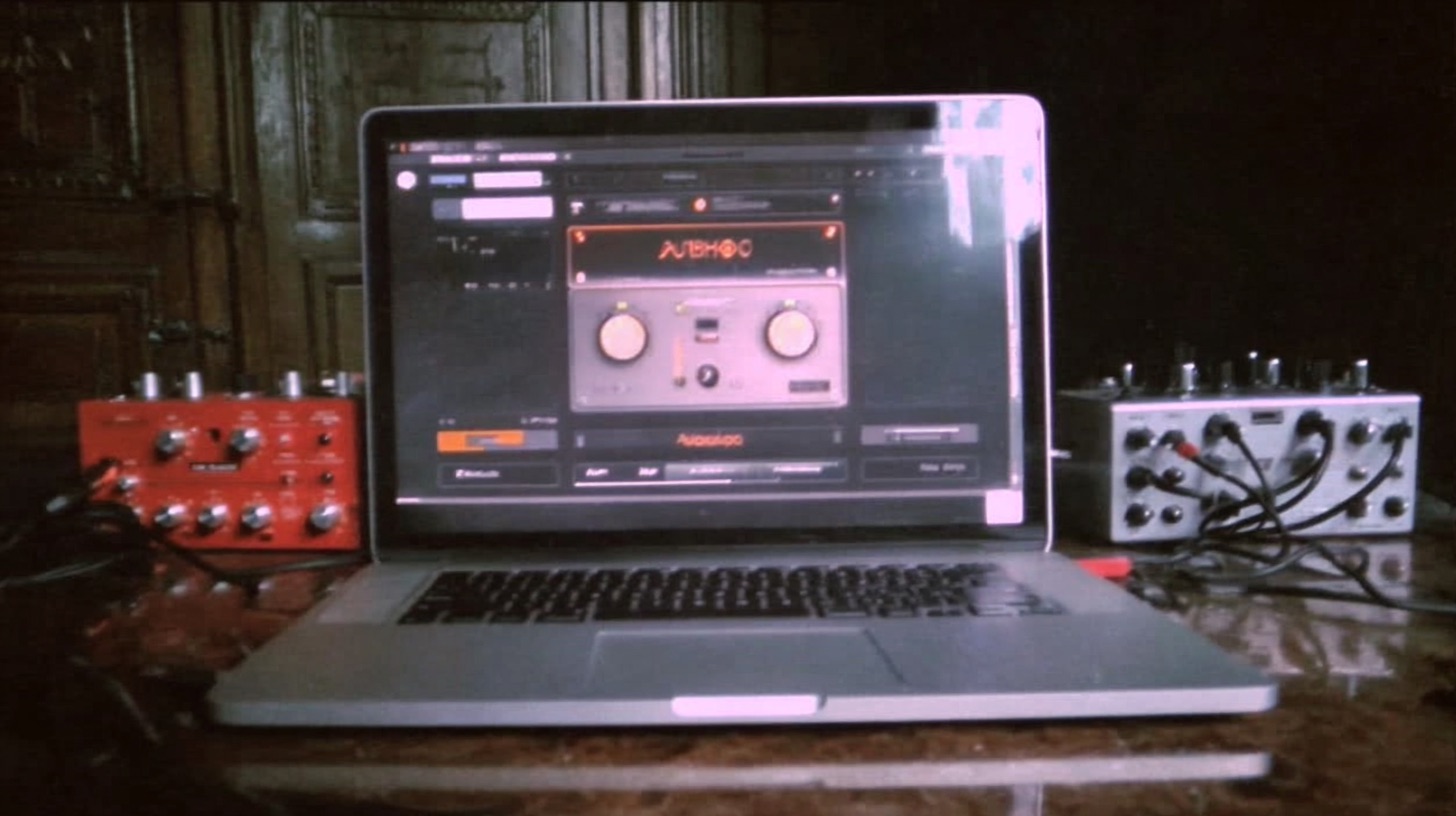
We’ve all seen it. The Waves CLA Guitars plugin. The GUI looks slick, it’s got Chris Lord-Alge’s name on it, and it promises to get you from a raw DI to a mix-ready guitar tone in just a few moves. It’s tempting, right? An all-in-one solution for guitars seems like a perfect way to speed up your workflow.
But in a world full of specialized amp sims, EQs, and compressors, where does a multi-effect plugin like this actually fit in for a metal producer? Is it a crutch, a shortcut, or a legitimately powerful tool for carving out heavy tones?
Like with any plugin, it’s not about magic. It's about understanding the tool and knowing when to reach for it. CLA Guitars isn’t just a single effect; it's an entire, opinionated signal chain packed into one interface. Using it effectively means knowing what it’s doing under the hood and how to leverage its strengths for heavy music.
What Exactly is the Waves CLA Guitars Plugin?
Think of CLA Guitars less as a single plugin and more as a channel strip on steroids, designed specifically for Chris Lord-Alge’s fast-paced, aggressive mixing style. It’s not meant for surgical problem-solving; it’s built for making broad, musical decisions quickly.
A Quick Breakdown of the Controls
Instead of giving you a dozen knobs for every little parameter, the plugin simplifies the process with a few main faders:
- Bass & Treble: These aren’t your standard shelving EQs. Moving these faders engages pre-determined EQ curves that CLA himself would use. Pushing the “Bass” fader might not just be boosting lows; it could be adding a specific curve in the low-mids for warmth and weight.
- Compressor: You get a single fader and three modes (Push, Spank, Wall). You’re not setting attack and release times here. You’re choosing a character of compression, from subtle glue (“Push”) to super-aggressive SMACK (“Spank”).
- Reverb, Delay, & Pitch: These are your built-in effects. Again, they’re pre-configured. The reverb isn’t going to replace your Valhalla Vintage Verb for dialing in a specific hall sound, but it’s great for adding a quick sense of space.
The most important part of the interface for us is the three main modes: Clean, Crunch, and Heavy. For metal, you’ll be living in that “Heavy” mode 99% of the time, as it voices all the internal processors for high-gain applications.
How to Get Brutal Tones for Metal with CLA Guitars
Alright, let's get practical. You’ve got a killer DI track from a tight performance, you’ve run it through your favorite amp sim like the Fortin Nameless Suite or Neural DSP’s Archetype: Gojira, and now you want to make it sit in the mix. This is where CLA Guitars shines as a post-processing tool.
Start with the "Heavy" Setting
First things first, slap the plugin on your guitar track (or even better, your main rhythm guitar bus) and switch the mode to “Heavy.” This immediately sets the internal EQ curves and compression styles to something appropriate for distorted guitars. Just doing this will instantly give your tone a more “finished” and aggressive character.
Dialing in the EQ (Bass & Treble)
This is where you make your broad tonal strokes. Don’t think of these faders as surgical tools for notching out fizz. This is for shaping the overall character.
- Is your tone a bit thin? Push up the Bass fader. This will add weight and power in the low-mids without making things muddy.
- Need more cut and aggression? The Treble fader will bring out that pick attack and string noise that helps guitars slice through a dense mix.
Be careful not to overdo it. A little goes a long way. This plugin is calibrated to be sensitive. The goal here is to shape the vibe, not perform surgery. For the nitty-gritty work of carving out space and eliminating harsh frequencies, you’ll still want a dedicated parametric EQ. If you need a deeper dive into that, our guide on EQing modern metal guitars for max impact covers the precise techniques the pros use.
Taming Dynamics with Compression
The compression section is where a lot of the CLA magic happens. For heavy rhythm guitars, the "Spank" setting is often the money-maker. It has an aggressive, fast character that can help even out palm mutes and open chords, making the entire performance feel more consistent and powerful.
This is a key step in getting that professional, "glued-together" sound. Proper metal compression is about more than just volume; it's about shaping the dynamic envelope of the track to make it punchier and more energetic. The compressor in CLA Guitars is a fantastic tool for achieving that quickly.
Using the Effects for Space and Vibe
The built-in Reverb, Delay, and Pitch effects are awesome for leads and ambient textures, but use them with caution on your main rhythm tracks. A washy reverb on a tight, palm-muted riff is a fast track to a muddy mix.
However, here are a couple of cool tricks:
- Subtle Pitch-Shifting: Use the “Stereo” Pitch mode and bring the fader up just a tiny bit. This can create a subtle widening effect that makes your guitars feel bigger without introducing phase issues. It’s a classic studio trick baked right into the plugin.
- Delay Throws: Automate the Delay fader to pop up only on the last note of a phrase for a cool, spacey effect before a transition.
When Does CLA Guitars Make Sense (And When Does It Not)?
So, should this replace your entire plugin chain for guitars? Probably not. It's a specialized tool with a clear purpose.
The Case FOR the Plugin: Speed and Vibe
CLA Guitars excels when you need great results, fast. It’s perfect for:
- Writing and Demoing: Quickly get an inspiring, mix-ready tone so you can focus on creativity.
- Pre-Production: Shape guitar tones early on so you have a clear vision for the final mix.
- Adding Character: Use it on a guitar bus to glue multiple tracks together with a cohesive layer of EQ and compression.
It removes decision fatigue. Instead of auditioning ten different compressors, you just pick a flavor and move on.
The Limitations: The "Black Box" Problem
The plugin's biggest strength is also its biggest weakness. You can't adjust the compressor’s attack time, change the Q on an EQ band, or tweak the reverb’s pre-delay. If you have a specific problem—like a nasty resonant frequency around 4kHz—CLA Guitars is not the tool for the job. For that, you need to grab a surgical EQ like FabFilter Pro-Q 3 or even your DAW’s stock EQ.
The Real Secret: It's Not the Plugin, It's the Ear
Here’s the bottom line: Chris Lord-Alge could get his signature sound using stock plugins because he knows exactly what he’s listening for. The CLA Guitars plugin is simply a brilliant packaging of his go-to starting points. It lets you access his workflow, but it doesn’t give you his ears.
World-class producers like Jens Bogren, Will Putney, and Nolly Getgood all use different tools and techniques, yet they all produce incredible-sounding records. Why? Because they’ve spent years training their ears to know what a great guitar tone sounds and feels like in the context of a full mix.
The CLA Guitars plugin is a killer tool for getting you in the ballpark quickly. But turning that good tone into a great one—one that serves the song perfectly—comes from skill and experience. It comes from understanding the why behind the processing.
Instead of just grabbing a preset chain, what if you could watch the producers behind bands like Gojira, Lamb of God, and Periphery build their guitar tones from scratch? What if you could see every EQ move, every compression setting, and hear them explain their decisions in real-time?
That’s what Nail The Mix is all about. We give you the raw multi-tracks from massive metal songs and let you learn directly from the producers who mixed them. Check out our full catalog of sessions and see how the pros build those face-melting tones from the ground up.