How To EQ Metal Bass Guitar w/ Neural DSP Parallax and Dingwall NG2 (ft. Sylosis)
Nail The Mix Staff
Getting a modern metal bass tone to sit right is a constant battle. You need it to be crushing and heavy, but it also has to have enough definition to cut through a wall of downtuned guitars without turning the low end into a muddy mess. It’s a fine line to walk.
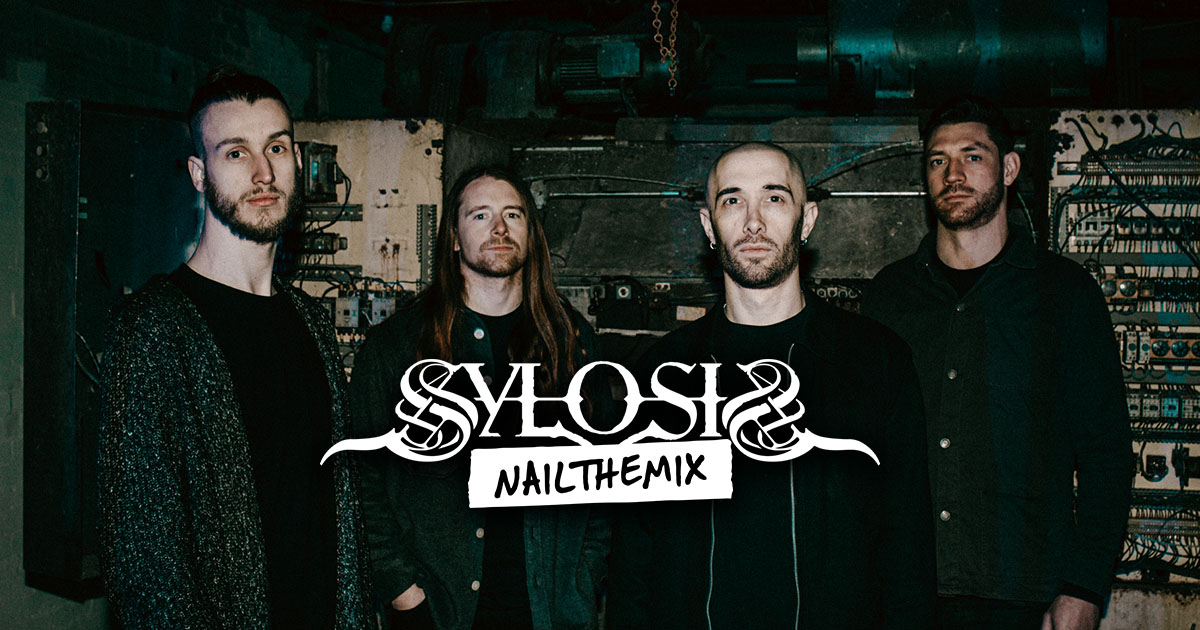
When you hear a track like Sylosis’ “Huge Bass Scoop,” you hear a bass tone that does it all. It’s aggressive, grimy, and powerful, but every note is clear. In a session for Nail The Mix, producer and Sylosis’ own Josh Middleton broke down his entire chain for achieving this killer sound. It all starts with a great source tone from a Dingwall NG2 bass, but the real magic happens in the processing. Let’s dig into the specific techniques Josh uses to craft this monster tone.
Pre-Processing: Taming the DI Before the Amp
Before even thinking about distortion, Josh makes some crucial moves on the raw DI signal. Cleaning up and shaping the bass here prevents you from amplifying problem frequencies later on.
Initial EQ Moves for Polish and Punch
The first step is a pre-emptive EQ to enhance the good and cut the bad. Josh adds a significant high-shelf boost to bring out that satisfying string sizzle and pick attack. At the same time, he identifies a harsh “whistle” in the 1-2kHz range—a common problem area in bass DIs—and carves it out with a precise cut. This is done before it ever hits an amp sim, ensuring the distortion doesn’t exaggerate the harshness. To add weight, he puts in a boost around 60Hz for some of that foundational low-end pump.
Locking it in with Compression
Next, to even out the performance and add some glue, Josh reaches for a classic 1176-style compressor. He uses a medium attack to let the initial pick transient through, combined with a fast release to bring up the body of the note quickly. He aims for around 5dB of gain reduction, which is just enough to tighten up the dynamics without squashing the life out of the performance. This fundamental use of compression creates a more consistent signal to feed into the amp sim.
The Core Tone: Dialing in Neural DSP Parallax
With the DI prepped, it’s time to add the grit. For this track, Josh uses the popular Neural DSP Parallax plugin, known for its ability to process low, mid, and high frequencies separately.
Smashing the Lows, Taming the Drive
Inside Parallax, the first move is to crank the low-end compressor. The “white light” indicator shows that the low-frequency band is getting absolutely smashed, creating a super-solid and consistent foundation. For the distortion, he starts by turning the drive on the mid and high bands way down. The bass DI is already aggressive, so he adds just enough drive to get the grimy character he wants without it becoming a fizzy mess.
A Unique Crossover Trick for Warmth
Here’s a cool, non-obvious move Josh makes within Parallax. Instead of relying on the Mid band for distortion, he drags the High band’s crossover frequency way down. He finds this “warms up the tone” and avoids a “scratchy” artifact he sometimes hears when the high band is set higher. This makes the dedicated mid-band distortion less necessary for this particular sound, resulting in a more cohesive and natural-sounding grit.
The Main Event: The “Huge Bass Scoop” EQ Technique
This is where the signature sound of the track comes from. It’s not just a simple mid-scoop; it’s a powerful two-step technique to control the low end with surgical precision. If you want to master these kinds of surgical EQ strategies, this is a perfect example.
Identifying the Enemy: The Dreaded ~100Hz Buildup
Josh points out a massive problem area that plagues amateur mixes: a huge, resonant buildup around 100Hz. He describes it as a “sine wave of low end that just destroys mixes” by clashing with the kick drum and creating uncontrollable mud.
The Scooping Method: Boost First, Then Cut Hard
To combat this, he applies a counter-intuitive but highly effective EQ move:
- Wide Low-Shelf Boost: First, he uses a very wide low shelf to boost the entire low end by a significant amount. This brings back the deep sub-bass and the lower-mid body that gives the bass its weight.
- Surgical Cut: Immediately after, he uses a very narrow and deep EQ cut right at the problematic ~100Hz area.
This technique allows you to get that massive, sub-heavy feel while surgically removing the one frequency range that causes all the mud. It effectively “rounds out” the low end, making it huge yet controlled.
Further EQ Sculpting for Clarity
After the main scoop, he makes a few more tweaks for clarity. He carves out a bit of room around 300Hz, a common spot for muddiness. He also makes sure the 600Hz-1kHz range is present, as this is where the bass can poke through the guitars and be heard on smaller speakers. He uses his eyes as well as his ears, aiming to see the low-end and high-mid frequencies peaking at roughly the same level on a spectrum analyzer for a balanced tone.
Final Polishing and Control
A few final touches lock the bass firmly in its place in the mix.
Filtering and Limiting
A high-pass filter is used as a “security blanket” to cut out any unnecessary sub-sonic rumble. For limiting, Josh warns against going too far, as it can easily kill the low end and leave you with just midrange. He applies just 3-4dB of limiting to catch the loudest peaks and ensure the bass stays locked in place without sacrificing its power.
Dynamic EQ for Final Control
Even after all that processing, Josh notices that the problematic ~100Hz area can still jump out on certain notes. To fix this, he uses a dynamic EQ (or a multi-band compressor) to clamp down on that frequency only when it gets too loud. This is the ultimate tool for taming unruly frequencies without affecting the overall tone when they aren’t a problem.
Bring the Thunder to Your Own Mixes
Josh Middleton’s approach to the Sylosis bass tone is a masterclass in modern metal mixing. It’s about being intentional with every step, from prepping the DI to the final dynamic shaping. The key takeaways are:
- Prep your DI signal with pre-emptive EQ and compression.
- Use multi-band distortion to control your grit and power.
- Employ the “boost-then-cut” scoop technique to get a huge but clean low end.
- Use dynamic EQ and limiting for final, precise control.
Reading about these techniques is one thing, but seeing them applied in the context of the full song is what truly helps you unlock your sound. On Nail The Mix, you don’t just learn the theory; you get the actual multi-tracks from bands like Sylosis and watch the original producer mix them from scratch, explaining every plugin, setting, and decision.
Sylosis on Nail The Mix
Josh Middleton mixes "Poison For The Lost"
Get the Session
If you’re ready to see exactly how this huge bass scoop works with the thundering drums and massive guitars, check out the full Sylosis mixing session with Josh Middleton.