Mixing multi-layered Spiritbox guitars w/ Neural DSP Gojira
Nail The Mix Staff
The guitar tones on a Spiritbox track are a force of nature. They’re thick, aggressive, and surgically precise, but they also possess a massive sense of space and depth. It’s a sound many producers chase. While it’s easy to assume it’s all about some secret, unobtainable amp, producer and mixer Daniel Braunstein pulls back the curtain to reveal it’s a masterful combination of a great performance, smart plugin choices, and incredibly detailed layering.
We’re diving deep into the methods Daniel used to build the iconic guitar sound for Spiritbox, breaking down everything from the DI signal chain to the complex layers that create their wall of sound. These are the kinds of expert insights you can find every month at Nail The Mix.
The Foundation: Player, Performance, and Plugins
Before you even touch an EQ, the raw ingredients have to be top-tier. For Spiritbox, that foundation is solid.
It Starts with the Source
First off, Mike Stringer is a phenomenal guitarist, and his tight, consistent playing makes the mixing process infinitely easier. The choice of instrument was also crucial. For this record, they went back and forth between two main guitars: a striking Aristides and a Balaguer loaded with an Evertune bridge.
Interestingly, they often preferred the raw tonal character of the Aristides, even though it lacked the Evertune’s superhuman tuning stability. To get the best of both worlds, they got creative. When they used the Balaguer for its tuning, Daniel crafted a custom AudioSuite EQ preset to process its DI signal, sculpting it to sound more like the preferred Aristides DI. It’s a perfect example of problem-solving to serve the song’s sound.
Why They Chose a Plugin Over a Real Amp
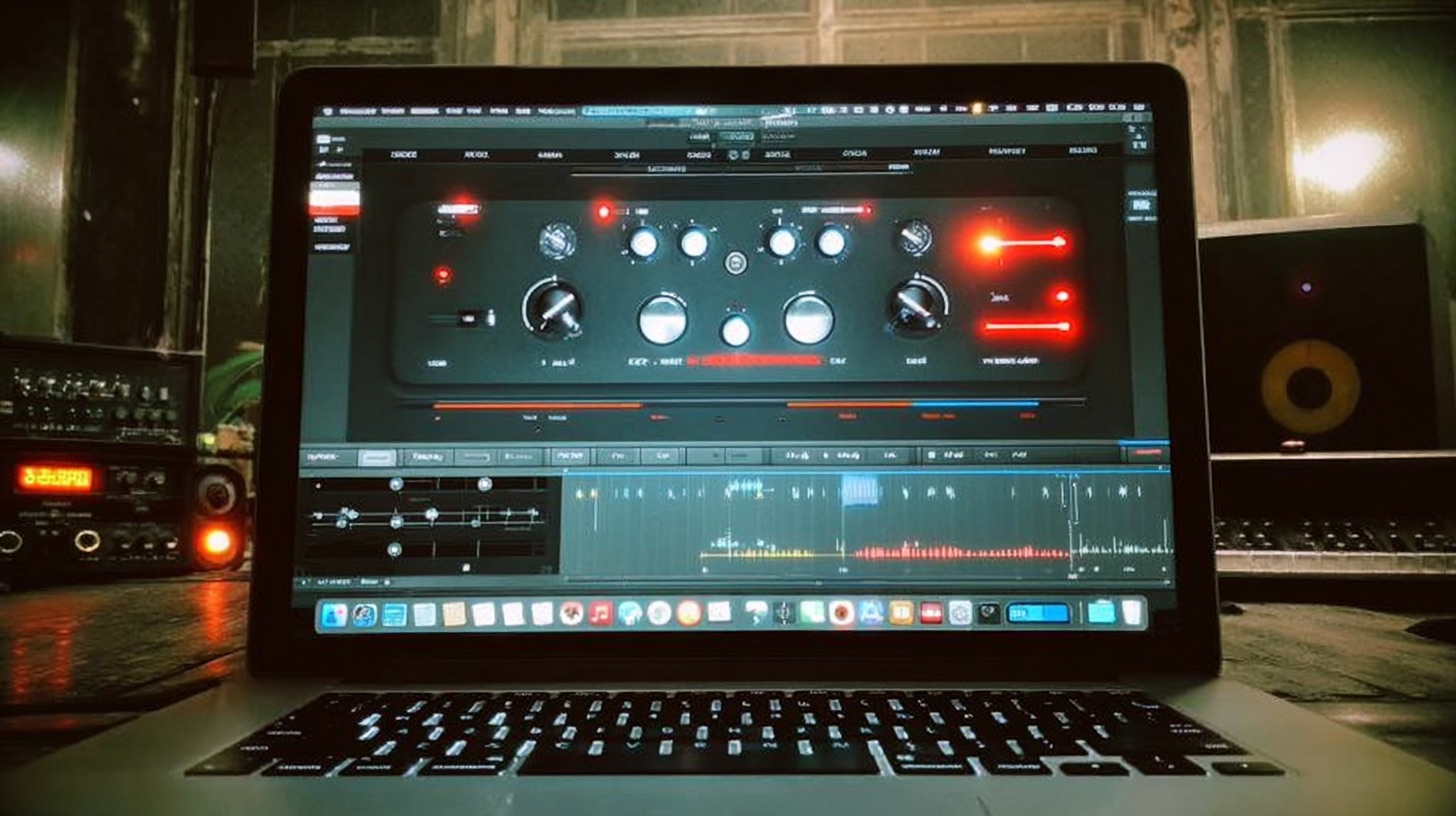
While they experimented heavily with real amps running into load boxes and IRs, they ultimately landed on a plugin: Neural DSP’s Archetype: Gojira.
The reason wasn’t just about tone—it was about performance. Mike actually tracked his parts while playing through the Gojira plugin. Daniel emphasizes the importance of this player-amp relationship; the way a guitarist responds to the feedback and feel of an amp is a huge part of the performance. Re-amping the clean DIs through a different amp later just didn’t capture that same energy. The interaction between Mike and the plugin was baked into the DNA of the takes, and that was something worth preserving.
Dialing in the Core Rhythm Tone
With a killer DI performance captured, the next step was shaping it into a final, polished tone. The approach was surprisingly straightforward, with most of the magic happening on the bus.
The Amp Sim Settings: Simple and Effective
You might expect a complex chain of effects, but the settings within Archetype: Gojira were kept simple. A little overdrive pedal was engaged in front of the amp to act as a boost, adding that perfect amount of “djent-boy” bite and tightening the low end. Beyond that, there were no crazy tweaks. The cabinet was left on the default setting, and the amp’s internal EQ wasn’t pushed hard. The goal was to capture a great core sound first.
Strategic Guitar Bus Processing
All the main rhythm guitars were sent to a group bus where the real tone shaping took place.
The EQ Moves
First, Daniel applied a broad, gentle EQ curve to bring back some of the low-mids that often get scooped out of metal guitars. Then, for the real magic, he reached for a PuigTec EQP-1A style plugin. Mike felt the guitars needed more presence, so Daniel added a healthy boost at 1.7kHz for bite and 8kHz for air. This single move made a huge difference, making the guitars leap out of the speakers. These kinds of surgical EQ strategies are essential for modern metal.
Taming the Chug
To control the low-end buildup during the heavy, palm-muted sections, a dynamic EQ was used. This is a classic move: a narrow band is set up in the low frequencies to subtly duck down only when a powerful palm-muted note hits, keeping the tone tight and clear without thinning out the whole performance.
The Final Polish
The last plugin in the chain was the Waves Renaissance Axx. It was used subtly to provide a final touch of compression, evening out the dynamics and “containing” the overall guitar sound. It’s less about aggression and more about adding a smooth, consistent glue to the performance.
Building a Wall of Sound: The Art of Layering
This is where the Spiritbox guitar sound goes from “great” to “colossal.” The massive sound in the choruses isn’t just one guitar track; it’s multiple, distinct layers working together.
Complementary Parts, Not Just Copies
Daniel uses a powerful cooking analogy: you don’t judge each ingredient by tasting it on its own. A spoonful of salt is gross, but without it, the dish is bland. The same applies to mixing. Sounds that are gross in solo can be essential when combined with others. Layers must be complementary, each providing something the others lack.
Deconstructing the Chorus Layers
The huge chorus sound is built from three sets of guitars:
- The Main Rhythms: These are the foundational tracks, with Mike playing power chords and a few add9 chords for a bit of harmonic complexity.
- The “Vibrating” Unders: Underneath the main rhythms are another pair of guitars playing suspended (sus2) chords across all the strings. The natural dissonance of these chords creates a rich, vibrating, and resonant texture that adds incredible depth and width.
- The Synth-Like Foundation: To lock it all in, they added a final layer of single, low notes played with an insane amount of gain. These were recorded one note at a time—punched in, left to ring out, then stopped—because any slight movement created noise. This layer, which has all the pick attack EQ’d out, acts more like a synth pad than a guitar, providing a powerful, rumbling sub-layer that makes the whole section feel bigger than life.
When these three distinct layers are combined and sent through the bus compressor, they gel into one cohesive, monstrous guitar sound.
Pro Tricks for Maximum Heaviness
Beyond the core tones and layers, a few extra tricks push the sound over the edge.
The Octave-Down Fuzz Trick
For maximum impact in breakdowns, Daniel uses a favorite modern metal technique. He copies the main rhythm guitar DI, drags it to a new track, and uses a pitch-shifter to drop it down an octave. But here’s the key: he then slams it with a clipper plugin.
The clean octave-down sound is cool, but the clipping adds a gnarly, evil-sounding buzz and rumble. It fills the space between the main guitar’s tight, staccato notes and extends the decay, creating a sustained, aggressive character that is pure filth.
Automation is Your Friend
A mix is not static. Daniel points out that a riff that appears early in the song might need to be louder when it returns later. Why? Because the listener’s ear has become accustomed to the gigantic, layered sound of the chorus. For that riff to have the same impact, it needs a level boost to compete with the memory of that wall of sound. Even a boost of a dB and a half can be the difference between a riff that lands and one that feels weak.
Bring It All Home
Creating the Spiritbox guitar sound is a masterclass in modern production. It’s about building from a great performance, making smart choices between real and virtual gear, and meticulously crafting complementary layers that serve a singular sonic goal.
Spiritbox on Nail The Mix
Daniel Braunstein mixes "Holy Roller"
Get the Session
If you want to see exactly how Daniel Braunstein puts these concepts into practice and mixes the entire track “Holy Roller” from start to finish, you need to check out his full session on Nail The Mix.
Ready to stop guessing and start learning the techniques the pros use to craft massive metal mixes? In the Spiritbox “Holy Roller” session, you can download the actual multitracks and follow along as a world-class producer builds a world-class mix.