Reaper vs Ableton: Which DAW Cranks Out Heavier Mixes?
Nail The Mix Staff
The great DAW debate. It’s the modern-day equivalent of the Mesa vs. Peavey amp war, and you’ll find no shortage of opinions online. But when it comes to producing heavy music, the question gets more specific: which digital audio workstation (DAW) is the right tool for the job?
We’re zeroing in on two popular but wildly different platforms: Reaper and Ableton Live.
The real answer? You can make a killer metal record in pretty much any modern DAW. They’re all incredibly powerful. However, their workflows, strengths, and weaknesses are tailored for different tasks. Picking the one that aligns with how you work can save you hundreds of hours of frustration.
And trust us, once you’re deep into a workflow, switching is a massive pain. So let’s break down Reaper vs. Ableton to help you make the right call from the start.
The Big Question: Does Your DAW Even Matter?
Yes and no.
No, in the sense that a great engineer can get a great result from any of them. The core principles of gain staging, EQ, and compression are universal.
Yes, in the sense that your DAW is your central workbench. If it fights you on every edit, or if it makes a simple task overly complicated, you’re losing creative momentum. Metal production often involves massive track counts, surgical editing, and complex routing—and some DAWs are just better built for that than others.
Our advice? Try a few. Don’t just use what your friend uses. Download the trials, get a feel for the workflow, and then commit.
Ableton Live: The Electronic & Composition Powerhouse
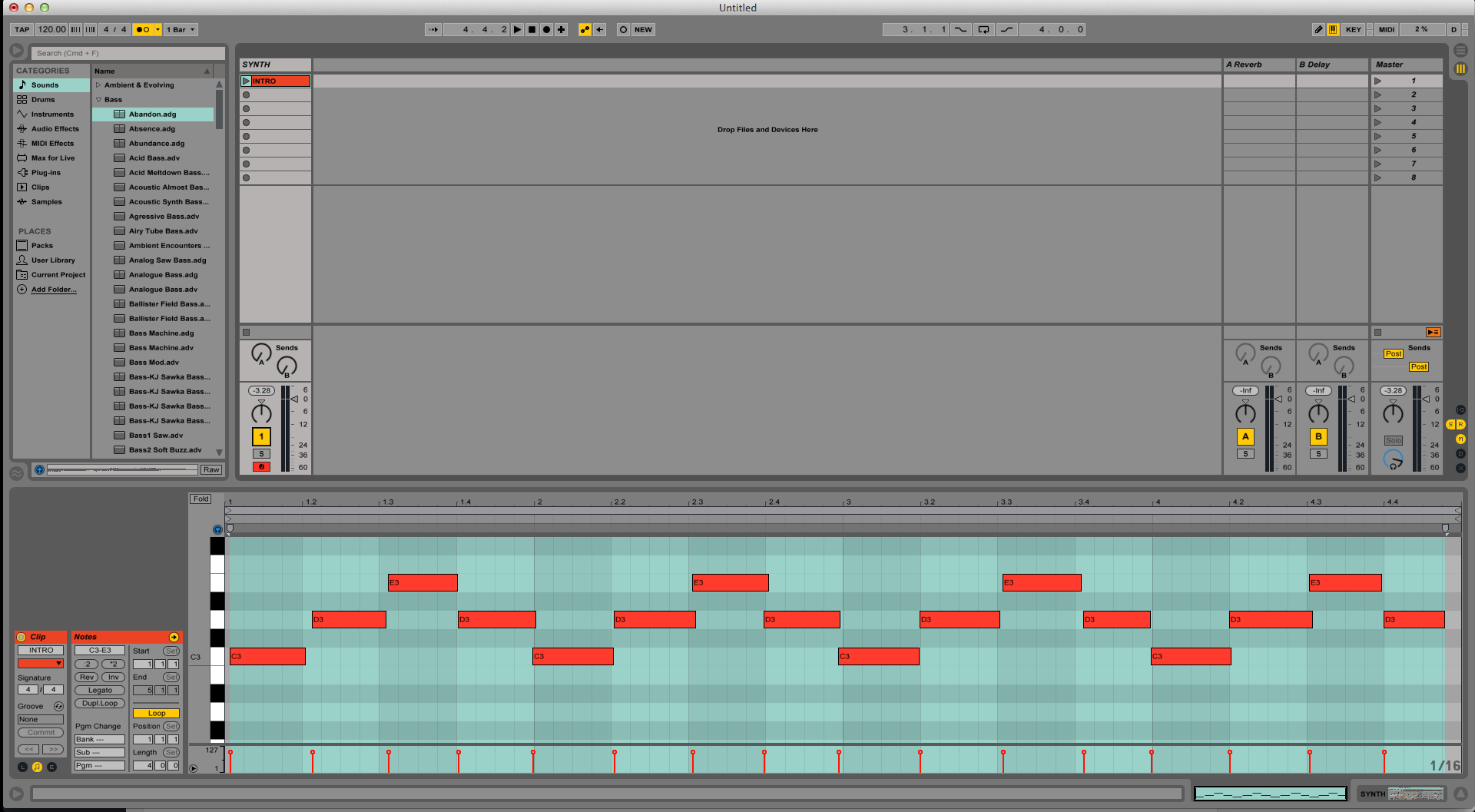
Ableton Live is a creative beast, but its reputation wasn’t built on recording full drum kits and quad-tracked guitars. It’s the undisputed king of loop-based composition, electronic music production, and live performance.
Its unique “Session View” is a non-linear grid where you can launch clips and loops, making it an incredible tool for brainstorming, arranging on the fly, and performing with backing tracks.
Ableton Live for Metal: The Pros
- World-Class Writing & MIDI Tool: If your writing process starts with MIDI drums from a plugin like Superior Drummer 3 or GetGood Drums, Ableton is a dream. The piano roll is intuitive, and features like the Drum Rack make programming and sample organization effortless. It’s fantastic for sketching out song structures or programming synth layers and industrial textures.
- Insane Sound Design Capabilities: Ableton’s native audio effects and “Warp” time-stretching algorithms are legendary. You can take any sample—a kick, a synth, a weird noise—and stretch, chop, and mangle it into something new with incredible ease. This is perfect for creating unique intros, transitions, or glitchy effects.
- The Best for Live Backing Tracks: If your band plays with tracks, there is no better tool than Ableton Live. It’s rock-solid and built from the ground up for live performance integration.
Ableton Live for Metal: The Cons
- Clunky Audio Editing Workflow: This is the deal-breaker for most metal producers. While you can record and edit a full band in its “Arrangement View,” it’s not optimized for it. The comping system is less intuitive than others, and performing the kind of surgical, sample-accurate drum editing required for modern metal is tedious compared to its rivals. There’s a reason you don’t see many metal engineers using it for tracking and editing.
- Less Traditional Recording Feel: The workflow feels geared towards building a track piece-by-piece with loops and MIDI rather than capturing a live band performance. For engineers coming from an analog background or used to a more traditional tape-machine-style layout, it can feel counterintuitive.
- Not the Industry Standard (for Metal): If you look at the list of producers who have taught for Nail the Mix, you’ll notice a trend. Pro Tools and Cubase dominate. In fact, only one NTM session (Real Friends with Seth Henderson) was ever done in Ableton. That tells you a lot about its adoption in the heavy music world.
Reaper: The Metal Producer’s Underdog Champ
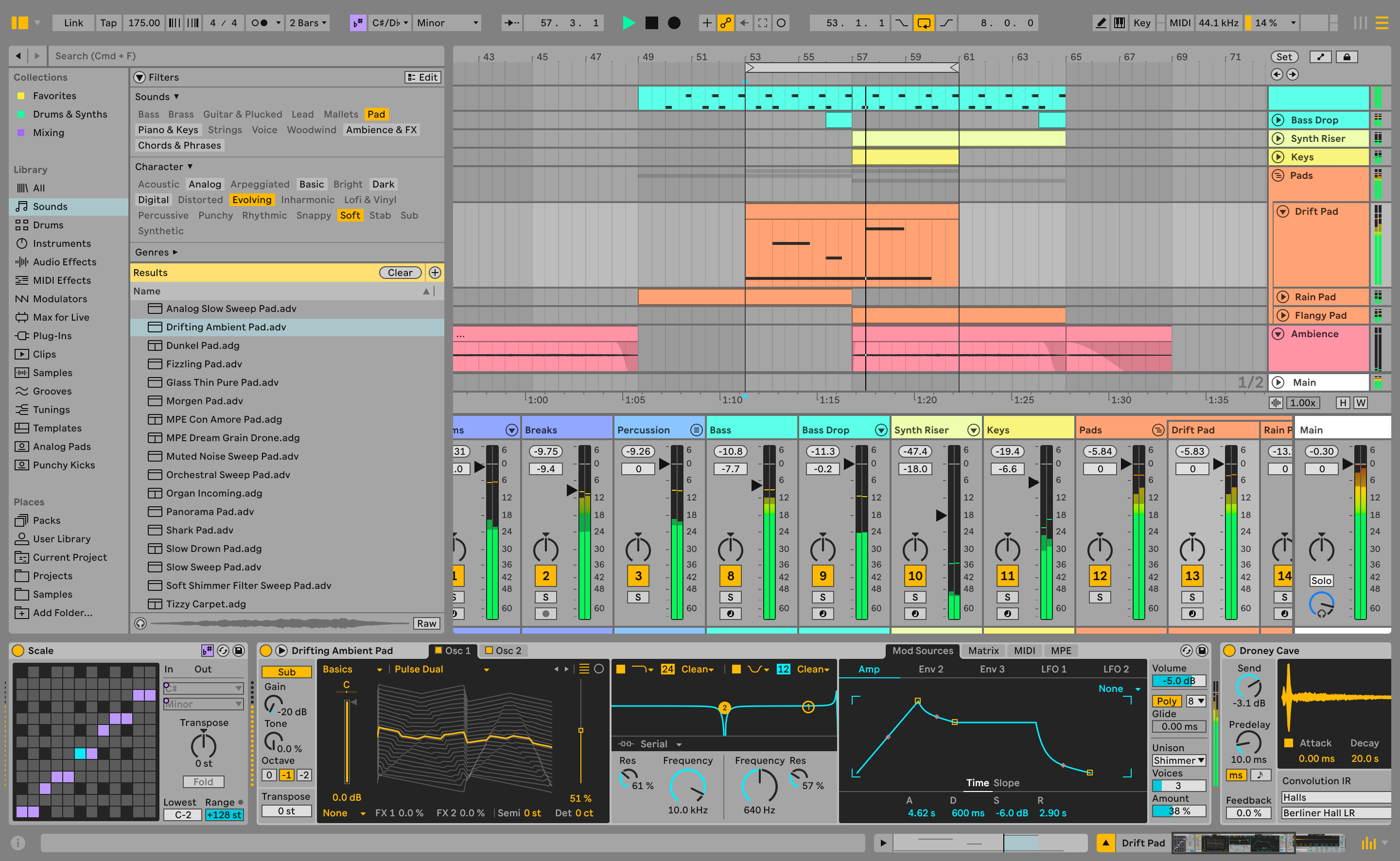
Reaper might not have the brand recognition of Pro Tools, but in the trenches of rock and metal home studios, it’s a massive favorite. It was built by a small team and is known for its efficiency, stability, and insane level of customizability. It’s a raw, powerful, no-fluff tool designed for serious audio work.
Reaper for Metal: The Pros
- God-Tier Audio Editing: This is Reaper’s secret weapon. Its item-based editing is fluid, fast, and incredibly powerful. From comping a dozen vocal takes to time-aligning a 20-track drum performance, the workflow is second to none. It makes tedious editing tasks feel creative.
- Limitless Customization: Reaper is a blank canvas. You can change almost everything, from the theme and layout to mouse modifiers and keyboard shortcuts. With ReaScript and the SWS/S&M Extensions, you can create custom actions to automate virtually any repetitive task—a game-changer for editing drums and timing-correcting guitars.
- Incredible Value: Reaper offers a fully-functional 60-day free trial. After that, a personal license is only $60. That’s not a subscription; it’s a one-time purchase that gets you years of updates. For producers on a budget, this is unbeatable.
- CPU Efficiency: Reaper is notoriously lightweight. You can run massive sessions with tons of plugins—like multiple instances of a Neural DSP Archetype—without your computer grinding to a halt.
Reaper for Metal: The Cons
- The “Blank Canvas” Problem: The same customization that makes it a pro for power users can be a con for beginners. Out of the box, it can feel a bit sparse and intimidating. It doesn’t come with the massive library of virtual instruments or loops that Ableton or Logic Pro do. You’re expected to bring your own tools.
- Collaboration Can Be Tricky: Reaper is not the standard in major commercial studios. If you’re tracking a project that you plan to send to a big-name mix engineer, they will most likely ask for Pro Tools sessions. You’ll have to bounce all your tracks down to audio stems, which means no more tweaking plugin settings or edits once they’re sent.
The Final Verdict: Which One for Metal?
For the vast majority of metal producers whose workflow is centered around recording, editing, and mixing multi-tracked audio, Reaper is the clear winner. It’s built for the exact tasks that define modern metal production: heavy editing, high track counts, and complex routing, all at an unbeatable price.
Ableton Live shines as a supplementary creative tool. It’s an incredible platform for writing songs, programming MIDI, creating synth textures, and designing sounds. Many producers use both: they’ll sketch out a song in Ableton and then export the stems to Reaper or Pro Tools for tracking, editing, and mixing.
Other DAWs to Keep on Your Radar
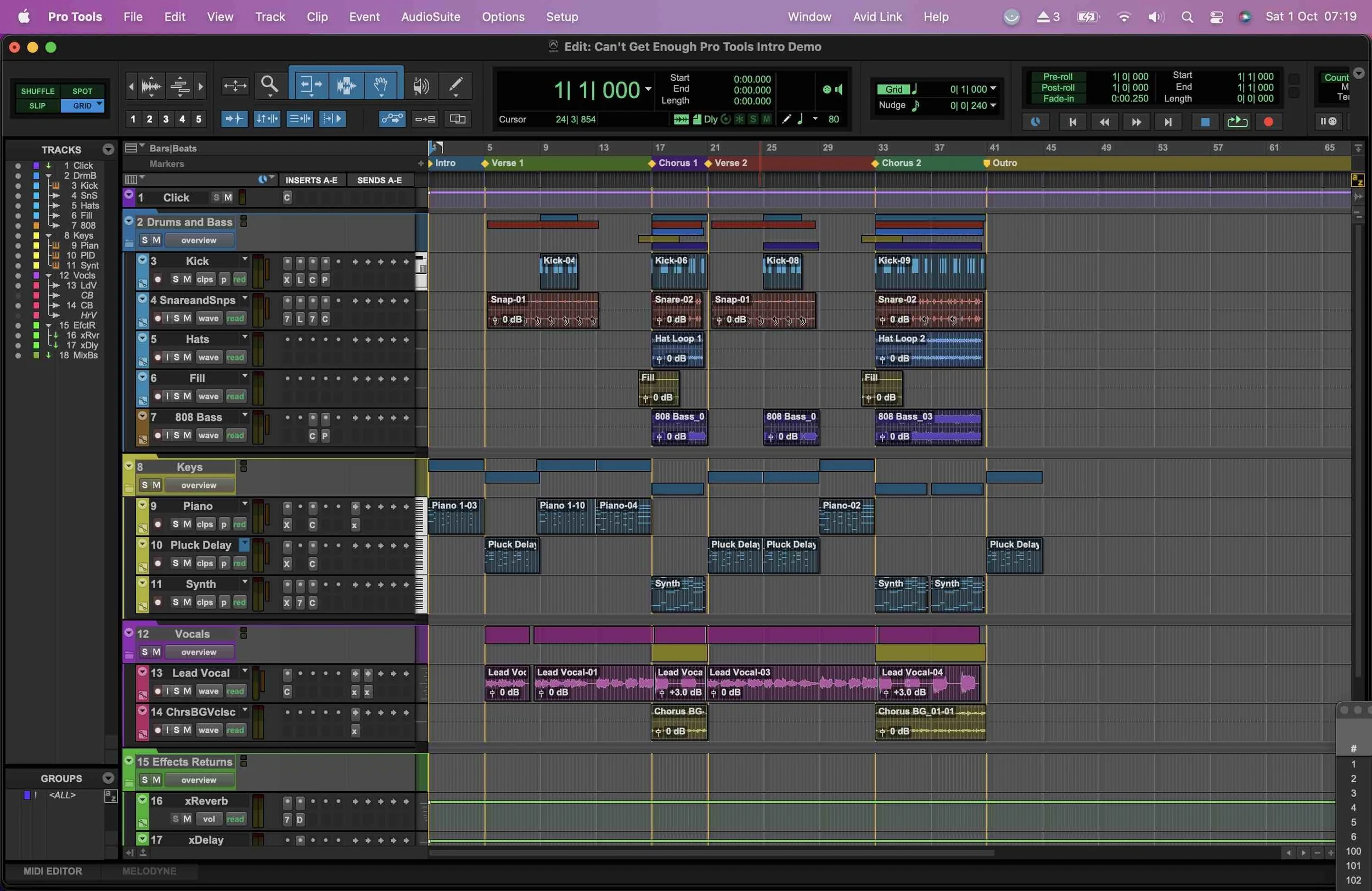
- Pro Tools: The closest thing to a US industry standard, especially in commercial studios. It excels at audio recording and editing (Beat Detective is a classic for a reason) but is historically weak with MIDI.
- Cubase: A European powerhouse that’s a fantastic all-rounder. It has excellent audio and MIDI capabilities and is a rock-solid choice for any genre, including metal.
- Logic Pro: A Mac-only DAW that offers incredible value. It’s great for writing and comes with a stellar collection of stock plugins and instruments, but its audio editing isn’t considered as precise or fast as Reaper or Pro Tools for demanding metal productions.
Beyond the DAW: What Really Levels You Up
Ultimately, the DAW is just the canvas. The real magic comes from the techniques you use within it. Understanding things like plugin formats (VST, AU, AAX) is crucial, as many amazing freeware plugins (like impulse response loaders) are often VST-only for Windows.
But even more important is mastering the core skills of mixing.
Lorna Shore on Nail The Mix
Josh Schroeder mixes "To the Hellfire"
Get the Session
That’s where Nail The Mix comes in. The DAW is just a tool, but learning how to use it is everything. Watching pro-mixers dial in tones, apply surgical EQ, and set up complex parallel compression busses is the fastest way to elevate your own productions.
- Learn how to master EQ for modern metal guitars to cut fizz without losing aggression.
- Discover metal compression secrets that go beyond just making things louder.
- See how the world’s best producers work in their own sessions by browsing our full catalog of Nail The Mix sessions.
Don’t get stuck in the DAW wars. Pick a tool that fits your workflow, then invest your time in learning the techniques that truly make a difference.