Metal Drum Mixing FAQs: Your Questions Answered
Nail The Mix Staff
Modern metal drums are a different beast. Long gone are the days of thin, washy kits that get buried under a wall of guitars. Today’s audience expects drums that are surgically precise, intensely powerful, and sit perfectly in a dense, low-tuned mix. This "inhumanly tight" sound is the new standard, and achieving it requires a modern approach.
Whether you’re dealing with live recordings you need to beef up or programming a kit from scratch, there are a handful of common hurdles every producer faces. Let’s dive into the drum mixing FAQs we see the most and give you some actionable answers to get your drums sounding massive.
Should I use drum samples? Is it cheating?
Let’s get this out of the way: Yes, you should absolutely use drum samples. And no, it’s not cheating.
In modern metal production, sample replacement or blending isn’t just common; it’s practically mandatory to meet the genre’s standard for consistency and punch. Even when you have a killer drummer playing on a perfectly tuned kit in a great room, samples are your insurance policy for a flawless final product.
Why Samples Are Essential
- Consistency: Even the best drummers have slight variations in velocity. For a machine-gun kick pattern under a ridiculously fast riff, you need every single hit to be identical in tone and volume. A sample trigger ensures that.
- Punch and Tone: Sometimes the raw recording of a kick or snare just doesn’t have the specific attack or body needed to cut through eight-string guitars and a distorted bass. Blending in a sample from a library like GetGood Drums (GGD) or Superior Drummer 3 can add that missing character without losing the human feel of the original performance.
How to Use Them
- Blending: Use a plugin like Slate Trigger 2 to layer a sample underneath your live drum track. Start with the sample volume at zero and slowly bring it up until it reinforces the original hit without completely overpowering it. This gives you the best of both worlds: the power of the sample and the groove of the live performance.
- Full Replacement: For genres like deathcore or technical metal where absolute precision is key, you might opt for 100% sample replacement on the kick and snare. This is the fastest way to get that super-polished, mix-ready sound.
How do I make my kick drum and bass guitar get along?
This is the eternal struggle of low-end mixing, made even harder by the absurdly low tunings of modern metal. When your guitars are in Drop F, the kick drum, bass guitar, and rhythm guitars are all fighting for space in the same low-frequency neighborhood. Taming this is all about creating specific pockets for each instrument.
H3: EQ Carving: Don’t Share Frequencies
Your goal is to give the kick and bass their own distinct zones in the low end. They can’t both be the star of the show at 80Hz.
- Kick Drum EQ: Find the two most important parts of your kick.
- The "Thump" (Sub-bass): This is usually between 50-80Hz. Give it a moderate boost with a bell-shaped EQ curve.
- The "Click" (Beater Attack): This is what helps the kick cut through on smaller speakers. Find it somewhere between 3-5kHz and give it a healthy boost.
- The "Mud": Cut the kick pretty aggressively between 200-400Hz to make room for the bass and guitars.
- Bass Guitar EQ: Now, do the opposite for the bass.
- The "Fundamental": The real weight of the bass is often higher than the kick, around 80-250Hz. Let this area shine.
- The "Scoop": Use your EQ (like a FabFilter Pro-Q 3) to carve out a hole right where you boosted the kick's "thump" and "click." This little bit of surgical subtraction makes a huge difference.
H3: Sidechain Compression: The Ultimate Tie-Breaker
When EQ isn’t enough, sidechain compression is your secret weapon. This technique uses the signal from one track to trigger a compressor on another.
Set up a compressor on your bass guitar track, but engage its sidechain input and feed the kick drum into it. Set a fast attack and fast release. Now, every time the kick drum hits, it will momentarily duck the volume of the bass guitar by a few decibels. When done subtly, it’s completely transparent to the listener but creates a massive amount of extra space and impact for the kick. For more advanced control, try a multi-band sidechain compressor like the FabFilter Pro-MB to only duck the low frequencies of the bass.
Learning these kinds of advanced mixing techniques is key to pro-level results. For a deep dive into how compression can shape your entire mix, check out our metal compression secrets hub page.
How do I get my snare to CRACK through a wall of guitars?
A wimpy snare is a death sentence for a metal mix. The snare is the anchor, the driving force, and it needs to punch you in the face. This comes from a combination of the right sample, smart EQ, and aggressive compression.
H3: It Starts with the Sample
You can’t EQ a frequency that isn’t there. If your snare sample is all body and no crack, no amount of boosting at 5kHz will fix it. Start with a sample that already has the character you want. The PIV Matt Halpern pack from GGD or the snares in Joey Sturgis Tones’ Drumforge are fantastic starting points. Often, layering two samples—one for body and one for the transient "crack"—is the way to go.
H3: EQ for Impact
- Body (150-250Hz): A boost here adds weight and power.
- Crack (2-5kHz): This is the magic zone. A wide boost here will bring out the snap of the stick hitting the head.
- Fizz/Air (8-12kHz): A high-shelf boost here can add brightness and help the snare wires cut through, but be careful not to make it sound harsh.
- High-Pass Filter: Cut out everything below 80-100Hz to remove kick drum bleed and low-end mud you don’t need.
H3: Compression for Attitude
You need a compressor that can act fast. An 1176-style FET compressor (like the Waves CLA-76) is a classic choice. Use a fast attack to let the initial transient snap through, then have the compressor clamp down hard right after. A fast release will make the compressor "pump" in a way that accentuates the snare’s impact. Don’t be afraid to aim for 6-10dB of gain reduction to really bring the snare to life.
How do I control harsh cymbals without making them sound dead?
This is a tough one. Blast beats and fast double-kick patterns can turn your overheads into a wall of washy, harsh noise, especially around 6-10kHz. The old-school solution was to just slap a low-pass filter on them, but this kills all the air and makes them sound dull. The modern solution is to use dynamic tools to control harsh cymbals.
H3: Dynamic EQ and Multi-Band Compression
Instead of a static EQ cut that affects the cymbals all the time, use a tool that only works when the harshness becomes a problem.
- Dynamic EQ: Using a plugin like FabFilter Pro-Q 3, find the most offensive frequency (let’s say it’s 8kHz). Instead of cutting it, make the EQ band dynamic. Set a threshold so that the EQ only cuts that frequency when it gets obnoxiously loud—like during a crash cymbal hit. The rest of the time, the EQ does nothing, preserving the natural top end.
- Multi-Band Compression: This works on the same principle. Set up a compression band in a plugin like the Waves C6 to cover just the harsh frequency range. Use a fast attack and high ratio. Now, only that sliver of frequencies will be compressed when it crosses the threshold, taming the harshness without affecting the rest of the cymbals’ tone. This guitar EQ article has some similar principles for surgically taming fizz that you can apply here, just on cymbals instead.
Are programmed drums okay for a professional release?
One thousand percent, yes. We’re living in a golden age of drum software. The sounds in libraries like Superior Drummer 3 are often better than what most bands could achieve in a professional studio, and the programming tools are more sophisticated than ever.
When you consider that most modern metal productions heavily edit and sample-replace live drums anyway, the line between "real" and "programmed" becomes very blurry. If the end result is a super-tight, powerful performance, who cares how you got there? The efficiency and consistency of programming often make it the smarter choice, allowing you to spend more time on songwriting and other aspects of the production.
Just be sure to put in the time to humanize your programming:
- Vary your velocities.
- Use your software’s round-robin features to avoid the "machine gun" effect.
- Slightly nudge notes off the grid to simulate a real player’s groove.
See the Pros in Action
Reading about these techniques is a great start, but watching a world-class producer put them into practice on a real session is a whole other level of education.
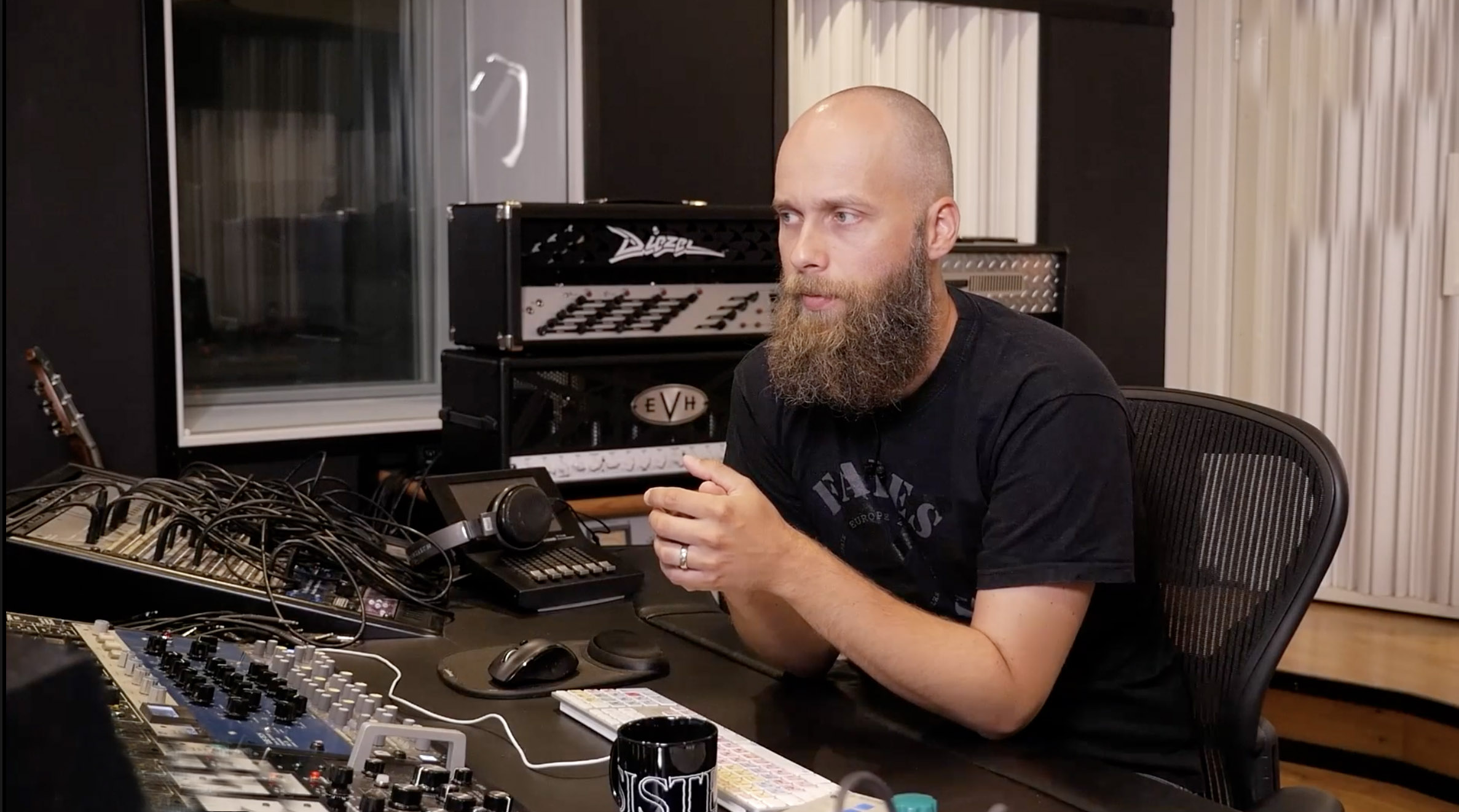
At Nail The Mix, we put you in the room with the producers who mixed the albums you love. Imagine watching Will Putney, Jens Bogren, or Nolly Getgood tackle these exact drum mixing challenges, explaining every plugin choice and EQ move they make. You get the raw multi-tracks so you can mix along and apply what you’ve learned.
Ready to see how it’s really done? Check out our full catalog of Nail The Mix sessions and take your drum mixes from good to undeniable.