Using Trillian Virtual Bass for Modern Metal Mixes
Nail The Mix Staff
Your guitar tone is dialed. The drums are hitting like a freight train. But your mix still sounds thin, weak, and just… not quite professional. What’s missing? More often than not, the answer is a powerful, perfectly executed bass tone.
In modern metal, bass isn't just a low-end foundation; it's a critical component of the guitar tone itself. It provides the weight, punch, and low-mid power that makes chugging riffs feel like they're shaking the room. And for getting that precise, consistent, and aggressive tone, more and more producers are ditching the real amp and turning to virtual instruments.
Enter Spectrasonics Trillian. It’s a beast of a VST that has become a go-to for countless metal producers, and for good reason. Let's break down why it works so well and how you can use it to build a track-crushing bass tone.
Why Programmed Bass (Like Trillian) Wins for Metal
It might feel like cheating, but the truth is, the majority of modern metal records you love feature programmed bass. The days of spending hours trying to get a perfect bass performance are largely over. The reason isn't laziness; it's about control and perfection.
The Intonation Problem with Low-Tuned Bass
Ever recorded a bassist playing in Drop G and noticed that some notes sound weirdly sharp? You're not crazy. When you're dealing with super low tunings and thick strings, even slightly aggressive fretting can bend the note sharp.
This creates an absolute nightmare in the mix. You can spend hours in Melodyne or other pitch correction software trying to fix it, but it often sounds unnatural and artifact-heavy. With a virtual instrument like Trillian, every single note is perfectly in tune, every time. No exceptions. This a-la-carte perfection is something that’s nearly impossible to achieve with a human performance on a low-tuned instrument.
It’s Not Cheating, It's the Industry Standard
Seriously, get the idea of “cheating” out of your head. If you were to record a live DI bass performance, you'd likely spend hours editing it. You’d be quantizing the timing to the grid, pitch-correcting wonky notes, and editing out string noise until it was practically a robot anyway.
Programming the bass from the start just skips the tedious fixing stage and gets you right to the creative part: crafting the tone. It gives you flawless consistency that locks in perfectly with programmed drums and heavily edited guitars.
Dialing In Trillian for a Killer Metal Tone
Okay, so you're sold on MIDI bass. Firing up Trillian is the first step, but the real magic is in how you process it. The go-to method for modern metal is the split bass technique, which involves using multiple tracks to build one massive bass sound.
This works because heavy distortion sounds awesome on bass for aggression and clank, but it absolutely obliterates your low end. By splitting the signal, you get the best of both worlds. Here’s how to set it up using the same MIDI data for all three tracks.
Step 1: Choosing the Right Bass & Articulation
Before you even touch a plugin, you need to pick the right sound source in Trillian. Not all of its amazing-sounding basses are right for metal.
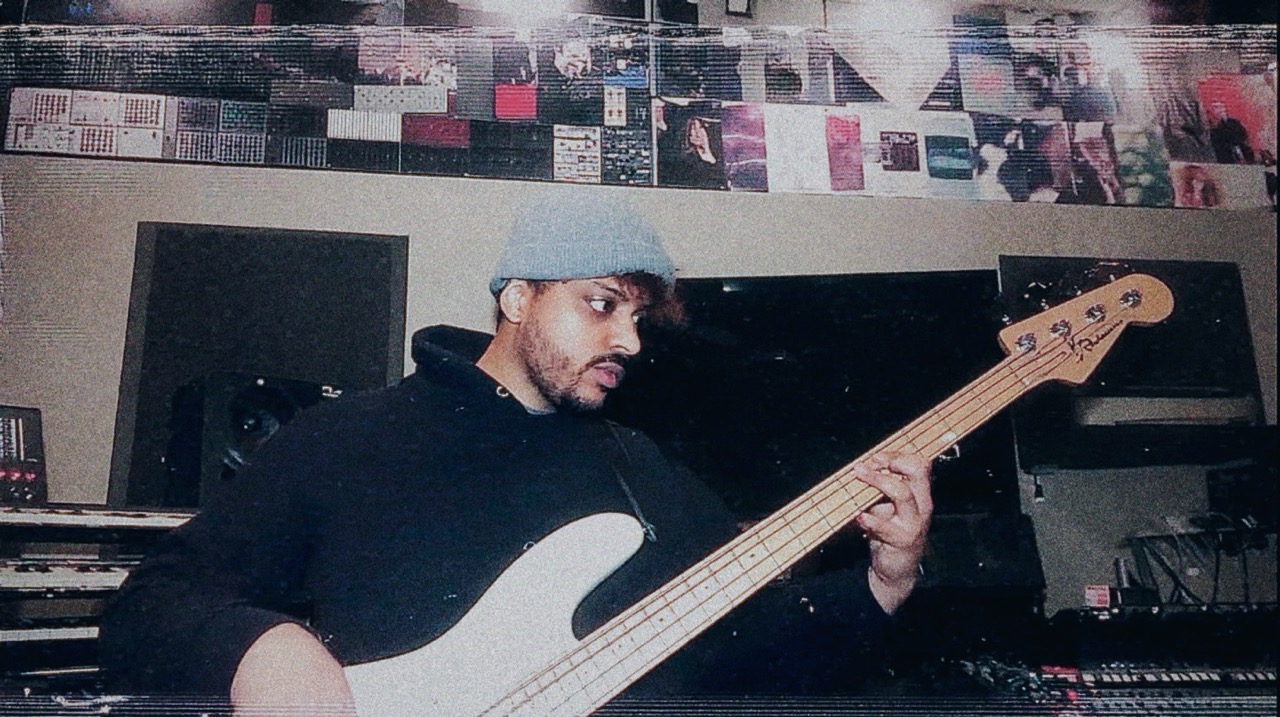
For a modern metal sound, you can’t go wrong with the Music Man 5-string Studio Bass. Specifically, look for the "Rock Pick" variations. These patches have the built-in aggression and punchy attack needed to cut through a wall of guitars. The presets will get you in the ballpark, but make sure you’re using articulations that sound like a real player would (e.g., slides, mutes) to make the performance feel human.
Step 2: Create The Multi-Track Bass Setup
Duplicate your MIDI bass track three times in your DAW. Each one will serve a very specific purpose.
Bass Track 1: The Low End (The "Sub")
This is your foundation. The goal here is pure, consistent low-end weight.
- Processing: The processing should be minimal. Don’t distort it. The goal is clean power.
- EQ: Use a low-pass filter to cut out everything above around 200-400Hz. You don’t want any clank or string noise here, just the fundamental notes. You might also want to high-pass it around 20-30Hz to remove useless sub-sonic mud, which helps with balancing the kick and bass.
- Compression: Apply some heavy compression to make the dynamics incredibly consistent. Think a slow attack and fast release to let the initial transient through while clamping down on the note’s body. You want this layer to be a solid, unwavering brick of low end. For more on this, check out our guide to metal compression secrets.
Bass Track 2: The Grit (The "Clank")
This is where the aggression lives. It’s the sound of the pick hitting the strings and the mid-range grind that helps the bass slice through distorted guitars.
- Processing: This track is all about distortion. Use your favorite amp sim or distortion plugin. The Neural DSP Parallax or Darkglass Ultra plugins are fantastic for this, but even stock amp sims can work.
- EQ: This is crucial. Before the distortion plugin, add an EQ and use a high-pass filter to cut out all the lows up to around 200-400Hz (the same place you low-passed your sub track). This prevents the distortion from turning into a flubby, muddy mess. After the distortion, you’ll want to do some surgical EQing to carve out space and make it sit with the guitars.
Bass Track 3: The Secret Weapon (The Sub-Sine)
This is a trick used by tons of top-tier mixers. To get the most powerful and consistent sub-bass possible, a lot of producers add a pure sine wave that doubles the bass line.
- How to do it: Create a new instrument track and load up a simple synthesizer (your DAW’s stock synth is perfect for this). Set the oscillator to a pure sine wave. Copy the MIDI from your Trillian track to this synth track.
- Processing: Use a steep low-pass filter to cut everything above 60-80Hz. This ensures it’s only providing pure sub-bass energy and not interfering with the other bass layers. You can then blend this in underneath everything else to add massive, clean low-end that you can feel in your chest.
Blending and Final Processing
Now you have three distinct layers of bass. The next step is to make them sound like one cohesive instrument.
Route all three of your bass tracks to a single stereo bus or group track (let’s call it "Bass Bus"). This is where you'll do your final shaping.
- Balance the Layers: Start with just the "Low End" fader up. Bring in the "Grit" track until you have the right amount of aggression and definition. Finally, slowly bring up the "Sub-Sine" track until the low-end feels powerful and solid, but not overwhelming.
- Bus Compression: Add a compressor to your Bass Bus to glue the three layers together. A VCA-style compressor like an SSL Bus Compressor or The Glue works great. Aim for just 2-4dB of gain reduction to gently meld the sounds.
- Bus EQ: Use a final EQ on the bus to make any broad tonal adjustments. This is where you might scoop a little at 300-500Hz to make room for guitars, or boost a bit around 800Hz-1.5kHz for more cut.
This multi-layered approach gives you an insane amount of control. If the bass needs more aggression in the chorus, you can automate the volume of the "Grit" track. If a section needs more earth-shaking rumble, push the "Sub-Sine" fader.
Bringing It All Together
Using Trillian with this split-processing method is a game-changer for achieving professional, modern metal bass tones. It guarantees perfect intonation and provides you with surgical control over every element of your sound, from the deepest sub-bass to the gnarliest mid-range distortion.
Of course, knowing the technique is one thing, but seeing it applied in a real mix is another. Imagine watching producers like Jens Bogren, Will Putney, or Dan Lancaster build these tones from scratch on massive metal tracks. The list of Nail The Mix instructors is a who's-who of modern metal production.
On Nail The Mix, you don't just learn the theory. You get the actual multi-tracks and watch the original producer mix the song live, explaining every plugin choice and every fader move. If you want to see exactly how these multi-layered bass tones are balanced against screaming vocals and quad-tracked guitars, check out the full Nail The Mix sessions catalog.