Studio One vs Ableton: A Metal Producer’s Guide
Nail The Mix Staff
The internet loves a good old-fashioned DAW war. You’ve seen the forum threads: raging arguments over which software is objectively “the best.” But here’s the reality: does the digital audio workstation you choose really matter that much?
Well, yes and no.
On one hand, any modern DAW is a ridiculously powerful tool. In the right hands, you can produce a killer metal record in Pro Tools, Cubase, Reaper, Logic, or just about anything else. The days of one DAW being technically lightyears ahead of another are long gone.
However, each DAW has a unique personality. They have different workflows, excel at different tasks, and can either inspire creativity or feel like you’re fighting the software every step of the way. And since switching your main production environment is a massive pain, it’s a decision worth making deliberately.
Let’s break down two popular but very different DAWs—PreSonus Studio One and Ableton Live—and figure out which one, if either, is the right choice for a metal producer.
Ableton Live: The Creative Powerhouse
Ableton Live is an absolute beast in the electronic music and hip-hop worlds for a reason. Its strength is in composition, improvisation, and manipulating samples. But how does that translate to recording blast beats and downtuned 8-string guitars?
The Pros for Metal Producers
- Unmatched Composition & Sound Design: If you write music that incorporates heavy electronic elements, synths, or intricate samples (think bands like Northlane, Bring Me The Horizon, or even Periphery), Ableton Live is second to none. Its Session View is a non-linear playground for sketching ideas, arranging loops, and experimenting with song structure in a way that’s difficult to replicate in a traditional DAW.
- Warping and Sampling: Got a sample you want to stretch, chop, or mangle into an insane industrial texture? Ableton’s warping algorithms are legendary. You can take any piece of audio and twist it into something completely new with just a few clicks.
- The Drum Rack: For programming drums with samples from providers like Slate Digital or GetGood Drums, the Drum Rack is a god-tier workflow tool. It’s an intuitive and powerful way to build custom kits, apply processing to individual drum pieces, and hammer out MIDI grooves quickly.

The Cons for Metal Producers
- Clunky Audio Editing: This is the big one. If your primary job is recording a full band, get ready for a headache. The workflow for multi-track recording, comping multiple vocal takes, or doing the ultra-tight drum editing that modern metal demands is simply not what Ableton is built for. It’s possible, but it’s far less efficient than its competitors.
- A Recording Afterthought: At its core, Ableton Live feels designed for the creator working with MIDI and loops. The traditional linear “Arrangement View” can feel less intuitive for large-scale audio tracking and mixing sessions. If you’re just recording a single vocal over a beat, it’s fine. If you’re tracking 24 channels of live drums, you’ll probably wish you were in a different DAW. While we have had producers on Nail The Mix use it (check out the Real Friends session), it’s a rare sight in the metal world for a reason.
PreSonus Studio One: The Modern All-Rounder
Studio One is a relatively newer player, but it came to the game by learning from the successes and failures of the DAWs that came before it. It aims to be a complete, end-to-end production solution with a fast, modern workflow.
The Pros for Metal Producers
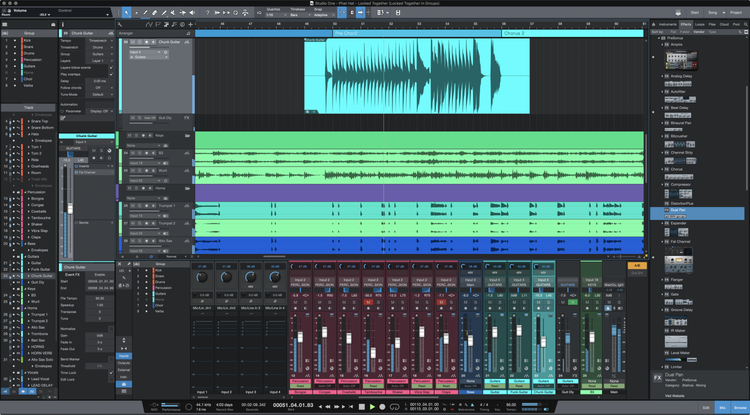
- Insanely Fast Workflow: Studio One’s drag-and-drop functionality is its superpower. Want to create a send? Drag an effect onto the send area. Need an instrument track? Drag it in from the browser. This approach applies to almost everything, minimizing menu diving and speeding up your entire process.
- Top-Tier Audio & MIDI Editing: This is where it shines for metal. The tools for comping takes, slicing audio with transient detection, and quantizing multi-tracked drums are robust and intuitive. It handles the heavy lifting of audio editing on par with industry standards without sacrificing a powerful and easy-to-use MIDI environment.
- Integrated Project Page: This is a killer feature. You can finish your mix, then pop over to the “Project Page” within the same file to master your album. You can easily go back to the mix, make a tweak, and have it update in your mastering session instantly. No more exporting, importing, and managing separate files.
- A “Best of Both Worlds” Feel: It feels like it takes the linear, audio-focused power of something like Pro Tools and blends it with the user-friendly, creative features of Logic or Cubase.
The Cons for Metal Producers
- Popularity & Collaboration: This is Studio One’s main weakness. While it’s gaining ground, it’s just not as common in professional studios or among other producers. If you plan on collaborating or taking your sessions to a different studio, you’ll likely be the only one using it. Be prepared to spend a lot of time bouncing stems.
- Smaller Community: Because it’s less widespread than Pro Tools or Logic, the pool of community knowledge is smaller. You’ll still find plenty of tutorials, but for super-niche, genre-specific questions, you might have to do a bit more digging.
The Verdict: Which One for Metal?
The choice between PreSonus Studio One and Ableton Live comes down to your primary focus as a producer.
- Choose Ableton Live if: You are more of a songwriter/composer than a traditional tracking engineer. Your music heavily features electronic production, complex sound design, and you work primarily with MIDI and samples. You need a creative tool for building songs, and heavy audio editing is a secondary concern.
- Choose PreSonus Studio One if: You are looking for a powerful, streamlined, all-in-one solution for recording, editing, mixing, and mastering metal bands. Your workflow is centered around capturing high-quality audio performances and polishing them to perfection with an efficient, modern toolset.
For the vast majority of producers working in rock and metal, Studio One is the far more logical choice of the two. Its workflow is built for the tasks you’ll be doing 95% of the time.
But What About the Other Guys?
Of course, the DAW landscape is bigger than just these two. Here’s a quick rundown of the other major players in the metal world:
- Pro Tools: The long-reigning industry standard. If you want maximum compatibility with commercial studios, this is it. It excels at audio recording and editing (Beat Detective is still a force) but is notoriously clunky for MIDI and loop-based writing.
- Cubase: A true powerhouse all-rounder, popular with many top-tier metal producers, especially in Europe. It’s brilliant for both heavy audio production and complex MIDI work. You can’t go wrong with Cubase.
- Reaper: The pragmatist’s choice. It’s affordable, incredibly powerful, and endlessly customizable. It has a massive and dedicated user base in the metal community, thanks in part to its generous free trial. It has a steeper learning curve but rewards the user with unparalleled flexibility.
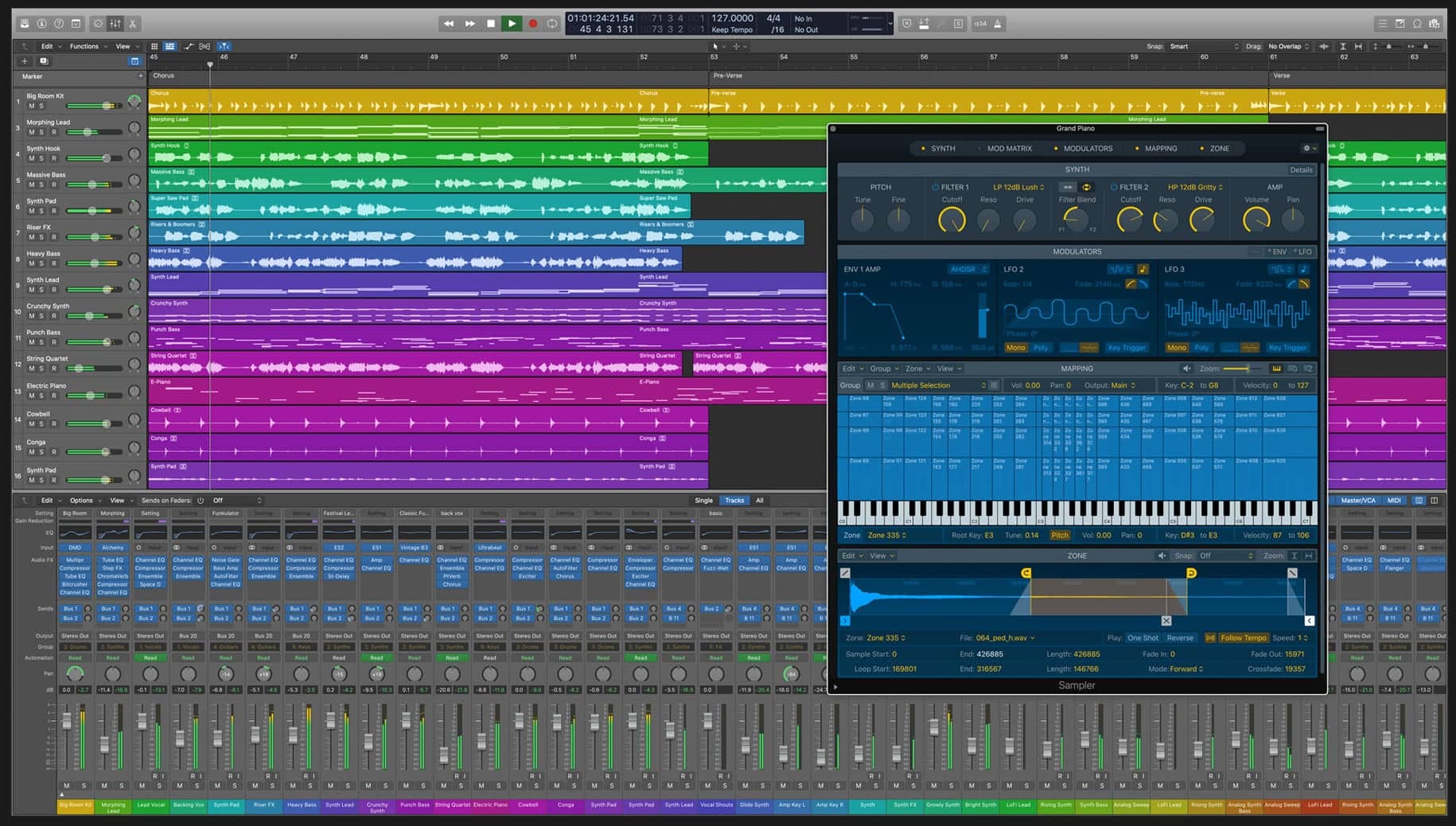
- Logic Pro: A fantastic value for Mac users. It’s a capable all-rounder with great stock plugins and virtual instruments. Its main downside for metal is its audio editing, which can feel less precise and less efficient for complex drum editing compared to Pro Tools, Reaper or Cubase.
Final Things to Consider When Choosing
Before you pull the trigger, think about a couple more things:
Pricing and Tiers
Most DAWs come in different versions (Intro, Artist, Pro, etc.). Look closely at the track limits, included plugins, and features to make sure you’re not overpaying for things you don’t need or, worse, buying a version that’s too limited for your work. Some are one-time purchases, while others are moving to subscriptions.
Plugin Support (VST, AU, AAX)
This is critical. While major plugin companies support all formats, thousands of incredible freeware and indie plugins (like specific impulse response loaders or niche saturation tools) are often Windows VST-only. If you want access to that entire ecosystem, a Windows-based DAW that supports VST plugins is your best bet.
Ultimately, the best DAW is the one that lets you work fast and stay in a creative flow. When you’re deep in a mix, you need tools that help, not hinder, your ability to make critical decisions. Whether that’s dialing in the perfect attack on a snare with advanced metal compression techniques or getting surgical on a fuzzed-out bass, your DAW should be a seamless extension of your ideas.
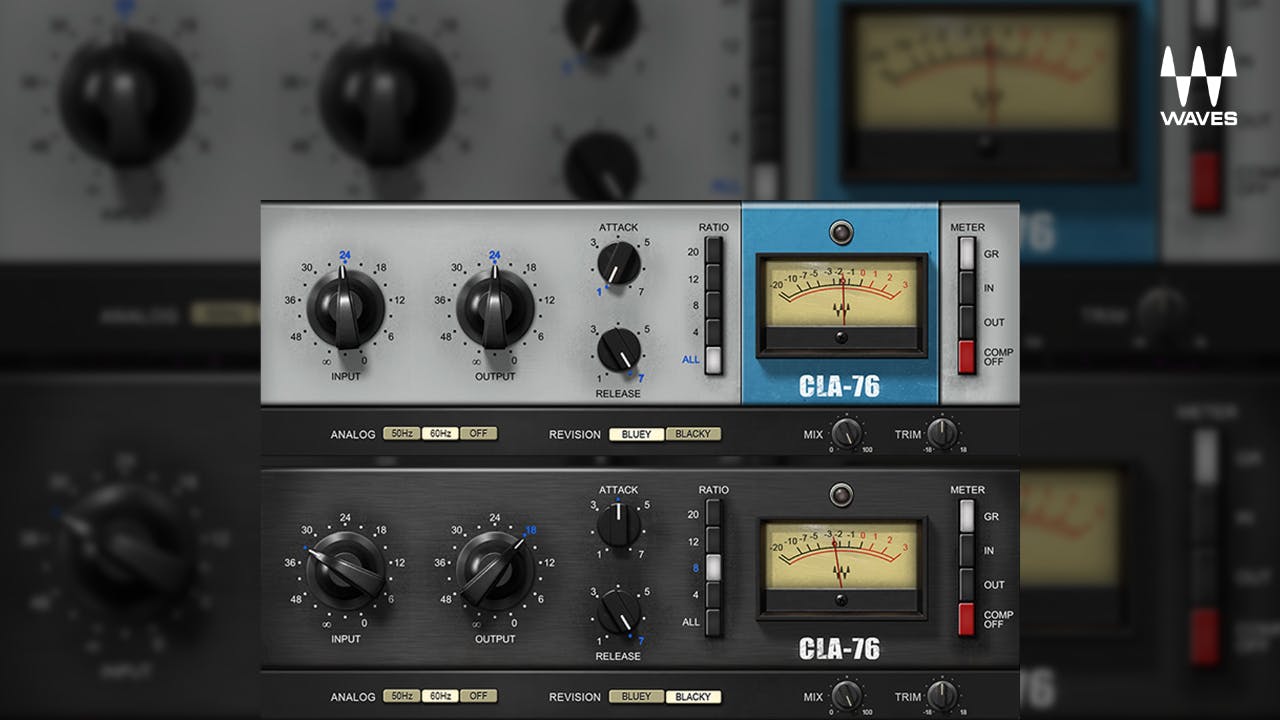
The truth is, legendary producers get massive sounds using all kinds of DAWs. It’s not the software itself, but the knowledge and techniques applied within it that make the difference. Watching pros from our list of Nail The Mix instructors shows that the magic lies in their decision-making process—how they tackle problems like EQing modern metal guitars for max impact or creating space in a dense mix.
So try a few demos, pick the one that clicks, and get back to what actually matters: making killer music. If you want to see exactly how world-class metal records are made from start to finish, check out the Nail The Mix sessions catalog. You’ll get the real multi-tracks from bands like Gojira and Architects and watch the original producers mix them from scratch, explaining every single move.