The Best Channel Strip Plugins for Heavy Mixes
Nail The Mix Staff
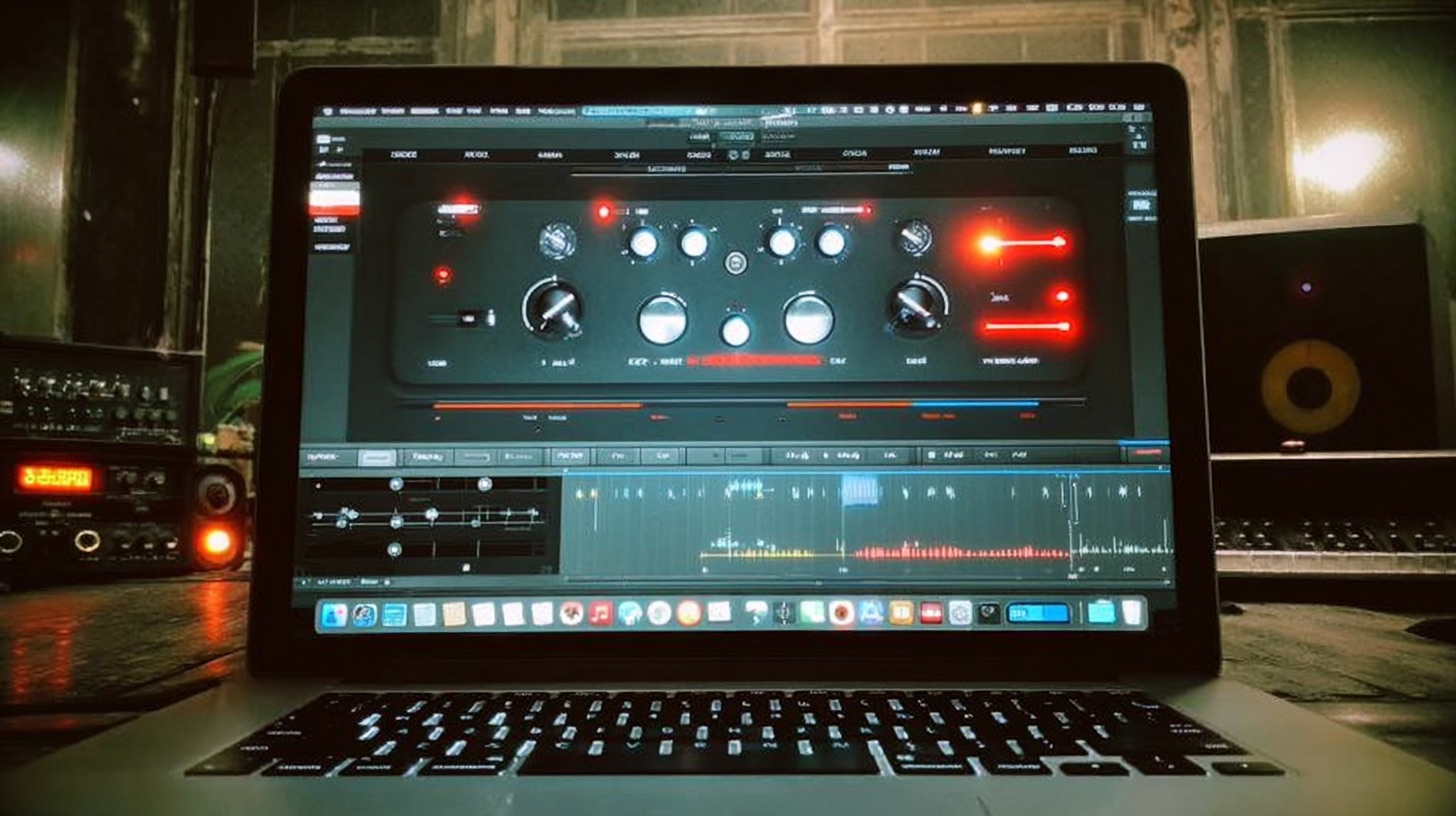
You’re staring at your DAW, maybe at a wall of 40-something tracks for that new deathcore song, and the thought hits: “I need a faster workflow.” Chaining an EQ, a compressor, a gate, and a saturator on every single channel is a vibe-killer. That’s where the channel strip comes in—the digital equivalent of a console channel, designed to give you all your essential tools in one clean interface.
But then you see the price tags on the big-name SSL, Neve, and API emulations and your wallet starts to sweat. Do you really need to drop a few hundred bucks to get that cohesive console feel?
Not at all. The truth is, it’s less about the specific brand of EQ or compressor you use and more about how you use it. Your skills and your ears are what separate a crushing mix from a muddy mess. Any of the world-class producers who teach on Nail The Mix could get an incredible mix using only stock plugins because they know what to listen for and what decisions to make.
That said, a well-designed channel strip can seriously speed up your process. So let's look at some of the best free channel strip plugins that deliver killer results without costing you a dime.
What Makes a Channel Strip So Damn Useful?
Before we dive in, let’s quickly break down why you’d want one in the first place. A channel strip plugin typically combines four key processors:
- Gate/Expander: For cleaning up bleed and noise. Essential for tight drum sounds.
- EQ: For carving out space and shaping tone.
- Compressor: For taming dynamics and adding punch.
- Saturation/Drive: For adding analog-style harmonics and vibe.
Having these in one window isn’t just neat; it encourages you to think about how each process affects the next, leading to more intentional and efficient mixing.
The Best Free Channel Strip Plugins to Grab Right Now
Forget endlessly searching forums. These are the free channel strips that stand up to the test and are perfect for dialing in heavy tones.
Analog Obsession: Classic Console Emulations for Free
Analog Obsession has become a legend in the world of free plugins, and for good reason. They offer a whole suite of plugins modeled after iconic analog hardware, and they’re all available for free (though supporting their Patreon is highly encouraged!). For channel strips, you’ve got a few killer options like BritChannel, Kolin, and Frank.
BritChannel, for example, gives you that classic, punchy British console sound reminiscent of an SSL. You get a four-band EQ, a VCA-style compressor, and a great-sounding drive circuit.
Actionable Tip for Metal
Slap BritChannel on your drum bus. Don’t be shy with the "IN" knob to drive the circuit and get some of that analog-style saturation. Set the compressor with a slow attack (around 30ms) and a fast release to let the initial transient of the kick and snare punch through before clamping down. This is a classic trick for adding glue and aggression to your drum group. For more on getting your drum dynamics right, check out our deep-dive on compression for drums.
MeldaProduction MChannel: The Surgical Swiss Army Knife
If Analog Obsession is all about vintage vibe, then MeldaProduction's MChannel (part of the MFreeFXBundle) is your clean, modern, surgical tool. It doesn't try to emulate a specific piece of analog gear; instead, it provides a highly flexible and pristine toolkit for sound shaping.
You get a powerful gate, a wonderfully transparent compressor with tons of control (including lookahead), and a 4-band EQ. It’s a workhorse plugin that’s perfect for when you need precision without adding unwanted color.
Actionable Tip for Metal
MChannel is a monster for cleaning up rhythm guitar tracks. Use the gate section to get ultra-tight chugs, setting the threshold just right to kill the noise between palm mutes. Next, use the EQ to perform surgical cuts. Got some nasty fizz around 8kHz or a boxy buildup at 400Hz? The EQ in MChannel is perfect for those narrow, precise notches that clean up your tone without gutting the power. This kind of surgical work is key to getting guitars to sit right in a dense mix. If you want to go deeper, we’ve got a whole guide on EQing modern metal guitars.
Harrison 32C Channel: The Filter King
Known for its association with legendary albums like AC/DC's Back in Black and Michael Jackson's Thriller, Harrison consoles are famous for one thing above all else: their filters. And now, you can get a slice of that mojo for free with the Harrison 32C Channel.
This plugin gives you the iconic high-pass and low-pass filters from the 32C console, along with a 4-band EQ section. The filters are incredibly smooth and musical, making them perfect for carving out space in your mix without making things sound thin or unnatural.
Actionable Tip for Metal
This is your new secret weapon for mix clarity. Put the 32C Channel on every single track in your session (yes, really). Use the high-pass filter on your guitars to cut out the low-end mud that’s fighting with the bass and kick drum. Use it on your cymbals to remove room rumble. Use the low-pass filter on your bass guitar to shave off the top-end string noise that’s clashing with the guitars and cymbals. This simple act of "bracketing" each instrument into its own frequency space will instantly make your mix sound tighter and more professional.
But Wait, Doesn't My DAW Already Have This?
Great question. The short answer is yes. Logic Pro’s Channel EQ and Compressor, Reaper’s ReaEQ and ReaComp, and Pro Tools' EQ III and Dyn 3 are all incredibly powerful and are more than capable of producing a world-class mix.
The advantage of a dedicated channel strip plugin isn't necessarily a "better" sound, but a better workflow. Having everything in one place can help you make decisions faster. Plus, plugins like BritChannel and 32C Channel are designed to impart a specific character that your stock plugins might not have.
Just remember to be mindful of latency. Chaining multiple plugins can sometimes introduce tiny delays that, especially on parallel tracks, can cause phase issues. A single channel strip plugin often has more predictable and manageable latency than a long chain of individual ones, but it’s always something to be aware of.
The Real "Secret Sauce": It's Not the Plugin
It’s easy to get caught up in "Plugin Acquisition Syndrome," believing that the next purchase will be the one that transforms your mixes. But the hard truth is that tools are only a small part of the equation.
A fantastic mix is the result of thousands of small, smart decisions made by a skilled engineer. It’s about knowing why you’re reaching for an EQ, not just which one. It’s about training your ears to hear what a compressor is really doing to the groove of a song.
This is the entire philosophy behind Nail The Mix. We don’t just show you what plugins to use; we show you how the best producers in the world think. By giving you the raw multitracks from massive songs and letting you watch the original producer mix it from scratch, you get to see the decision-making process in real-time. You’ll see them dial in a vocal, fix a muddy bass, and make the guitars hit like a freight train, all while explaining their every move.
So go ahead, grab these free channel strips and put them to work. But when you’re ready to stop collecting tools and start building a world-class skillset, come see how it’s really done.
Check out the full catalog of Nail The Mix sessions and start learning from the pros today.